
File Metadata Myths: What Your Documents Actually Reveal
File metadata often contains more operational detail than the document content, exposing device identifiers and editing histories that standard privacy tools miss.
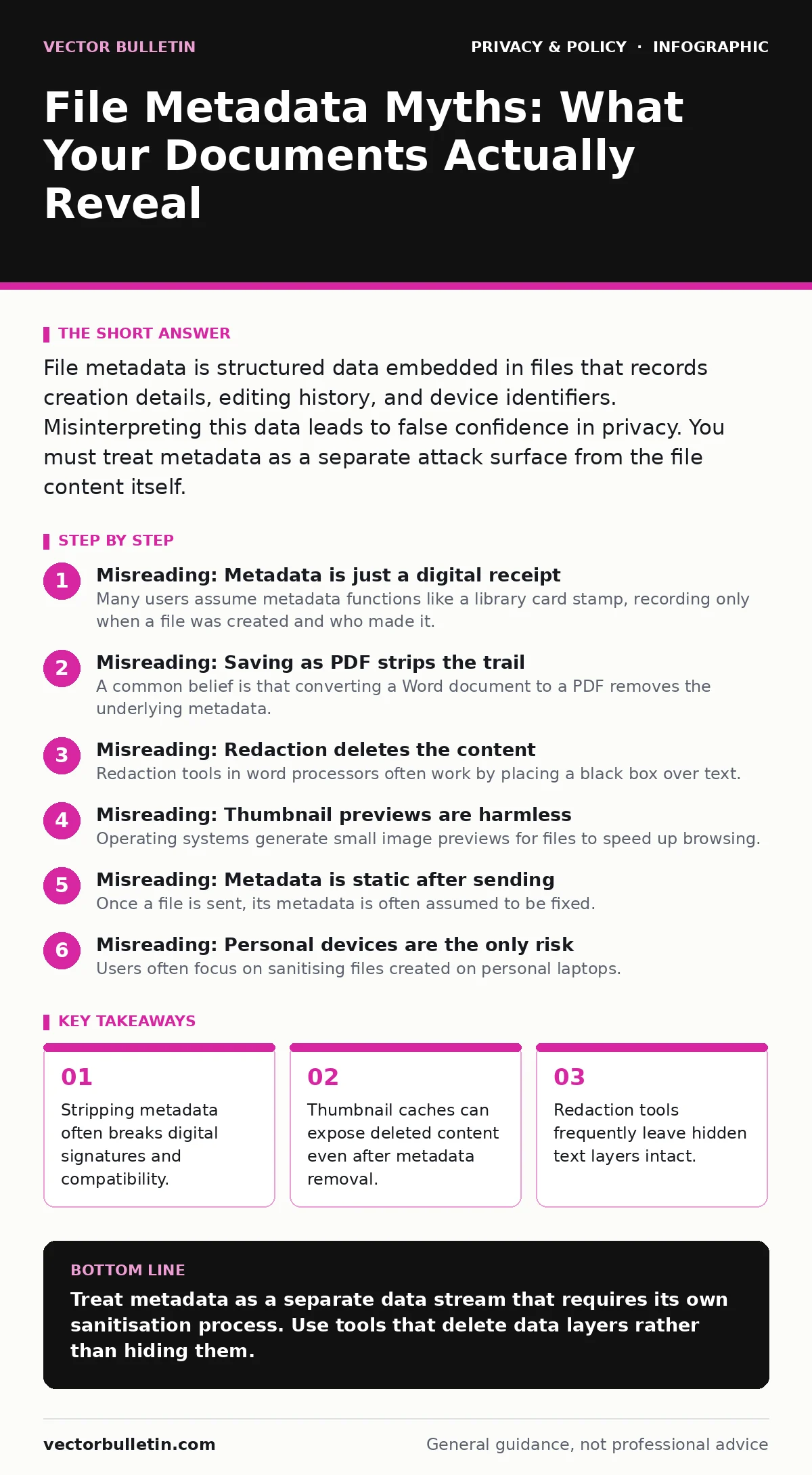
File metadata is structured data embedded in files that records creation details, editing history, and device identifiers. Misinterpreting this data leads to false confidence in privacy. You must treat metadata as a separate attack surface from the file content itself.
Misreading: Metadata is just a digital receipt
Many users assume metadata functions like a library card stamp, recording only when a file was created and who made it. This view treats the data as passive administrative overhead. In reality, metadata acts as a forensic timeline. It records every save event, every font adjustment, and every device identifier that touched the file. When you share a document, you are not just sharing text. You are sharing the history of its construction.
Correct reading: Metadata is an active record of provenance and technical environment. It links the file to specific hardware, software versions, and user accounts. This linkage allows an observer to reconstruct the workflow used to create the document. Understanding this helps you see why sharing a file is distinct from sharing a photograph of that file. For context, see our guide on privacy audits for methods to verify what data leaves your network.
Misreading: Saving as PDF strips the trail
A common belief is that converting a Word document to a PDF removes the underlying metadata. This happens because PDFs are often viewed as final, static images of a document. The conversion process, however, frequently carries over the original metadata unless explicitly told not to. Many standard export settings preserve author names, company affiliations, and editing times. The visual presentation changes, but the data structure remains intact.
Correct reading: Format conversion is a presentation change, not a sanitisation process. The new file format often has its own metadata fields, but it also inherits fields from the source. You must actively select options to strip properties during export. Assuming the format change provides privacy is a failure to understand how file parsers operate. This mirrors the misconception that using email aliases hides your identity, when it often only obscures the primary address.
Misreading: Redaction deletes the content
Redaction tools in word processors often work by placing a black box over text. Users assume this makes the text unreadable and unrecoverable. The mechanism, however, usually hides the text rather than removing it from the file structure. The original characters remain in the document layer, accessible to anyone who highlights the black box or views the raw code. This is a visual obfuscation, not a data deletion.
Correct reading: True redaction requires the physical removal of the data objects from the file. If the text can still be selected, it is not redacted. You must use tools that delete the underlying text layer and reflow the document. This is similar to how end-to-end encryption protects data in transit but does not secure it once decrypted on your device. The protection ends where the data becomes usable.
Misreading: Thumbnail previews are harmless
Operating systems generate small image previews for files to speed up browsing. These thumbnails are often stored in cache files separate from the main document. When you delete a file, the cache may remain. These cache files can contain images of the document’s contents, including sensitive data, long after the original file is gone. Users focus on securing the file but ignore the system’s temporary storage mechanisms.
Correct reading: Thumbnails are derivative data that persist independently of the source file. They expose content without requiring access to the original document. You must clear system caches and configure operating systems to disable thumbnail generation for sensitive file types. This hidden persistence is a frequent oversight in workplace monitoring policies, where only active files are audited.
Misreading: Metadata is static after sending
Once a file is sent, its metadata is often assumed to be fixed. This view ignores how recipients’ software interacts with the file. Email clients and document viewers often rewrite metadata when they save, forward, or print a document. They may add new author fields, update timestamps, or insert tracking identifiers. The data evolves with each interaction, creating a chain of custody that the sender cannot control.
Correct reading: Metadata is mutable and expands with each interaction. The recipient’s software adds its own layer of information to the file. This means the data you send is only the starting point of the file’s history. You cannot control how downstream systems interpret or modify the metadata. This dynamic nature complicates efforts like opting out of data brokers, as data changes form as it moves.
See also: Malware Analysis Explained: How to Dissect Threats Safely
Misreading: Personal devices are the only risk
Users often focus on sanitising files created on personal laptops. They assume corporate or managed devices are safer because of centralised controls. However, managed devices often inject additional metadata, such as group policy identifiers, internal server names, and administrative user tags. This data can reveal your employer’s internal infrastructure and your specific role within it. The risk is not just personal exposure; it is organisational exposure.
Correct reading: Every device adds a layer of identifying information. Corporate environments often add more identifiable metadata than personal ones. You must sanitise files regardless of the device used. The goal is to remove all layers of provenance, not just personal ones. This aligns with privacy by design principles, which require considering all data outputs, not just user-generated content.
Key takeaways
- Stripping metadata often breaks digital signatures and compatibility.
- Thumbnail caches can expose deleted content even after metadata removal.
- Redaction tools frequently leave hidden text layers intact.
Treat metadata as a separate data stream that requires its own sanitisation process. Use tools that delete data layers rather than hiding them.
Frequently asked questions
Does deleting a file remove its metadata from the system?
No. Deleting a file removes the directory entry, but the data and associated cache files may remain on the disk until overwritten.
Can I trust online metadata removal tools?
Only if you understand the privacy risks of uploading sensitive documents to third-party servers. The act of removing metadata may expose the content.
Do encrypted files still contain metadata?
Yes. The encrypted container file still has creation dates, file sizes, and author fields that can reveal usage patterns.
How do I prevent metadata from being added by my email client?
Configure your client to not include read receipts or automatic signatures, and disable automatic metadata insertion in settings.
How this guide was produced: written by the Vector Bulletin editorial team with AI assistance, checked against the public references listed below, and reviewed when the facts change. See our editorial policy or report an error.