
Malware Analysis Explained: How to Dissect Threats Safely
Static analysis reveals hidden commands without execution, letting you identify dangerous behaviour before the malware ever touches your live systems.
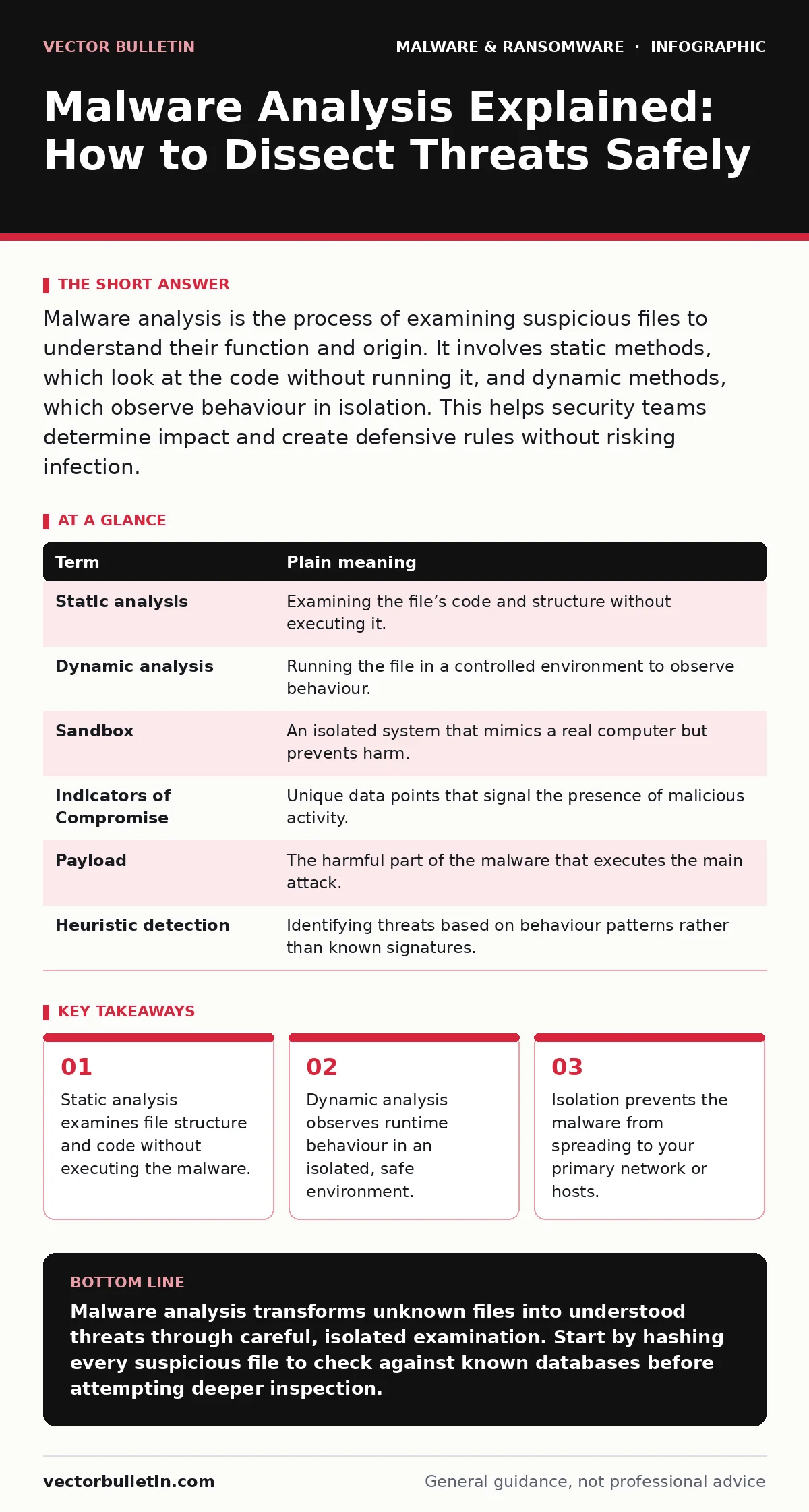
Malware analysis is the process of examining suspicious files to understand their function and origin. It involves static methods, which look at the code without running it, and dynamic methods, which observe behaviour in isolation. This helps security teams determine impact and create defensive rules without risking infection.
The Dissected Clockwork
Imagine you find a strange mechanical box on your doorstep. It has no visible keyhole, but you hear faint ticking inside. You could try forcing it open with a hammer, risking damage to the gears, or you could carefully remove the casing to see how the springs and levers interact. Malware analysis is the latter. It is the methodical study of a file to understand its internal logic and external effects. You are not trying to use the box; you are trying to understand why it was left there and what it will do if triggered.
This analogy holds because malware, like the clockwork, relies on precise internal mechanisms. If you break the casing roughly, you might destroy the very evidence you need. If you leave it sealed, you remain blind to its intent. The analyst’s job is to open the casing carefully, map the gears, and predict the motion without letting the box spring shut on their fingers. This requires patience and specific tools that allow observation without participation.
Defining the Mechanisms
Before opening the casing, you must understand the tools available to you. The field divides into two primary approaches, each with distinct risks and rewards. You will encounter these terms frequently in technical documentation and incident reports. Understanding the distinction is the foundation of any effective investigation.
| Term | Plain meaning |
|---|---|
| Static analysis | Examining the file’s code and structure without executing it. |
| Dynamic analysis | Running the file in a controlled environment to observe behaviour. |
| Sandbox | An isolated system that mimics a real computer but prevents harm. |
| Indicators of Compromise | Unique data points that signal the presence of malicious activity. |
| Payload | The harmful part of the malware that executes the main attack. |
| Heuristic detection | Identifying threats based on behaviour patterns rather than known signatures. |
Static analysis is like reading the blueprint of the clockwork. You look at the source code, file headers, and strings of text embedded within the binary. This method is safe because the file never runs. However, it can miss tricks. Sophisticated malware often obfuscates its code, hiding its true intent behind layers of encryption or garbage data. In this case, the blueprint looks like nonsense, and you must move to dynamic methods.
The Safety of Isolation
Dynamic analysis is where you wind the clockwork and watch it move. You place the suspicious file into a sandbox. This sandbox is a virtual machine or a physical device that is completely disconnected from your primary network. It has no access to your email servers, file shares, or internet gateway. The goal is to let the malware execute so you can record what it does.
Imagine the clockwork box is now on a padded table in a soundproof room. You wind it up and watch through thick glass. You note which gears turn, which levers extend, and whether it attempts to send signals. In digital terms, you monitor file system changes, registry edits, and network connections. If the malware tries to phone home to a command-and-control server, the sandbox records the destination. If it tries to encrypt your documents, it only encrypts the dummy files inside the isolated machine.
The Hidden Cost of Noise
There is a non-obvious consequence to dynamic analysis: the malware can detect it is being watched. Many modern threats check for the presence of virtualisation software or debugging tools. If they detect a sandbox, they may sleep, delete themselves, or behave benignly. This is known as evasion. It means the data you collect might be incomplete or misleading.
To counter this, analysts use human-operated sandboxes where they manually interact with the environment, mimicking a real user. They click links, open attachments, and wait for delayed triggers. This is slower and more expensive than automated scanning, but it yields richer data. It is the difference between watching a clockwork box sit still because it senses no one is looking, and seeing it spring to life when a hand reaches in.
First Practical Step: The Hash
Your first practical step in any analysis is to calculate the cryptographic hash of the file. A hash is a unique string of characters derived from the file’s contents. Even a single bit change in the file produces a completely different hash. This allows you to check if the file has been seen before.
- Generate the hash: Use a standard tool to create a SHA-256 hash of the suspicious file. This is a universal standard for file identification.
- Check public databases: Submit this hash to threat intelligence platforms. These services aggregate data from millions of sources. If the hash matches a known benign file, you can stop. If it matches a known threat, you can retrieve existing analysis reports.
- Isolate immediately: If the hash is unknown, do not assume it is safe. Move the file to an isolated environment for further testing.
This step is critical because it prevents redundant work. You do not need to dissect a clockwork box if someone has already published a diagram of it. However, be aware that attackers can modify malware slightly to change its hash while keeping the same malicious intent. This is called packing or obfuscation. Therefore, a clean hash result does not guarantee safety, but a known-bad result is definitive.
See also: Android Malware: The Unseen Mechanisms and Mitigation · Threat Actors Meaning: How to Identify and Attribute Cyber Operations
When Automation Fails
Machine learning in cybersecurity is often touted as a solution for identifying new threats. These systems look for patterns in code that resemble known malware. While useful for filtering obvious junk, they struggle with novel attacks. They may flag a legitimate administrative script as malicious because it uses unusual commands. This is a false positive.
Conversely, a new variant of remote access trojans might evade detection because it lacks the signature patterns the model was trained on. This is why human analysis remains necessary. Algorithms can highlight anomalies, but humans interpret context. You must combine automated scanning with manual verification to reduce noise and catch subtle threats.
The Limits of Detection
Malware analysis does not promise complete protection. It is a reactive discipline. You are analysing a file that has already bypassed perimeter defences. Your goal is to understand its scope and clean it up. For instance, clipboard hijackers might operate silently, stealing data without obvious signs. Static analysis might miss them if they are well-hidden. Dynamic analysis might catch them only if you specifically test for clipboard access.
This highlights the edge case of low-and-slow attacks. These threats do not crash systems or encrypt files immediately. They linger, exfiltrating data over time. Standard scans might ignore them because they behave like normal processes. Only careful, sustained dynamic analysis can reveal their true purpose. This is why continuous monitoring and behavioural alerts are necessary alongside file analysis.
Key takeaways
- Static analysis examines file structure and code without executing the malware.
- Dynamic analysis observes runtime behaviour in an isolated, safe environment.
- Isolation prevents the malware from spreading to your primary network or hosts.
Malware analysis transforms unknown files into understood threats through careful, isolated examination. Start by hashing every suspicious file to check against known databases before attempting deeper inspection.
Frequently asked questions
Can I analyse malware on my personal laptop?
No. You must use a dedicated, isolated machine that is not connected to your home or work network. Personal devices lack the necessary containment to prevent accidental infection.
Is dynamic analysis always accurate?
No. Malware may detect the analysis environment and alter its behaviour. Human oversight is required to interpret results and identify evasion techniques that automated tools miss.
How do I handle ransom notes?
Treat ransom notes as part of the malware family. Analyse them alongside the payload to understand the decryption method and attacker demands, but do not pay. Refer to specific guides on ransom notes for detailed response protocols.
Does static analysis catch all threats?
No. Obfuscated or packed files may appear benign in static analysis. Dynamic analysis is often required to reveal the true behaviour of sophisticated threats that hide their code.
How this guide was produced: written by the Vector Bulletin editorial team with AI assistance, checked against the public references listed below, and reviewed when the facts change. See our editorial policy or report an error.