
Android Malware: The Unseen Mechanisms and Mitigation
Android malware often bypasses traditional antivirus by exploiting permission granules and relying on user trust rather than system vulnerabilities.
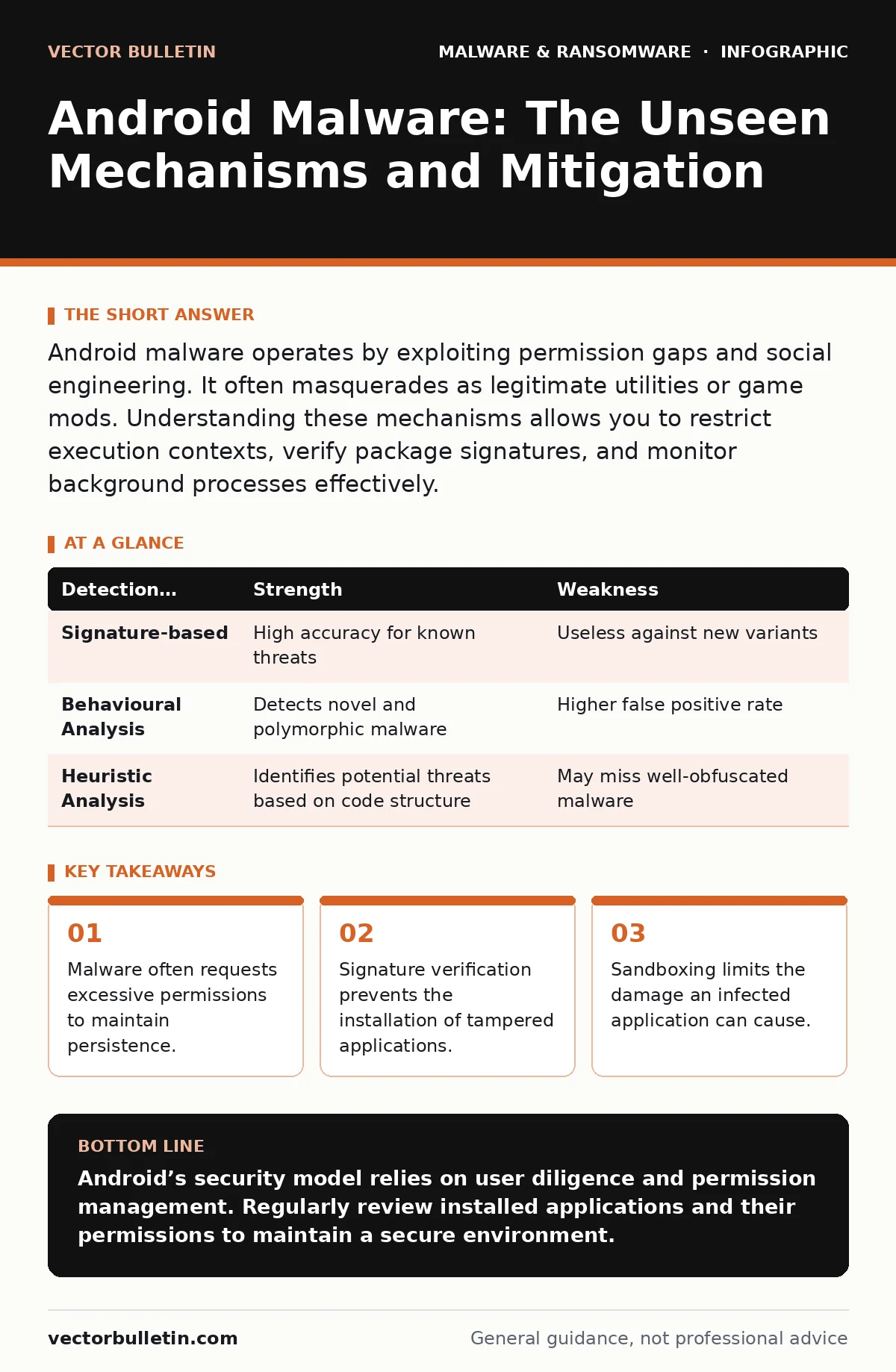
Android malware operates by exploiting permission gaps and social engineering. It often masquerades as legitimate utilities or game mods. Understanding these mechanisms allows you to restrict execution contexts, verify package signatures, and monitor background processes effectively.
Does Android malware infect the operating system kernel?
Modern Android versions prevent most malware from achieving kernel-level access. The operating system uses a security model called SELinux, which enforces mandatory access controls on processes and files. This means that even if you install a malicious application, it runs in a restricted environment known as a sandbox. The sandbox isolates the application from the core system and other applications. Therefore, the malware cannot easily modify system files or install rootkits. It must operate within the permissions granted to its own user ID. This architecture significantly raises the barrier for attackers seeking deep system compromise.
How do attackers bypass the official app store?
Attackers distribute malware through third-party sources, a practice known as sideloading. These sources include unofficial websites, forums, and peer-to-peer networks. The official store performs automated and manual reviews of submitted applications. These reviews check for known malicious code patterns and policy violations. Third-party sources lack these rigorous checks. Users often sideload applications to access region-locked content or cracked software. This behaviour exposes them to applications that have never been vetted. The risk increases when the source is untrusted or lacks reputation data.
Why does legitimate-looking malware persist on the device?
Malware uses techniques to survive device restarts and application updates. One common method is registering a broadcast receiver for system events. This allows the application to start automatically when the device boots. Another method involves using the accessibility service framework. This framework is designed to help users with disabilities but provides deep system interaction. Malware exploits this to read screen content and simulate taps. Users often grant these permissions without understanding the scope of access. Once granted, the malware can monitor notifications and steal credentials.
Can Android malware steal credentials from banking applications?
Yes, but only if the application has been tampered with or the user has granted dangerous permissions. Many banking apps use certificate pinning to verify the server’s identity. This prevents man-in-the-middle attacks where an attacker intercepts traffic. However, if a user installs a modified version of the banking app, the pinning may be broken. The attacker can then redirect traffic to a malicious server. Additionally, overlay attacks can trick users into entering credentials on fake login screens. These overlays appear on top of legitimate applications. They capture input without the user realising the application has changed.
What role do permissions play in infection?
Permissions define what an application is allowed to do on the device. Android uses a granular permission model that requires user approval. Malware often requests permissions unrelated to its primary function. For example, a flashlight application requesting access to contacts or SMS messages is suspicious. These permissions allow the malware to exfiltrate data or receive commands. The operating system notifies users of permission requests during installation or runtime. Ignoring these warnings facilitates the attack. Reviewing requested permissions helps identify applications with excessive privileges.
See also: Malware Analysis Explained: How to Dissect Threats Safely · Static Malware Analysis: 6 Myths That Compromise Your Results
How do detection tools identify unknown malware?
Traditional antivirus relies on signature-based detection. This method compares file hashes against a database of known malicious samples. It fails against new or modified malware, known as zero-day threats. Modern tools use behavioural analysis to identify suspicious activity. They monitor system calls, network connections, and resource usage. If an application behaves in a way typical of malware, such as scanning for other apps or sending data to unknown servers, it is flagged. This approach catches polymorphic malware that changes its code structure. However, it may generate false positives if legitimate applications exhibit unusual behaviour.
| Detection Method | Strength | Weakness |
|---|---|---|
| Signature-based | High accuracy for known threats | Useless against new variants |
| Behavioural Analysis | Detects novel and polymorphic malware | Higher false positive rate |
| Heuristic Analysis | Identifies potential threats based on code structure | May miss well-obfuscated malware |
Is sandboxing sufficient for isolation?
Sandboxing limits the scope of an application’s access but does not prevent all attacks. If an application is compromised, the attacker gains access to all data within that sandbox. This includes cached images, local databases, and sensitive files stored by the app. Furthermore, some APIs allow data to leak out of the sandbox through legitimate channels. For example, an application might share files via intents. A malicious receiver could intercept this data. Sandboxing is a defence-in-depth measure, not a complete solution. It must be combined with other security controls.
How can users verify application integrity?
Users can verify that an application has not been tampered with by checking its digital signature. Developers sign their applications with a cryptographic key. The operating system verifies this signature during installation. If the signature does not match, the installation fails. Users can view the signature details in the application information settings. This helps identify repackaged applications that may contain malware. Third-party application stores often host repackaged versions of popular applications. These versions may include advertising or tracking code. Verifying the signature ensures the application comes from the original developer.
What are the indicators of a compromised device?
Several signs suggest that an Android device is infected. Battery drainage is a common indicator, as malware often runs processes in the background. Unusual data usage may occur if the application is exfiltrating information. The appearance of unknown applications or icons is another sign. Performance degradation, such as lagging or freezing, can also indicate malicious activity. Monitoring network traffic for connections to unknown domains helps identify command-and-control servers. Regularly checking for installed applications and their permissions is a proactive measure.
Key takeaways
- Malware often requests excessive permissions to maintain persistence.
- Signature verification prevents the installation of tampered applications.
- Sandboxing limits the damage an infected application can cause.
Android’s security model relies on user diligence and permission management. Regularly review installed applications and their permissions to maintain a secure environment.
Frequently asked questions
Can Android malware encrypt files like ransomware?
Yes, Android malware can encrypt files stored on the device. However, most ransomware targets external storage or cloud backups rather than the internal application data. Users should maintain regular backups to mitigate this risk.
Is it safe to disable the Google Play Protect service?
Disabling Google Play Protect reduces the device’s defences. It stops automated scanning of applications and removes warnings for potentially harmful apps. It is generally not recommended unless you are testing specific applications.
How do clipboard hijackers work on Android?
Clipboard hijackers monitor the clipboard for sensitive data like cryptocurrency addresses. They replace the copied address with one controlled by the attacker. This requires the application to have clipboard access permissions.
Can remote access trojans control an Android device?
Yes, remote access trojans can provide full control over an Android device. They allow attackers to view the screen, record audio, and take photos. These tools are often distributed as legitimate remote support applications.
How this guide was produced: written by the Vector Bulletin editorial team with AI assistance, checked against the public references listed below, and reviewed when the facts change. See our editorial policy or report an error.