
Digital signatures examples: how cryptographic proof works
A digital signature binds a sender’s identity to a specific file using public key cryptography, ensuring the content has not been altered since the sender signed it.
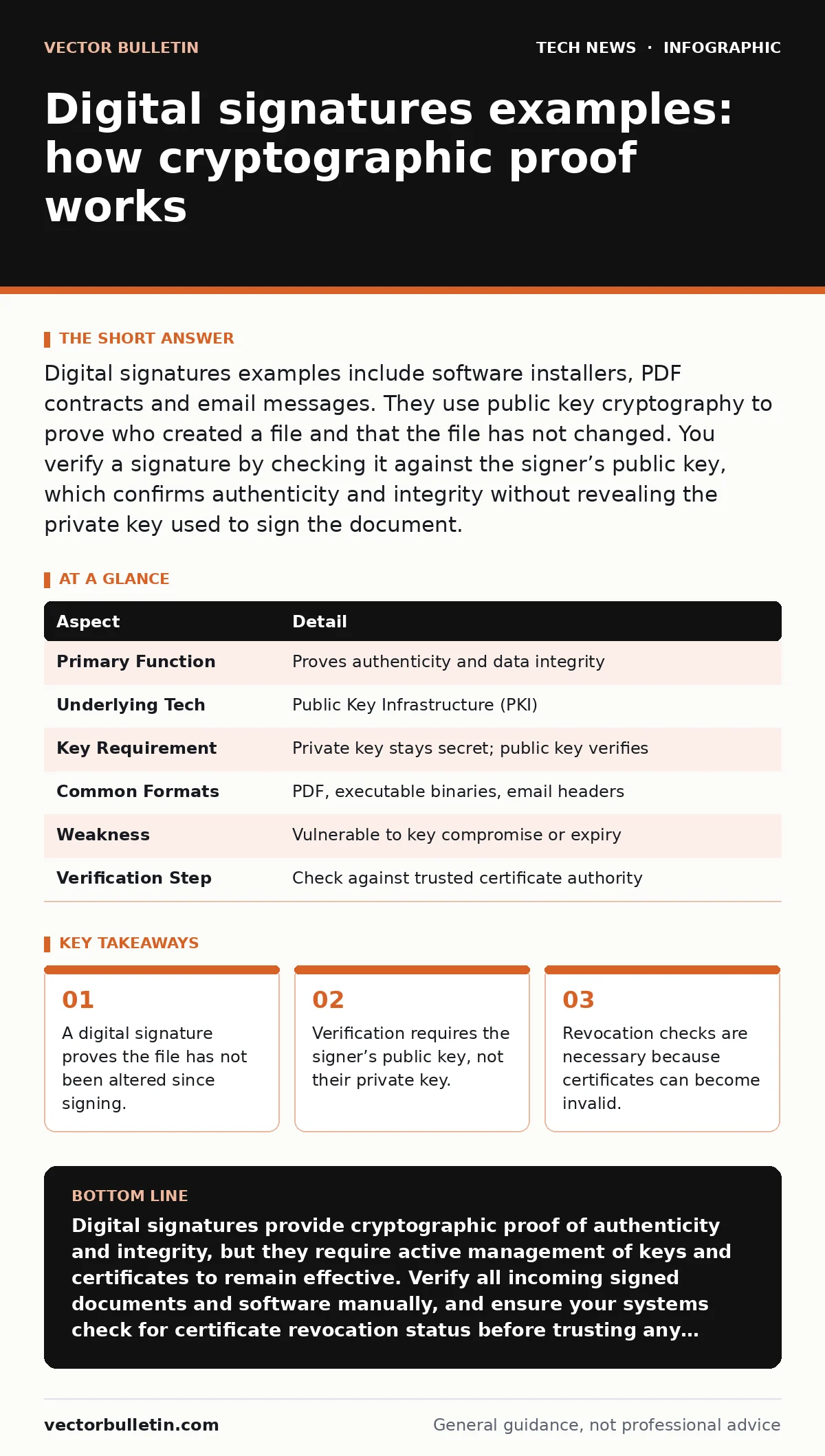
Digital signatures examples include software installers, PDF contracts and email messages. They use public key cryptography to prove who created a file and that the file has not changed. You verify a signature by checking it against the signer’s public key, which confirms authenticity and integrity without revealing the private key used to sign the document.
Digital signatures examples in daily use
You encounter digital signatures every time you install software or open a signed email. These cryptographic markers prove that the content comes from a trusted source and has not been tampered with during transit. Consider a software update for your operating system. The update package carries a signature from the vendor. Your device checks this signature against a known public key. If the match fails, the installation stops. This prevents malware from disguising itself as a legitimate update.
Suppose you receive a PDF contract from a remote partner. The file carries a digital signature embedded in its metadata. You open the document and see a green banner indicating the signature is valid. This visual cue tells you two things. First, the partner actually sent this specific file. Second, no one has edited the text or clauses since they applied the signature. If an attacker intercepted the email and changed a clause, the signature would break. The verification process would flag the document as altered. This mechanism protects against subtle manipulation that manual review might miss.
| Aspect | Detail |
|---|---|
| Primary Function | Proves authenticity and data integrity |
| Underlying Tech | Public Key Infrastructure (PKI) |
| Key Requirement | Private key stays secret; public key verifies |
| Common Formats | PDF, executable binaries, email headers |
| Weakness | Vulnerable to key compromise or expiry |
| Verification Step | Check against trusted certificate authority |
How the cryptography actually works
A digital signature relies on asymmetric cryptography, also known as public key cryptography. This system uses two mathematically linked keys. One key is private, kept secret by the owner. The other is public, shared openly. To sign a document, the signer’s software generates a hash of the file. A hash is a fixed-size string of characters that uniquely represents the data. The software then encrypts this hash using the private key. This encrypted hash is the digital signature.
When you receive the file, your software repeats the hashing process. It generates a new hash from the received file. It then decrypts the attached signature using the signer’s public key. This reveals the original hash. If the two hashes match exactly, the signature is valid. This confirms that the file has not changed and that the holder of the private key signed it. The private key never leaves the signer’s device. This design ensures that only the legitimate owner could have produced the signature.
Who relies on this protection
Organisations across all sectors use digital signatures to manage risk. Software vendors sign their binaries to maintain customer trust. If a user sees a warning that an application is unsigned, they often delete it. Legal teams sign contracts to prevent disputes over content changes. Financial institutions sign transaction logs to create an audit trail. These logs must prove that no one altered the amounts or dates after the fact.
Individual users also benefit, though they rarely see the mechanism. Your email client may sign outgoing messages. This proves to the recipient that you wrote the email and that it was not modified by a compromised mail server. In the context of remote desktop security, sessions are often secured with certificates that include digital signatures. This ensures that the connection is established with the correct server and not a rogue device. Understanding this helps you appreciate why certificate warnings should never be ignored.
What people usually get wrong
Many people confuse digital signatures with digital certificates. A certificate is an identity card that links a public key to a person or entity. A signature is the cryptographic proof attached to a file. You need a certificate to verify the signature, but they are not the same thing. Another common error is assuming that a valid signature means the content is safe. A signature only proves that the signer sent the specific file. It does not guarantee that the file is free of malware. A malicious signer can sign their own malware. The signature will be valid, but the content will still harm your system.
Some users think that once a signature is verified, it remains valid forever. This is incorrect. Certificates have expiration dates. If a certificate expires, the signature becomes untrusted. Additionally, if the private key is compromised, the certificate must be revoked. You must check revocation status during verification. This adds a step to the process but is necessary for security. Ignoring revocation checks allows attackers to use stolen keys until the certificate naturally expires. This window can be weeks or months.
Practical steps for verification
You should verify signatures manually when handling high-value documents. Most PDF readers and email clients show signature status automatically. Look for a green indicator or a message stating the signature is valid. Do not ignore warnings about broken signatures. If a signature is broken, the document has been altered. You should contact the sender to confirm the content. For software, check the publisher name in the file properties. Ensure it matches the expected vendor.
Integrate signature checks into your deployment pipelines. Automated systems should reject unsigned or improperly signed packages. This prevents accidental deployment of tampered code. In open port management, you might use certificates to secure communication channels. Ensuring these certificates are valid and signed by trusted authorities reduces the risk of man-in-the-middle attacks. This aligns with broader principles of hashing to ensure data integrity across your infrastructure.
The hidden cost of trust
Maintaining a digital signature infrastructure has hidden costs. You must manage key lifecycles. Keys must be rotated regularly to limit the damage of a compromise. You need hardware security modules or smart cards to protect private keys from theft. If you lose the private key, you cannot sign new documents. If you lose the ability to prove ownership, your certificates may be revoked prematurely. This disrupts operations and erodes trust.
You also face the risk of cross-signing issues. Different platforms may trust different certificate authorities. A signature valid on Windows might fail on macOS if the root certificate is not in the trust store. This fragmentation requires careful management of trust anchors. You must ensure that all users have the necessary root certificates installed. This administrative overhead is often underestimated. It requires ongoing attention to detail and coordination with security teams. Neglecting this can lead to widespread verification failures.
Future considerations for security teams
As quantum computing advances, current cryptographic algorithms may become vulnerable. Algorithms like RSA and ECC rely on mathematical problems that quantum computers could solve efficiently. This threatens the integrity of digital signatures. You should begin planning for a transition to post-quantum cryptography. This involves testing new algorithms and preparing your infrastructure for hybrid signatures. Hybrid signatures use both classical and quantum-resistant algorithms. This ensures compatibility while future-proofing your security.
In the context of API key security, digital signatures provide a stronger alternative to simple tokens. Tokens can be stolen and reused. Signatures, when tied to nonces and timestamps, prevent replay attacks. This adds a layer of security that is critical for high-value transactions. As you evaluate your security posture, consider where signatures can replace weaker authentication methods. This shift improves resilience against credential theft.
Key takeaways
- A digital signature proves the file has not been altered since signing.
- Verification requires the signer’s public key, not their private key.
- Revocation checks are necessary because certificates can become invalid.
Digital signatures provide cryptographic proof of authenticity and integrity, but they require active management of keys and certificates to remain effective. Verify all incoming signed documents and software manually, and ensure your systems check for certificate revocation status before trusting any signature.
Frequently asked questions
What is the difference between a digital signature and a handwritten scan?
A handwritten scan is just an image that can be copied and pasted. A digital signature is a cryptographic link to the file content that breaks if the file is altered.
Can a digital signature hide malicious code?
No, a signature does not hide code. It only proves that the signer sent the specific file. If the signer is malicious, the signature will be valid but the code will still be harmful.
How do I check if a certificate has been revoked?
Your software can check Certificate Revocation Lists (CRLs) or use the Online Certificate Status Protocol (OCSP) to verify that the certificate is still valid and has not been compromised.
Why do some signed PDFs show a warning about changes?
This warning appears if the file was modified after signing, even if it is just metadata like the opening time. The signature is broken because the file hash no longer matches the original signed hash.
How this guide was produced: written by the Vector Bulletin editorial team with AI assistance, checked against the public references listed below, and reviewed when the facts change. See our editorial policy or report an error.