Remote Desktop Security: Definition, Architecture and Failure Modes
The primary risk in remote desktop access is not the transport channel, but the privileged endpoint that accepts the connection.
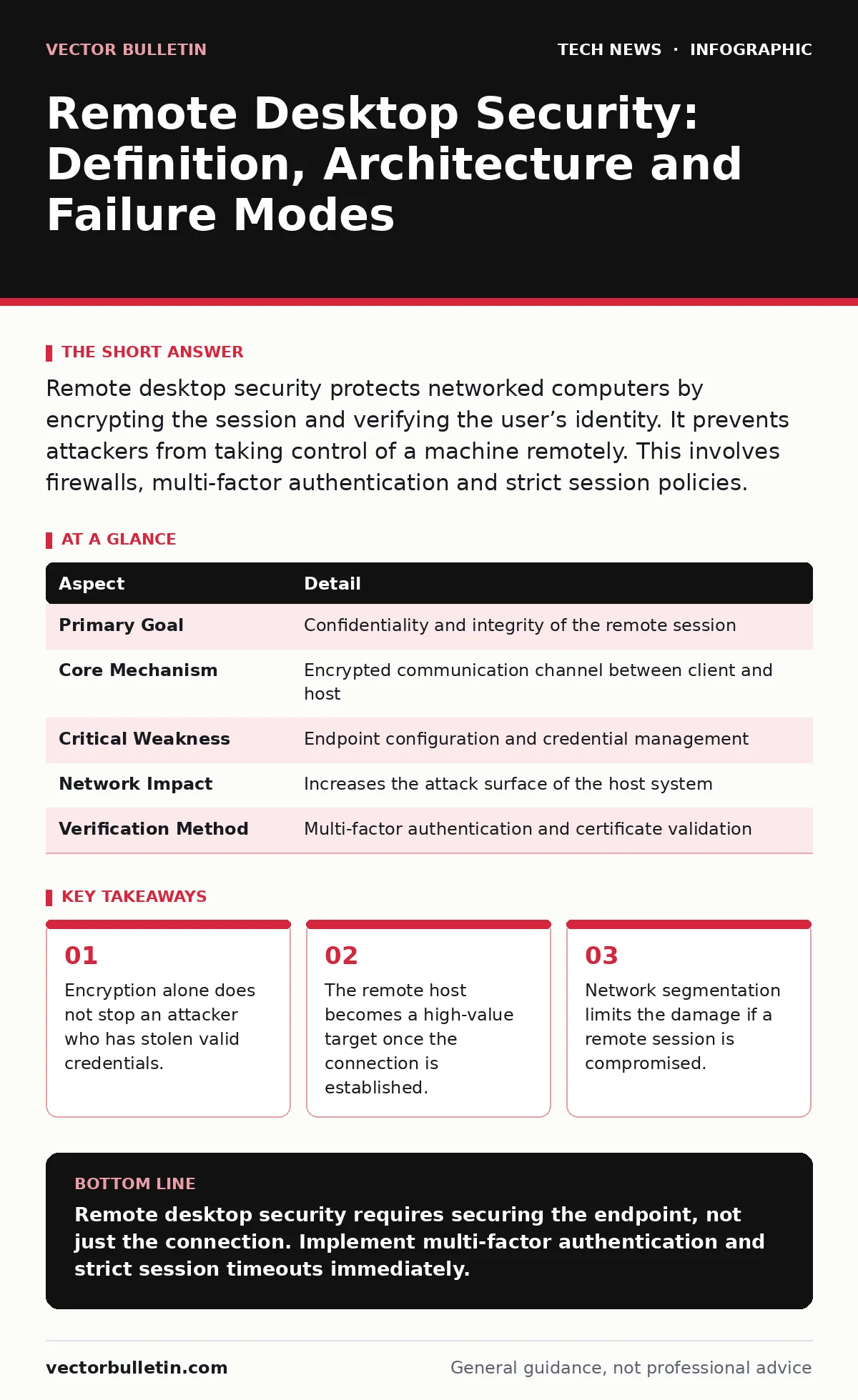
Remote desktop security protects networked computers by encrypting the session and verifying the user’s identity. It prevents attackers from taking control of a machine remotely. This involves firewalls, multi-factor authentication and strict session policies.
The Analogy of the Glass Office
Imagine a building where every office has a glass wall. You can see everything happening inside, but you cannot touch anything unless you have the key to the door. Remote desktop technology is that glass wall. It allows you to view and control a computer that is physically distant. Without security, it is like leaving the door unlocked.
The glass wall allows visibility. The lock ensures only authorised people enter. Security measures are the mechanisms that keep the lock functional and the glass unbreakable. This distinction matters because most people focus on the glass, ignoring the lock.
| Aspect | Detail |
|---|---|
| Primary Goal | Confidentiality and integrity of the remote session |
| Core Mechanism | Encrypted communication channel between client and host |
| Critical Weakness | Endpoint configuration and credential management |
| Network Impact | Increases the attack surface of the host system |
| Verification Method | Multi-factor authentication and certificate validation |
Defining the Scope and Purpose
Remote desktop security refers to the collective measures that protect a session where one computer controls another over a network. The purpose is to ensure that the person at the keyboard is who they claim to be. It also ensures that the data moving between the two machines remains unreadable to outsiders.
This is not just about privacy. It is about maintaining the integrity of the system. If an attacker interrupts the session, they can alter files, install malware or steal data. The security framework must address both the transit of data and the state of the receiving machine.
The Main Components of Protection
Three pillars support remote desktop security. First, encryption scrambles the data stream so that intercepted packets are useless. Standard protocols like TLS (Transport Layer Security) handle this. Second, authentication verifies the identity of the user. This usually involves a password, but strong systems require a second factor.
Third, authorisation determines what the user can do once logged in. A user might be allowed to view a screen but not install software. These components work together. If encryption is strong but authentication is weak, the system fails. If authorisation is strict but the endpoint is infected, the system fails.
The interaction between these parts is delicate. A failure in one area can negate the strength of the others. For example, a strong password is useless if the computer itself is running outdated software with known holes.
Where It Fits in the Defence Chain
Remote desktop security does not exist in isolation. It sits at the intersection of network security and endpoint security. You must manage open port management carefully to ensure that remote desktop ports are not exposed to the public internet unnecessarily.
It also relies on firewall rules to filter traffic before it reaches the host. However, firewalls only control the door. They do not check the identity of the person once they are inside. This is why remote desktop security complements perimeter defences rather than replacing them.
Consider API key security as a parallel. Both involve granting access to resources. The difference is that remote desktop provides a full graphical interface, which is far more powerful and dangerous than an API call. The risk profile is higher because the attacker has the same view as an administrator.
What People Usually Get Wrong
Many organisations believe that enabling encryption is sufficient. This is a fundamental misunderstanding. Encryption protects the data in transit. It does not protect the data at rest on the remote machine. It does not stop an attacker who has valid credentials.
Another common error is relying solely on complex passwords. Passwords can be guessed, stolen or phished. Without multi-factor authentication, a stolen password is a master key. You must treat the remote desktop session as a high-privilege event.
Users also forget about the physical security of the remote host. If the host is in an unsecured location, an attacker could simply plug in a keyboard. Remote desktop security focuses on the network path, but the physical environment matters too.
The Hidden Costs of Convenience
Convenience often erodes security. Allowing remote access from any device makes it harder to enforce security policies. You cannot ensure that a personal laptop has the latest updates or antivirus software. This introduces risk into your environment.
There is also a performance cost. Encryption uses processing power. On older machines, this can slow down the session. Administrators sometimes disable certain security features to improve speed. This trade-off is rarely worth the risk.
The biggest hidden cost is the expanded attack surface. Every device that can connect remotely is a potential entry point. You must monitor these connections closely. Data center security principles apply here. You would not leave a data centre door open, so you should not leave a remote desktop port open.
Managing the Session Lifecycle
Security does not end when the user logs in. The session itself must be monitored. Idle sessions should time out automatically. This prevents an attacker from taking over a session if the user walks away.
Logging is critical. You need to know who connected, when they connected and what they did. Without logs, you cannot detect a breach until it is too late. These logs must be stored securely and reviewed regularly.
Consider the implications of edge computing security. As work moves to the edge, remote desktop connections become more frequent. The same principles apply, but the network conditions may be less stable. This requires resilient security protocols that can handle interruptions without compromising integrity.
Beyond the Basics
For advanced security, consider using smart home security concepts. Just as you would lock your doors and set an alarm, you should lock down the remote desktop host and set up alerts for unusual activity. This layered approach is vital.
You should also look at quantum computing and encryption. While quantum computers are not yet a threat, they will eventually break current encryption standards. Preparing for this future means using algorithms that are resistant to quantum attacks. This is a long-term strategy, but it is necessary for lasting security.
Finally, understand the OSI model. Remote desktop operates at multiple layers. Transport layer security protects the data stream. Application layer security protects the session logic. You must secure both layers to be effective. Ignoring one leaves a gap.
Key takeaways
- Encryption alone does not stop an attacker who has stolen valid credentials.
- The remote host becomes a high-value target once the connection is established.
- Network segmentation limits the damage if a remote session is compromised.
Remote desktop security requires securing the endpoint, not just the connection. Implement multi-factor authentication and strict session timeouts immediately.
Frequently asked questions
Does encryption protect against insider threats?
No. Encryption protects data in transit. If an authorised user acts maliciously, encryption will not stop them. You need logging and monitoring for this.
Can remote desktop be used over mobile networks?
Yes, but mobile networks are less secure. You must ensure the connection is encrypted and the device is managed. Public Wi-Fi adds significant risk.
What is the difference between RDP and SSH?
RDP provides a graphical interface. SSH provides a command-line interface. Both need security measures. RDP is often more complex to secure due to its graphical nature.
How often should I review remote desktop access?
Regularly. Access privileges should be reviewed quarterly. Any unused accounts should be disabled immediately to reduce the attack surface.
How this guide was produced: written by the Vector Bulletin editorial team with AI assistance, checked against the public references listed below, and reviewed when the facts change. See our editorial policy or report an error.