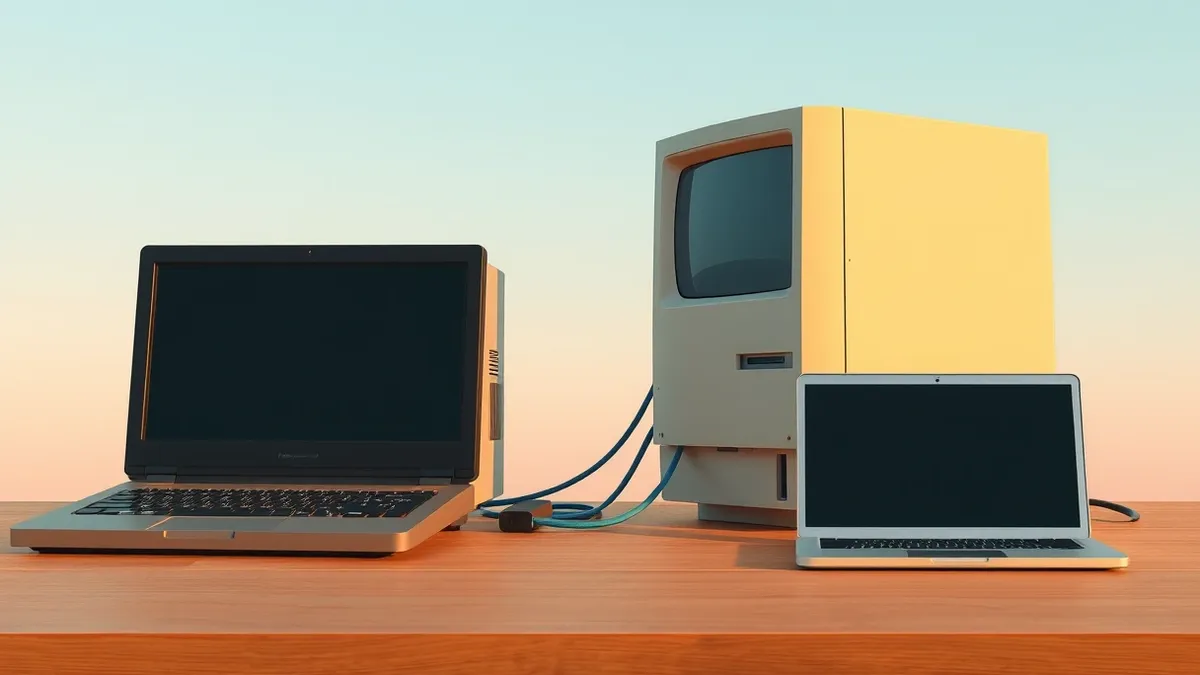
xHCI98 Driver Adds USB4 and Thunderbolt 4 Support to Windows 98
A solo developer has released an experimental driver that allows legacy Windows operating systems to use modern high-speed USB controllers and Thunderbolt docks.
Key points
- xHCI98 v3.0.0.0 enables USB4 and Thunderbolt 3/4 support on Windows 98 SE, ME, 2000, XP, Vista, and 7.
- The driver was developed by Yeo Kheng Meng using AI tools including Claude and Codex GPT for coding and review.
- It addresses hardware limitations in mid-2010s PCs that lack legacy EHCI controllers, allowing hotplug functionality for basic peripherals.
A new experimental driver allows users of outdated Windows operating systems to connect modern USB4 and Thunderbolt 3 or 4 devices without upgrading their software. Developer Yeo Kheng Meng released version 3.0.0.0 of xHCI98, which brings generic USB 3.x, USB4, and Thunderbolt host controller support to systems running Windows 98 SE through Windows 7, according to Tom's Hardware.
Root cause
The necessity for this driver stems from hardware design shifts in personal computers manufactured during the mid-2010s. Many of these machines, such as the 2020 ThinkPad P14s Gen 1, utilise xHCI-only chipsets and omit legacy EHCI controllers entirely. Older operating systems lack native xHCI drivers, meaning they cannot communicate with these modern ports. Meng stated that without this support, even basic peripherals like keyboards and mice rely on BIOS legacy functions and cannot be hotplugged, while Ethernet and audio devices fail to work altogether.
Attack path
This release does not involve a security vulnerability or an attack vector. Instead, it represents a compatibility bridge between legacy software and contemporary hardware architectures. The driver replaces standard Windows USB port and hub drivers to facilitate connections for USB 1.1, 2.0, and SuperSpeed devices. It also includes additional components, such as xhciuas.sys for UAS storage and xhcicm.sys for Thunderbolt docks and NVMe enclosures, enabling broader device functionality on unsupported platforms.
Affected versions
The xHCI98 driver is designed to operate on the following legacy operating systems:
- Windows 98 SE
- Windows ME
- Windows 2000
- Windows XP
- Windows Vista
- Windows 7
Mitigation
- Verify that your hardware matches the developer’s test environment, specifically Intel Comet Lake xHCI controllers with no EHCI.
- Review the developer’s blog post for compatibility warnings and usage instructions before installation.
- Expect potential bugs, as the project relies heavily on AI assistance and solo development.
- Avoid using this driver on production systems or those handling sensitive data due to its experimental nature.
Why it matters
Security teams should understand that expanding hardware support to legacy systems often introduces unvetted code paths. When drivers replace core OS components, they inherit significant trust privileges. Organisations maintaining legacy infrastructure must recognise that community-driven fixes, while innovative, lack the rigorous testing of vendor patches. This situation highlights the ongoing challenge of managing hardware compatibility in environments where software support has officially ended. Teams usually monitor such releases for stability issues rather than immediate adoption.
What to do and how to stay safe: xHCI98
- Inventory legacy systems to identify those with xHCI-only chipsets lacking EHCI controllers.
- Review vendor support lifecycles to confirm whether official drivers are available for your hardware.
- Test any third-party drivers in isolated environments before deploying them to operational machines.
- Monitor developer communications for updates on bug fixes and compatibility issues.
Step-by-step guide: Password Policies Examples That Reduce Password Fatigue
General security guidance from the Vector Bulletin newsroom. It is not confirmed advice from the organisations named in this story.
Frequently asked questions
Which AI tools were used to create the xHCI98 driver?
The developer used Claude Fable 5.1 for planning, Claude Opus 5.5 for coding, and Codex GPT 6 Astra as an adversarial reviewer.
Does this driver support hotplugging devices on Windows 98?
Yes, the driver enables hotplugging for devices like flash drives, keyboards, and mice that previously required BIOS legacy support.
Is this driver suitable for production environments?
No, the developer describes it as experimental and warns that bugs are not unexpected due to its reliance on AI assistance.