
Clipboard Hijackers: Prevention Tactics That Actually Work
Standard endpoint protection often fails to detect clipboard hijackers because they operate within trusted system processes rather than executing malicious code files.
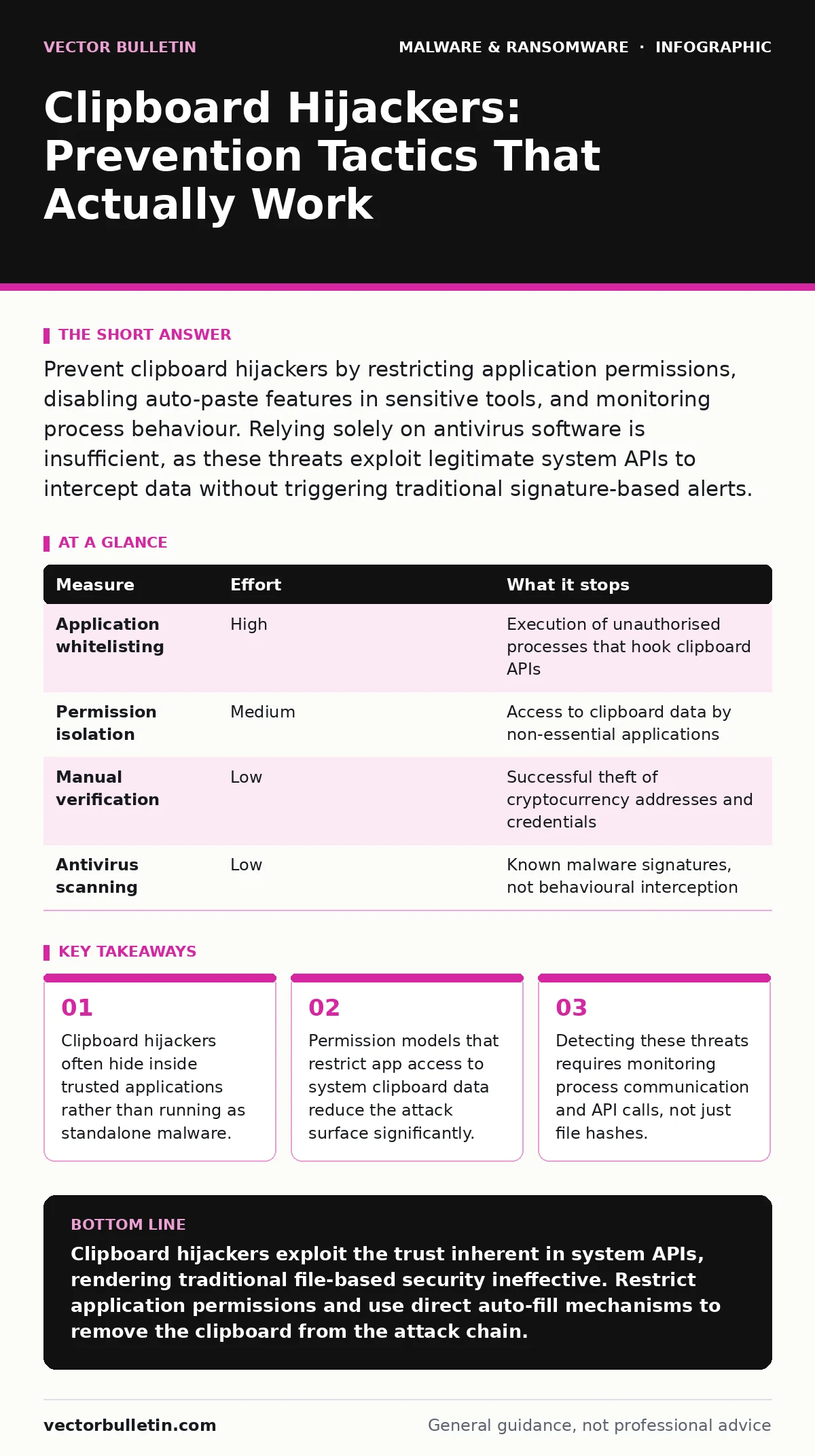
Prevent clipboard hijackers by restricting application permissions, disabling auto-paste features in sensitive tools, and monitoring process behaviour. Relying solely on antivirus software is insufficient, as these threats exploit legitimate system APIs to intercept data without triggering traditional signature-based alerts.
The Mechanics of Clipboard Interception
Clipboard hijackers operate by intercepting data copied to the system clipboard before you paste it. This mechanism typically involves a background process that listens for clipboard change events. When you copy a cryptocurrency address or a password, the malicious code swaps the content with an attacker-controlled value.
This interception happens in memory. The malware does not need to write a new file to disk. It hooks into the operating system’s clipboard API, which is designed to allow applications to share data. Because the API is legitimate, security tools often permit the interaction.
The threat persists as long as the malicious process remains active. It can reside within a compromised legitimate application. This means the threat is not always a separate program you can quarantine. It is a behaviour injected into trusted software.
Why Traditional Defences Miss the Mark
Traditional antivirus solutions rely heavily on file signatures and known malicious patterns. Clipboard hijackers often lack unique file signatures. They use standard libraries and system calls that are identical to those used by legitimate software.
Suppose you have a fully updated endpoint protection platform. It scans files for known malware definitions. A clipboard hijacker that modifies memory at runtime bypasses this static analysis. The process appears clean because it is using the operating system’s own clipboard management functions.
This creates a blind spot. Security teams often assume that if the file is clean, the behaviour is safe. This assumption fails when the threat relies on logic rather than payload. The malware changes the data in transit, not the data at rest.
| Measure | Effort | What it stops |
|---|---|---|
| Application whitelisting | High | Execution of unauthorised processes that hook clipboard APIs |
| Permission isolation | Medium | Access to clipboard data by non-essential applications |
| Manual verification | Low | Successful theft of cryptocurrency addresses and credentials |
| Antivirus scanning | Low | Known malware signatures, not behavioural interception |
The Failure of Heuristic Detection
Heuristic analysis attempts to predict malicious intent based on behaviour patterns. However, clipboard hijacking mimics legitimate automation. Many productivity tools, such as password managers or text expanders, also interact with the clipboard.
Distinguishing between a helpful auto-paste feature and a malicious swap is difficult. The system sees the same sequence of API calls: read clipboard, modify content, write clipboard. Without context, the security tool cannot determine intent.
This ambiguity leads to high false-positive rates. Security teams often disable heuristic monitoring for clipboard access to prevent workflow disruption. This decision inadvertently removes the one layer that might detect the anomaly. The trade-off is convenience versus security, and convenience usually wins.
Application Permissions as a Barrier
Modern operating systems provide granular control over what applications can access. You can restrict clipboard access to specific applications. This is the most effective preventative measure because it removes the ability of untrusted processes to read your data.
On mobile platforms, this is often explicit. You grant clipboard access when an app attempts to paste. On desktop systems, you must configure these permissions manually. Group policy or system settings can enforce these restrictions.
Imagine you disable clipboard access for all applications except your browser and your password manager. Any other process that attempts to read the clipboard will be blocked. This stops the hijacker from capturing data, even if it is running.
The Role of Process Monitoring
If you cannot restrict permissions, you must monitor for unusual activity. Process monitoring tools can log every attempt to access the clipboard. You look for processes that do not typically handle text data accessing the clipboard.
A media player or a game engine should not be reading clipboard data. If it does, it is an anomaly. These tools generate alerts based on behavioural deviations rather than file signatures. This approach requires tuning to avoid noise.
This method helps in the attack lifecycle detection phase. You are not stopping the infection, but you are identifying the exploitation. Early detection allows you to terminate the process before significant data loss occurs.
See also: Immutable Backups: Answers to 9 Operational Questions · Email Attachment Scanning Checklist for Secure Gateways
Data Masking and User Discipline
User behaviour remains the last line of defence. Clipboard hijackers target high-value data, such as cryptocurrency addresses and passwords. You can reduce risk by never trusting the clipboard for these inputs.
Always verify the pasted content against the source. For cryptocurrency transactions, check the first and last four characters of the address. For passwords, use a password manager that auto-fills directly into the field, bypassing the clipboard entirely.
Direct injection by password managers avoids the clipboard API. The application writes the characters directly into the input field. This bypasses any intermediary process that might intercept the data. This technique aligns with data masking principles by keeping sensitive data within a trusted channel.
Closing Checklist for Immediate Action
Review your application permissions today. Disable clipboard access for any application that does not require it for core functionality. This includes media players, chat applications, and office suites unless you explicitly need to paste into them.
Enable logging for clipboard access events. Ensure your security information and event management system captures these events. Set up alerts for any process outside your trusted list accessing the clipboard.
Audit your password manager settings. Ensure it is configured to auto-fill credentials directly into forms. Disable the option to copy passwords to the clipboard. This small configuration change removes a significant attack surface.
Key takeaways
- Clipboard hijackers often hide inside trusted applications rather than running as standalone malware.
- Permission models that restrict app access to system clipboard data reduce the attack surface significantly.
- Detecting these threats requires monitoring process communication and API calls, not just file hashes.
Clipboard hijackers exploit the trust inherent in system APIs, rendering traditional file-based security ineffective. Restrict application permissions and use direct auto-fill mechanisms to remove the clipboard from the attack chain.
Frequently asked questions
Can a firewall stop a clipboard hijacker?
No, firewalls monitor network traffic and port activity. Clipboard hijackers operate locally within the operating system memory and do not require outbound network connections to function.
Is disabling the clipboard a viable security measure?
Disabling the clipboard entirely breaks most modern workflows. It is not a practical measure for general use. Instead, restrict access to specific applications or use direct auto-fill methods for sensitive data.
How do I detect if I am already infected?
Look for unexpected processes accessing the clipboard. Check your system for unknown applications running in the background. Monitor for discrepancies between copied and pasted content, particularly in financial transactions.
Do sandbox environments prevent clipboard hijacking?
Sandboxes isolate applications but often allow clipboard access for usability. If the sandbox permits clipboard interaction, the hijacker can still operate within the isolated environment. You must explicitly block clipboard access in the sandbox configuration.
How this guide was produced: written by the Vector Bulletin editorial team with AI assistance, checked against the public references listed below, and reviewed when the facts change. See our editorial policy or report an error.