
Immutable Backups: Answers to 9 Operational Questions
Immutable storage prevents deletion even by administrators, forcing attackers to pivot to other attack vectors or accept partial success.
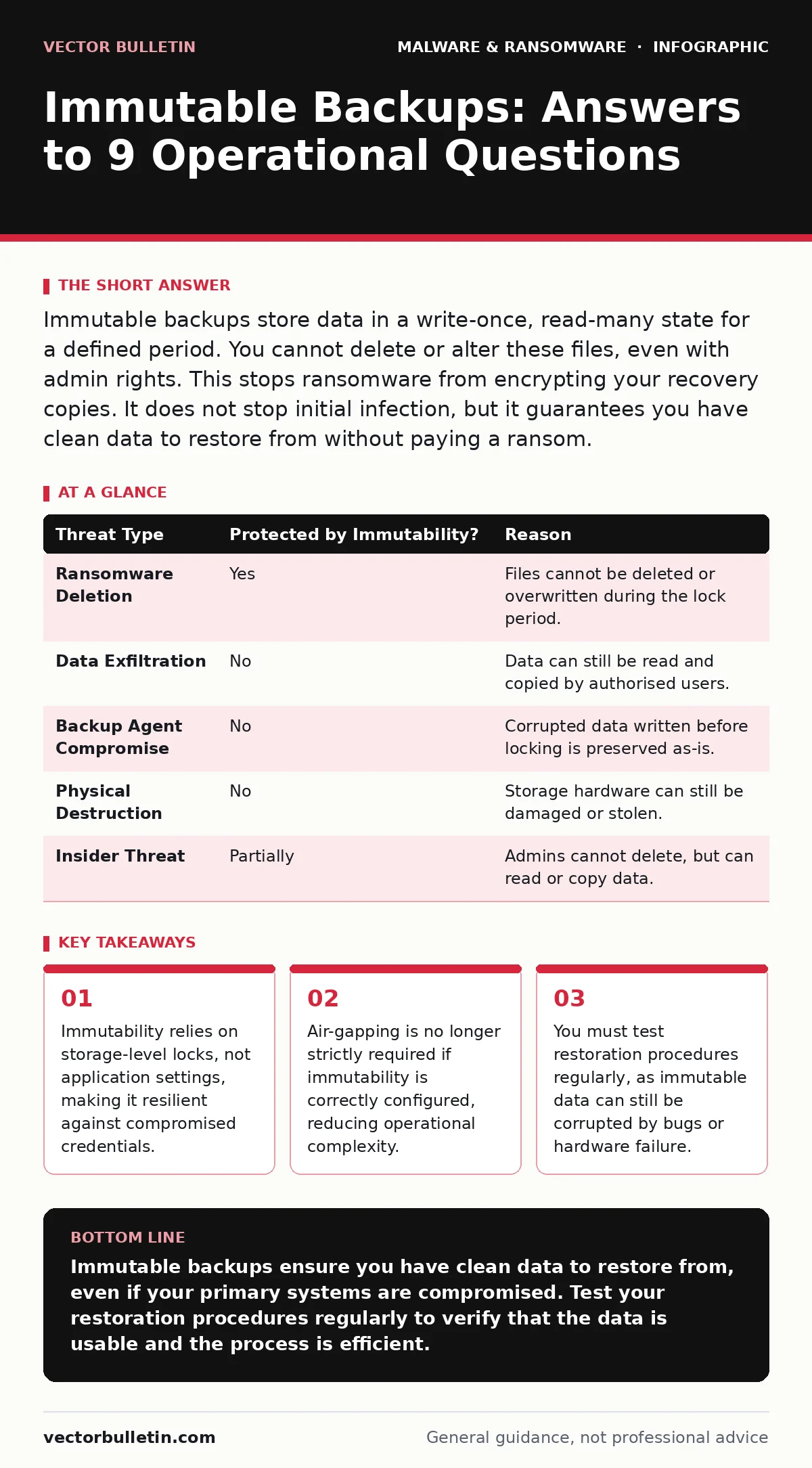
Immutable backups store data in a write-once, read-many state for a defined period. You cannot delete or alter these files, even with admin rights. This stops ransomware from encrypting your recovery copies. It does not stop initial infection, but it guarantees you have clean data to restore from without paying a ransom.
What exactly makes a backup immutable?
Immutable backups use storage mechanisms that prevent any modification or deletion of data for a set retention period. Standard backups allow an administrator to delete files, which is convenient for management but dangerous during a breach. Immutable storage enforces a write-once, read-many policy at the hardware or firmware level. Once a file is written, it becomes locked. No user, not even the system administrator, can change or remove it until the lock expires. This architectural constraint removes the ability for malware to overwrite your recovery copies.
How does immutability differ from traditional air-gapping?
Traditional air-gapping physically disconnects backup media from the network, preventing remote access entirely. Immutability keeps the data online but renders it untouchable through software enforcement. Air-gapping requires manual intervention to restore, which slows recovery times significantly. Immutable storage allows for rapid automated restores while maintaining protection. You gain the speed of networked backups with the security assurance of disconnected media. The trade-off is that immutability depends on the integrity of the storage controller, whereas air-gapping depends on physical security.
Can an attacker bypass immutable storage protections?
An attacker cannot bypass the immutability lock itself if the storage system is functioning correctly. However, they may compromise the systems that manage the backups. If an attacker gains control of the backup server before the data is written to immutable storage, they can corrupt the source. Imagine a scenario where ransomware encrypts the primary system and then waits for the nightly backup job. If the backup agent is compromised, it may write encrypted data to the immutable store. You cannot delete the bad backup, but you also cannot restore from it. This highlights the need for separate backup agents and isolated management interfaces.
What happens if I lose my administrative credentials?
You cannot delete or modify immutable data, but you can still read and restore it. Losing administrative credentials does not lock you out of your own data permanently. You retain the ability to create new backups and restore existing ones. The restriction applies only to write and delete operations. This design prevents accidental deletion and malicious erasure. If you lose access to the management console, you may need to contact the storage vendor for emergency procedures. These procedures often involve hardware-level resets that may void warranties or cause data loss for non-immutable tiers. Plan for credential recovery separately from data recovery.
How long should the immutability window be?
The immutability window must cover the maximum time it takes to detect and respond to a breach. Many organisations set this to 30 days, but advanced persistent threats may remain undetected for much longer. A 90-day window provides a safer margin for detection and response. During this period, the data is completely locked. After the window expires, the data becomes mutable again, allowing for normal lifecycle management. You must balance storage costs against the risk of long-dwelling threats. Longer windows increase storage requirements but reduce the chance of losing all recovery points to a slow-moving attack.
See also: Difference Between Computer Viruses Worms and Trojans · Email Attachment Scanning Checklist for Secure Gateways
Does immutability protect against all types of malware?
Immutability specifically counters ransomware and wipers that target backup infrastructure. It does not prevent the initial compromise of your systems. If an attacker uses remote access trojans to move laterally, they may still encrypt your live systems. You will need to restore from the immutable backup, causing downtime. Immutability does not stop clipboard hijackers from stealing sensitive data before it is backed up. It also does not protect against computer worms that spread across the network before detection. Your defence strategy must include endpoint protection and network segmentation alongside immutable storage.
| Threat Type | Protected by Immutability? | Reason |
|---|---|---|
| Ransomware Deletion | Yes | Files cannot be deleted or overwritten during the lock period. |
| Data Exfiltration | No | Data can still be read and copied by authorised users. |
| Backup Agent Compromise | No | Corrupted data written before locking is preserved as-is. |
| Physical Destruction | No | Storage hardware can still be damaged or stolen. |
| Insider Threat | Partially | Admins cannot delete, but can read or copy data. |
What are the operational costs of immutable storage?
Immutable storage often carries a premium due to the specialised hardware or software features required. You pay for the inability to delete data, which increases long-term storage volumes. Traditional backup strategies often delete old copies to save space. With immutability, you must retain data for the full window, increasing capacity needs. Additionally, managing immutable tiers requires distinct operational procedures. You cannot quickly purge failed backups or test data. This rigidity demands careful capacity planning and stricter data lifecycle policies. The cost is justified by the reduction in ransomware-related downtime and extortion payments.
How do I verify my immutable backups are usable?
You must perform regular restore tests to verify data integrity. Immutability guarantees the file exists and has not been altered, but it does not guarantee the file is not corrupted by bugs or hardware errors. A corrupted immutable file is as useless as a deleted one. Schedule quarterly restores of critical systems to validate the process. Document the time taken to restore and any issues encountered. This practice reveals gaps in your procedure before a real incident occurs. It also ensures your team is familiar with the restoration interface. Verification is as important as the backup itself.
Can I use immutable storage for compliance requirements?
Many regulatory frameworks require data integrity and non-repudiation. Immutable storage provides a technical control that demonstrates data has not been altered. This can simplify audits by providing cryptographic proof of file integrity over time. However, compliance often requires more than just immutability. You may need detailed logging of access attempts and user actions. Ensure your immutable storage solution provides audit trails that meet your specific regulatory needs. Do not assume immutability alone satisfies all legal requirements. Review your obligations regarding data retention and privacy laws.
What is the biggest misconception about immutable backups?
The biggest misconception is that immutable backups are a silver bullet for security. They are a containment measure, not a prevention measure. They assume you will be compromised and provide a way to recover without paying. They do not stop the attacker from entering your network or stealing data. You still need strong perimeter defences, endpoint detection and response, and user training. Relying solely on immutability leaves you vulnerable to data theft and operational disruption. Use immutable backups as the last line of defence, not the first.
Key takeaways
- Immutability relies on storage-level locks, not application settings, making it resilient against compromised credentials.
- Air-gapping is no longer strictly required if immutability is correctly configured, reducing operational complexity.
- You must test restoration procedures regularly, as immutable data can still be corrupted by bugs or hardware failure.
Immutable backups ensure you have clean data to restore from, even if your primary systems are compromised. Test your restoration procedures regularly to verify that the data is usable and the process is efficient.
Frequently asked questions
Can I change the immutability period after data is written?
No, the immutability period is fixed when the data is written. You cannot shorten or extend the lock for specific files once they are stored.
Do immutable backups work with cloud storage providers?
Yes, many cloud providers offer object lock features that provide immutability. Ensure the configuration is managed correctly to prevent accidental disabling.
What if the immutable storage device fails?
Hardware failure can still destroy immutable data. Maintain multiple copies in different geographic locations to protect against physical loss.
Can I restore individual files from an immutable backup?
Yes, you can read and restore individual files. Immutability only prevents writing or deleting the source backup data.
How this guide was produced: written by the Vector Bulletin editorial team with AI assistance, checked against the public references listed below, and reviewed when the facts change. See our editorial policy or report an error.