
3-2-1 Backup Rule Example: A Working Model for Data Resilience
The 3-2-1 backup rule prevents data loss by enforcing geographical separation and media diversity, ensuring that a single point of failure cannot erase your entire history.
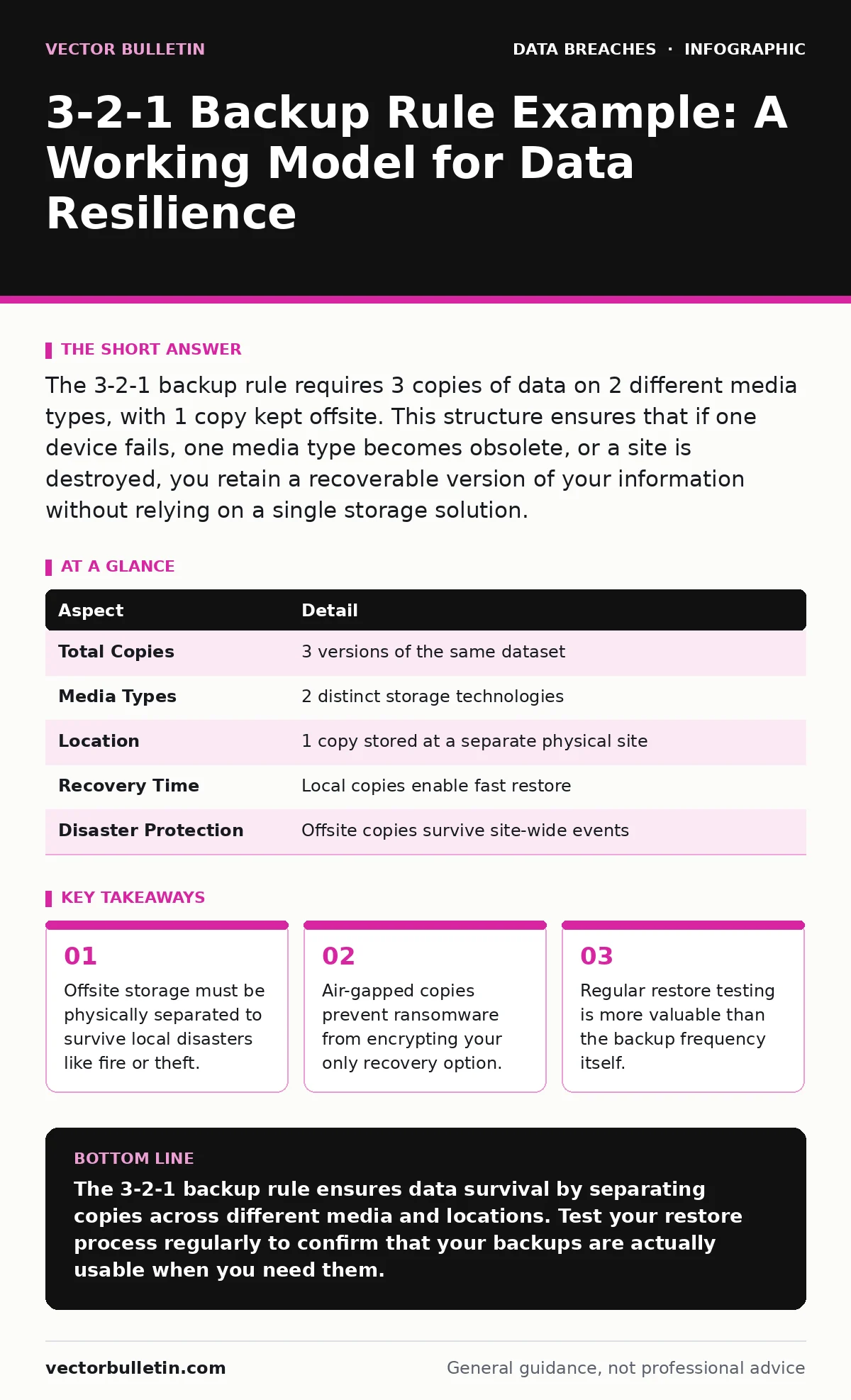
The 3-2-1 backup rule requires 3 copies of data on 2 different media types, with 1 copy kept offsite. This structure ensures that if one device fails, one media type becomes obsolete, or a site is destroyed, you retain a recoverable version of your information without relying on a single storage solution.
The Library Analogy
Imagine you possess a rare manuscript that you cannot afford to lose. You create 3 copies of this manuscript. You store the original and 1 copy in your home library. You store the 2nd copy in a safety deposit box in a different city. This mirrors the logic behind data preservation. The home library represents your primary operational environment. The safety deposit box represents an offsite, isolated storage medium. If your home burns down, the safety deposit box survives. If the bank is robbed, your home library survives. This physical separation is the core mechanism of data resilience.
What Is the 3-2-1 Backup Rule Example?
A practical 3-2-1 backup rule example involves keeping your active files on your workstation, a second copy on a local network attached storage device, and a third copy on cloud storage or an external drive kept at a different physical location. This configuration satisfies the requirement for 3 total copies. It satisfies the requirement for 2 different media types by using internal disk and external or cloud infrastructure. It satisfies the requirement for 1 offsite copy by placing the third copy outside your immediate physical control. This specific arrangement handles hardware failure, accidental deletion, and localized physical damage simultaneously.
How the Mechanism Works
The rule functions by distributing risk across distinct failure domains. The first copy is your working data, which is inherently vulnerable to user error and software corruption. The second copy provides immediate redundancy against hardware failure. If your primary drive dies, the local backup allows instant restoration. The third copy provides protection against catastrophic events that affect the entire site. A fire, flood, or targeted ransomware attack that compromises the local network will not reach the offsite copy. This layered approach ensures that no single event can eliminate all versions of your data.
| Aspect | Detail |
|---|---|
| Total Copies | 3 versions of the same dataset |
| Media Types | 2 distinct storage technologies |
| Location | 1 copy stored at a separate physical site |
| Recovery Time | Local copies enable fast restore |
| Disaster Protection | Offsite copies survive site-wide events |
Who This Affects
Organisations that rely on digital records for continuity are affected by the absence of this rule. Small businesses often store data only on a central server and a local external drive. This setup fails the offsite requirement. Large enterprises often replicate data across multiple cloud regions, which satisfies the rule but adds complexity. Individual users who store photos and documents on a single laptop are at high risk. The rule applies equally to personal archives and corporate databases. The cost of implementation scales with data volume, but the cost of failure remains the same: total data loss.
Common Misconfigurations
Many implementations fail because they misinterpret the definitions of media and location. Some teams consider two hard drives in the same server as 2 different media. This is incorrect. They are the same media type in the same failure domain. Others consider cloud storage in the same region as offsite. If a regional data centre fails, both copies are lost. A true offsite copy must reside in a different geographical area. Another common error is neglecting to test restores. A backup that cannot be restored is not a backup. It is a hope.
See also: How Compliance Audits Actually Work: The Mechanics of Verification · Backup Data Exposure: 7 Mistakes That Leave Your Archives Open
The Hidden Cost of Complexity
Implementing this rule introduces management overhead. You must verify that the offsite copy is current. You must ensure that the media types remain compatible over time. Technology evolves, and older storage formats may become unreadable. This requires periodic migration of data to newer media. You also face the risk of backup data exposure. If your offsite copy is in the cloud, it must be encrypted. If the cloud provider suffers a breach, your encrypted data is safe, but your keys must be protected. Managing encryption keys adds another layer of complexity.
Integration With Broader Security
This rule is part of a wider defence strategy. It does not prevent a breach, but it limits the damage. You must also consider your digital footprint. Reducing unnecessary data reduces the amount you need to back up. You should align this practice with compliance audits. Many regulations require evidence of data retention and recovery capabilities. For sensitive information, consider data masking before sending copies to less secure environments. This ensures that even if the backup is accessed, the data remains unreadable.
Maintenance and Verification
Automation handles the copying, but humans must handle the verification. Schedule regular restore tests. Delete a test file and recover it from the offsite copy. Measure the time it takes to complete the process. If the restore takes longer than your business continuity plan allows, you must optimise the process. Check the integrity of the backups. Corruption can spread silently if not detected early. Use checksums to verify that the copied data matches the source. This step catches silent data corruption that standard backup logs might miss.
Final Considerations
The 3-2-1 backup rule is a baseline, not a ceiling. It provides a robust foundation for data resilience. You should evaluate whether you need more copies or faster recovery times. Some organisations use a 3-2-1-1-0 strategy, adding an immutable copy and zero errors. This adds security against ransomware that targets backups. Evaluate your specific risks. If you face high threat levels, increase the separation and isolation of your copies. Regular review ensures that your strategy remains effective as technology and threats evolve.
Key takeaways
- Offsite storage must be physically separated to survive local disasters like fire or theft.
- Air-gapped copies prevent ransomware from encrypting your only recovery option.
- Regular restore testing is more valuable than the backup frequency itself.
The 3-2-1 backup rule ensures data survival by separating copies across different media and locations. Test your restore process regularly to confirm that your backups are actually usable when you need them.
Frequently asked questions
Can cloud storage count as the offsite copy?
Yes, if the cloud provider stores data in a different geographical region. Ensure the data is encrypted before it leaves your premises.
Does this rule protect against ransomware?
It limits damage by preserving an unencrypted copy. If the ransomware encrypts your local backups, the offsite copy remains clean and restorable.
How often should I test my backups?
Test restores at least quarterly. More frequent testing is better for critical data. Verify that the data is readable and complete.
What if I only have small amounts of data?
The rule still applies. Use a local external drive and a cloud service like a personal storage account. The principle of separation remains valid regardless of volume.
How this guide was produced: written by the Vector Bulletin editorial team with AI assistance, checked against the public references listed below, and reviewed when the facts change. See our editorial policy or report an error.