
How to Clear Your Digital Footprint: A Technical Removal Strategy
Removing data from search engines and social platforms does not erase it from broker databases or dark web repositories, requiring a layered removal strategy.
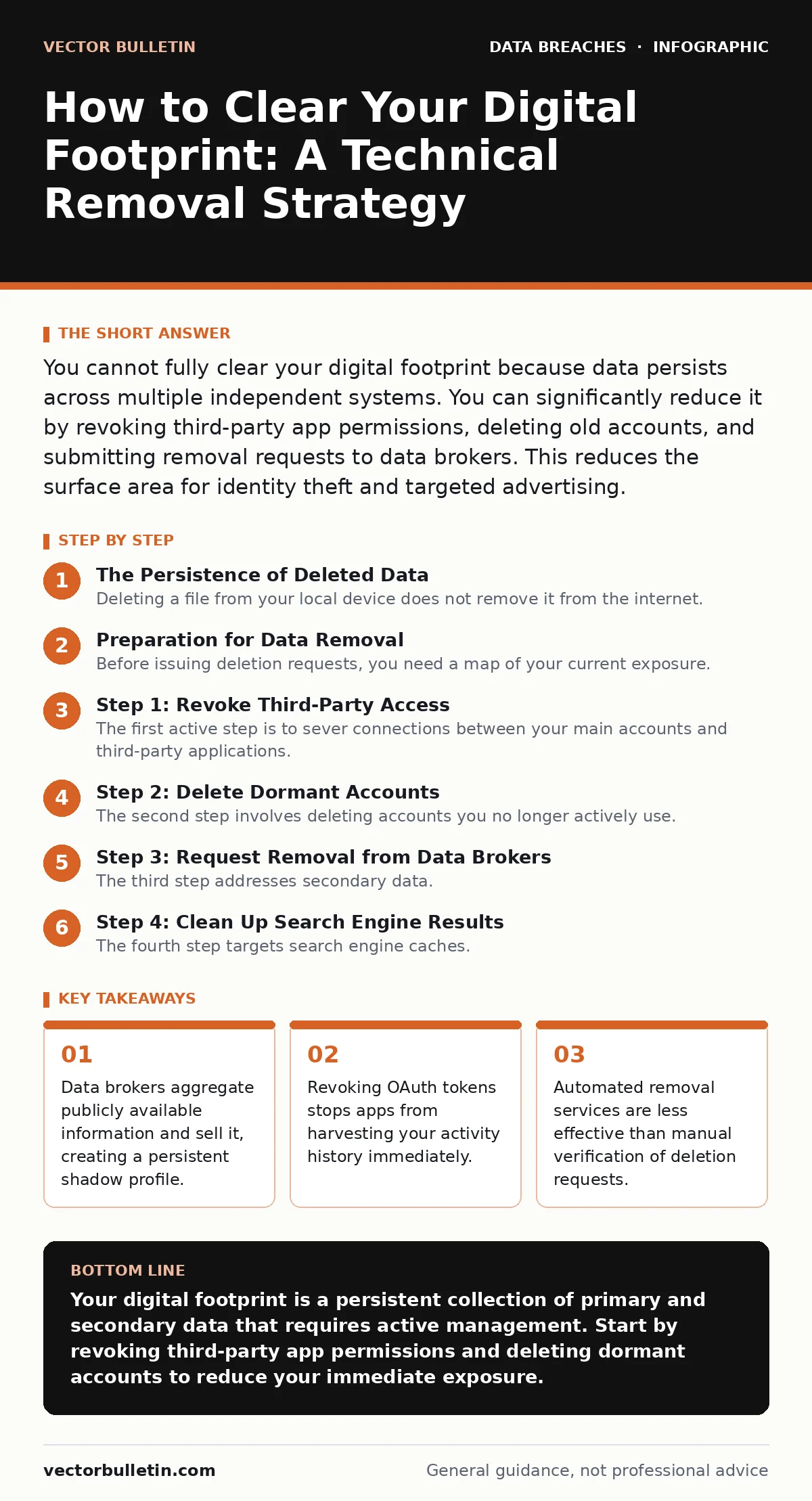
You cannot fully clear your digital footprint because data persists across multiple independent systems. You can significantly reduce it by revoking third-party app permissions, deleting old accounts, and submitting removal requests to data brokers. This reduces the surface area for identity theft and targeted advertising.
The Persistence of Deleted Data
Deleting a file from your local device does not remove it from the internet. Your digital footprint consists of primary data you create and secondary data others generate about you. Primary data includes posts, emails, and uploads. Secondary data includes analytics, metadata, and broker records. Most people focus on primary data, ignoring the secondary layer. This oversight leaves the majority of your footprint intact. Secondary data is harder to control because you do not own the source.
Imagine a photograph you posted five years ago. You delete it from your social media account. The image remains on the server of the hosting provider, cached by search engines, and scraped by data aggregators. The deletion request only removes the link from your profile page. The underlying object often persists. This distinction matters for risk management. You must treat the internet as a distributed ledger where copies propagate faster than deletions.
Preparation for Data Removal
Before issuing deletion requests, you need a map of your current exposure. Start by identifying every online account you have ever created. Use a password manager or a spreadsheet to list services, usernames, and associated email addresses. Check for inactive accounts you no longer use. These dormant accounts are high-risk entry points for account takeover fraud. Attackers target them because security settings are often outdated and two-factor authentication is rarely enabled on old profiles.
Review the privacy settings of your active accounts. Set visibility to private where possible. Disable location tagging and facial recognition features. Check which third-party applications have access to your data via OAuth tokens. These tokens allow apps to read your profile data, post on your behalf, or access your email. Revoking unused tokens is a quick way to stop data leakage without deleting the main account.
Step 1: Revoke Third-Party Access
The first active step is to sever connections between your main accounts and third-party applications. Go to the security or privacy settings of your major email and social media accounts. Look for sections labelled "Connected Apps," "Authorised Applications," or "Third-Party Access." List every application that has permission to read or write data.
Identify apps you do not recognise or no longer use. Click the remove or revoke option for each one. This action invalidates the access token. The third-party app can no longer pull your data from the host platform. It does not delete the data the app already collected. To verify this worked, attempt to log in to the third-party app using the social login button. The system should prompt you to re-authorise or create a new account, confirming the token is gone.
Step 2: Delete Dormant Accounts
The second step involves deleting accounts you no longer actively use. Navigate to the account settings of each service on your inventory list. Search for "Delete Account," "Close Account," or "Deactivate." Many services hide this option deep within settings menus to prevent accidental deletion. Be prepared to navigate through several confirmation screens.
If the service requires a reason for leaving, select a generic option or state "privacy concerns." Some services offer a grace period of 30 days before permanent deletion. Mark this date in your calendar. To verify the deletion, try to log in after the grace period has passed. The system should reject your credentials, stating the account does not exist. If the account remains accessible, contact customer support and request manual deletion, citing relevant data protection regulations.
Step 3: Request Removal from Data Brokers
The third step addresses secondary data. Data brokers collect publicly available information and sell it to marketers and investigators. You must request removal from these databases. Identify major brokers such as Whitepages, Spokeo, and Intelius. Visit their privacy or opt-out pages. Fill out the required forms to request deletion of your record.
This process is manual and repetitive. Each broker has a different procedure. Some require a copy of your driver's license to verify identity. Keep records of your submission dates. To verify removal, search for your name on the broker's site. Your record should disappear within 30 to 90 days. If it reappears, submit another request. This cycle may need repeating. Data masking techniques used by these brokers often fail to obscure identities effectively, so full removal is the only secure option.
See also: Data Subject Access Requests: How to Handle Them Correctly
Step 4: Clean Up Search Engine Results
The fourth step targets search engine caches. Even after deleting content, search engines may index old versions of pages. Use the search engine's removal tool to request deletion of specific URLs. Provide the URL and the reason for removal, such as "data already removed from the source."
Search engines do not host the data but serve links to it. Removing the link reduces visibility. To verify this worked, search for your name in quotes. The specific URL should no longer appear in the top results. New content may fill the gap, improving your overall search presence. This step does not remove the content from the original host, only from the search index.
Verification Checklist
Use this checklist to confirm your removal efforts were successful.
- All third-party app tokens are revoked on major social and email accounts.
- Dormant accounts are deleted and inaccessible after the grace period.
- Data broker records are removed from at least 10 major aggregation sites.
- Specific sensitive URLs are removed from search engine indexes.
- Public profiles are set to private or deleted entirely.
Upkeep and Maintenance
Clearing your digital footprint is not a one-time event. New data is generated every day. You must establish a routine to manage this accumulation. Review connected apps and dormant accounts quarterly. Check for new data broker listings annually. Set up Google Alerts for your name and email address to monitor new public appearances.
Consider using a secondary email address for non-essential sign-ups. This isolates your primary identity from marketing lists and potential breaches. Rotate passwords regularly and ensure unique credentials for each service. This limits the damage if one service suffers a breach. Refer to our guide on mobile device management for securing the endpoints that generate this data.
Long-Term Privacy Strategies
Sustainable privacy requires changing how you interact with services. Read privacy policies before agreeing to terms. Look for sections on data sharing and retention. Avoid services that sell user data to third parties. Choose platforms that offer end-to-end encryption and minimal data collection.
Be cautious with biometric data. Fingerprints and facial recognition data are immutable. If compromised, you cannot change them like a password. Avoid storing biometric data on cloud services unless necessary. Understand the implications of compliance audits for businesses handling personally identifiable information. Even individuals should audit their own data holdings.
FAQ
Q: Can I completely erase my history from the internet?
A: No, it is impossible to guarantee complete erasure. Data may persist in backups, caches, and offline archives. You can significantly reduce your footprint by removing access points and requesting deletions.
Q: How often should I review my digital footprint?
A: Review your footprint every six months. This frequency balances effort with risk. Quarterly reviews are recommended if you frequently sign up for new services or share sensitive information.
Q: Do privacy tools automatically remove my data?
A: Some tools automate removal requests to data brokers, but they are not foolproof. Manual verification is required to ensure deletion. Automated services may miss niche brokers or fail to handle complex opt-out forms correctly.
Q: Is deleting my social media accounts enough?
A: Deleting social media accounts removes primary data but not secondary data. Data brokers and search engines may still host your information. You must also address data aggregators and search engine caches.
Key takeaways
- Data brokers aggregate publicly available information and sell it, creating a persistent shadow profile.
- Revoking OAuth tokens stops apps from harvesting your activity history immediately.
- Automated removal services are less effective than manual verification of deletion requests.
Your digital footprint is a persistent collection of primary and secondary data that requires active management. Start by revoking third-party app permissions and deleting dormant accounts to reduce your immediate exposure.
Frequently asked questions
Can I completely erase my history from the internet?
No, it is impossible to guarantee complete erasure. Data may persist in backups, caches, and offline archives. You can significantly reduce your footprint by removing access points and requesting deletions.
How often should I review my digital footprint?
Review your footprint every six months. This frequency balances effort with risk. Quarterly reviews are recommended if you frequently sign up for new services or share sensitive information.
Do privacy tools automatically remove my data?
Some tools automate removal requests to data brokers, but they are not foolproof. Manual verification is required to ensure deletion. Automated services may miss niche brokers or fail to handle complex opt-out forms correctly.
Is deleting my social media accounts enough?
Deleting social media accounts removes primary data but not secondary data. Data brokers and search engines may still host your information. You must also address data aggregators and search engine caches.
How this guide was produced: written by the Vector Bulletin editorial team with AI assistance, checked against the public references listed below, and reviewed when the facts change. See our editorial policy or report an error.