
Runtime Application Self-Protection (RASP): Implementation Steps and Verification
Runtime application self-protection inspects data at the point of use within the process, bypassing the signature limitations that often blind external network defences.
Implement runtime application self-protection by instrumenting the application process directly to monitor execution flow and data validation. This approach detects logic abuse and obfuscated attacks that perimeter controls miss, providing high-fidelity alerts with minimal false positives when configured correctly in production environments.
Understanding the Instrumentation Model
Runtime application self-protection differs fundamentally from perimeter defences. A web application firewall sits outside the application, inspecting raw HTTP traffic. It cannot see data after decryption, deserialisation or internal processing. Runtime application self-protection injects a monitoring agent into the application process itself. This agent observes the application’s execution context.
It sees the exact data values being used by functions. This visibility allows it to detect attacks that rely on logic abuse rather than known signatures. The agent hooks into the application’s runtime environment to intercept calls before they execute. This provides real-time protection against zero-day exploits that bypass traditional scanning.
Preparing the Application Environment
Successful deployment requires a clear view of the application’s normal behaviour. You must identify the critical entry points where untrusted data enters the system. These include HTTP endpoints, message queue consumers and file upload handlers. Map the data flow from these entry points to sensitive operations. These operations include database queries, command executions and memory allocations.
Document the expected data types and validation rules for each path. This baseline helps distinguish legitimate traffic from malicious activity during the monitoring phase. Prepare a staging environment that mirrors production configuration. Ensure logging mechanisms can capture the detailed telemetry generated by the monitoring agent.
Step 1: Select and Deploy the Agent
Choose a runtime application self-protection solution compatible with your application’s runtime environment. Deploy the monitoring agent into the staging environment. The agent typically attaches to the application process without requiring code changes. Configure the agent to monitor the critical entry points identified in the preparation phase. Enable logging for all intercepted calls and data values. Do not enable blocking mode at this stage. The goal is to observe behaviour without disrupting service. Start the application and generate a baseline of normal traffic. This traffic should include typical user interactions and automated health checks.
Step 2: Analyse Baseline Traffic
Review the logs generated by the monitoring agent during the baseline period. Identify patterns in the data flow and execution paths. Look for any unexpected deviations or errors introduced by the agent itself. Verify that the agent captures the necessary context for each monitored call. This context includes the source of the data, the destination function and the values being processed. Adjust the monitoring configuration to focus on high-risk areas. Reduce noise by excluding low-risk internal calls from monitoring. This refinement ensures that subsequent alerts are meaningful and actionable.
Step 3: Tune Detection Rules
Configure detection rules based on the baseline analysis. Define what constitutes malicious activity for each monitored entry point. For example, set rules to flag SQL injection attempts in database query parameters. Set rules to flag command injection attempts in system call arguments. Use context-aware rules that consider the application’s logic. This reduces false positives compared to generic signature matching. Test these rules against a set of known attack payloads. Verify that legitimate traffic does not trigger alerts. Adjust rule thresholds to balance detection sensitivity with operational stability.
Step 4: Enable Blocking in Staging
Switch the monitoring agent to blocking mode in the staging environment. This allows the agent to terminate malicious requests before they cause harm. Test the blocking behaviour with the same attack payloads used in rule tuning. Verify that legitimate traffic continues to function correctly. Monitor application performance metrics to ensure the agent does not introduce significant latency. Check for any side effects caused by request termination. This step validates that the protection mechanism works as intended without disrupting business operations.
Step 5: Roll Out to Production
Deploy the runtime application self-protection agent to the production environment. Start in monitoring-only mode to avoid immediate disruption. Gradually increase the coverage to include all critical entry points. Monitor the production logs for alerts and performance impact. Compare production behaviour with the staging baseline. Identify any discrepancies caused by differences in traffic volume or patterns. Adjust configuration as needed to maintain stability. Once confident in the agent’s behaviour, enable blocking mode for high-risk rules.
Verification and Upkeep
Regular verification ensures the runtime application self-protection remains effective. Schedule periodic tests using known attack payloads. Verify that the agent detects and blocks these attacks as expected. Review false positive reports to refine detection rules. Update the agent and its rules to address new vulnerability classes. Refer to the National Vulnerability Database for new CVEs relevant to your application stack. Cross-reference these with your application’s dependencies. Ensure the agent is updated to protect against exploits for these vulnerabilities.
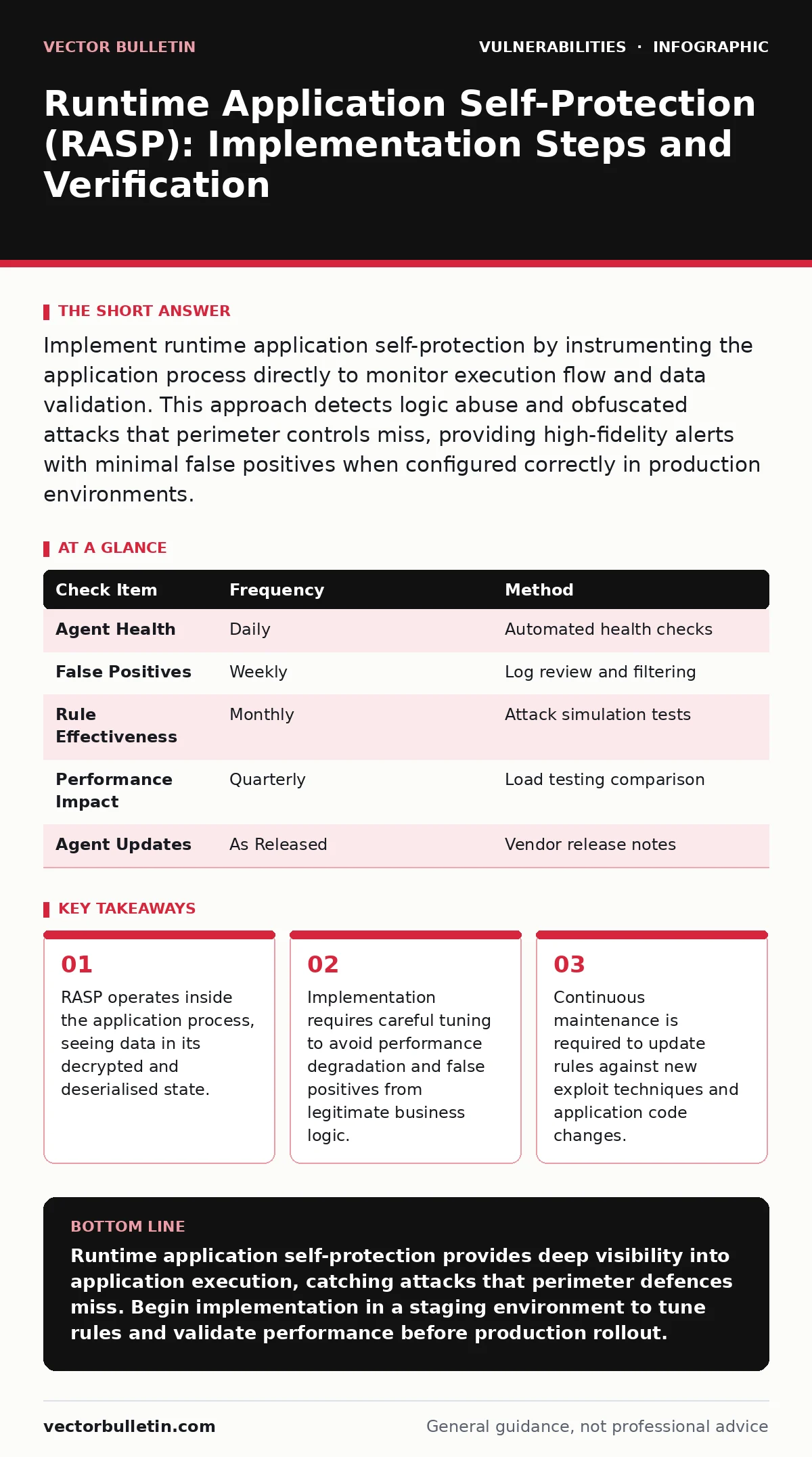
| Check Item | Frequency | Method |
|---|---|---|
| Agent Health | Daily | Automated health checks |
| False Positives | Weekly | Log review and filtering |
| Rule Effectiveness | Monthly | Attack simulation tests |
| Performance Impact | Quarterly | Load testing comparison |
| Agent Updates | As Released | Vendor release notes |
- Verify agent is running on all production instances.
- Confirm no critical alerts were missed in the last period.
- Ensure logging covers all critical entry points.
- Validate that blocking rules match current threat models.
- Test application performance under load with agent active.
Integration with other security tools enhances overall defence. Coordinate with web application firewalls to avoid redundant checks. Use secure code review findings to prioritise monitoring for specific functions. Address JWT vulnerabilities by ensuring token validation is monitored for tampering. Consider sandbox escape vulnerabilities if your application uses isolated execution environments. Monitor for heap overflow vulnerabilities in native code components. Align runtime application self-protection rules with vulnerability severity ratings to focus on high-risk areas. Review security advisories for new exploit techniques.
Managing Operational Overhead
Runtime application self-protection introduces computational overhead. The monitoring agent consumes CPU and memory resources. This overhead can impact application performance, especially under high load. Profile the application with and without the agent to quantify this impact. Optimise monitoring configuration to reduce overhead where possible. Exclude low-risk paths from monitoring. Use sampling techniques for high-volume, low-risk traffic. Ensure the agent’s memory footprint remains within acceptable limits. Monitor for memory leaks in the agent itself. Plan capacity upgrades if performance degradation is unacceptable.
Handling False Positives
False positives remain a challenge for any detection system. Legitimate business logic may mimic attack patterns. For example, a search function might accept special characters that resemble injection payloads. Configure the agent to whitelist known safe patterns. Use context-aware rules to distinguish between malicious and benign usage. Regularly review and update whitelists as the application evolves. Engage developers to clarify the intended behaviour of ambiguous code paths. This collaboration reduces friction between security and development teams.
See also: Penetration Testing: Benefits, Limits, and When to Skip It
Evolving the Protection Strategy
Threats evolve continuously, requiring adaptive defence strategies. Monitor emerging attack techniques and update rules accordingly. Participate in security communities to share and learn from peers. Evaluate new runtime application self-protection features regularly. Consider integrating with threat intelligence feeds for automated rule updates. Reassess the monitoring scope as the application grows. Add new entry points and sensitive operations to the monitoring configuration. Remove outdated rules that no longer apply. This continuous improvement process ensures long-term effectiveness.
Key takeaways
- RASP operates inside the application process, seeing data in its decrypted and deserialised state.
- Implementation requires careful tuning to avoid performance degradation and false positives from legitimate business logic.
- Continuous maintenance is required to update rules against new exploit techniques and application code changes.
Runtime application self-protection provides deep visibility into application execution, catching attacks that perimeter defences miss. Begin implementation in a staging environment to tune rules and validate performance before production rollout.
Frequently asked questions
Does runtime application self-protection replace a web application firewall?
No, it complements it. A web application firewall filters network traffic, while runtime application self-protection inspects data inside the application process. Both are needed for layered defence.
How much performance impact does runtime application self-protection cause?
Impact varies by implementation and configuration. Typical overhead ranges from minimal to moderate. Proper tuning and excluding low-risk paths can mitigate most performance issues.
Can runtime application self-protection detect zero-day exploits?
Yes, by monitoring execution behaviour and data validation, it can detect novel attacks that do not match known signatures. This makes it effective against zero-day vulnerabilities.
Is runtime application self-protection suitable for legacy applications?
It can be, depending on the runtime environment. Some legacy systems may not support modern instrumentation techniques. Evaluate compatibility and potential risks before deployment.
How this guide was produced: written by the Vector Bulletin editorial team with AI assistance, checked against the public references listed below, and reviewed when the facts change. See our editorial policy or report an error.