
Ivanti VPN Vulnerabilities: 7 Configuration Mistakes That Expose Networks
Misconfigurations in certificate validation and session handling often bypass vendor patches, leaving infrastructure exposed to lateral movement attacks.
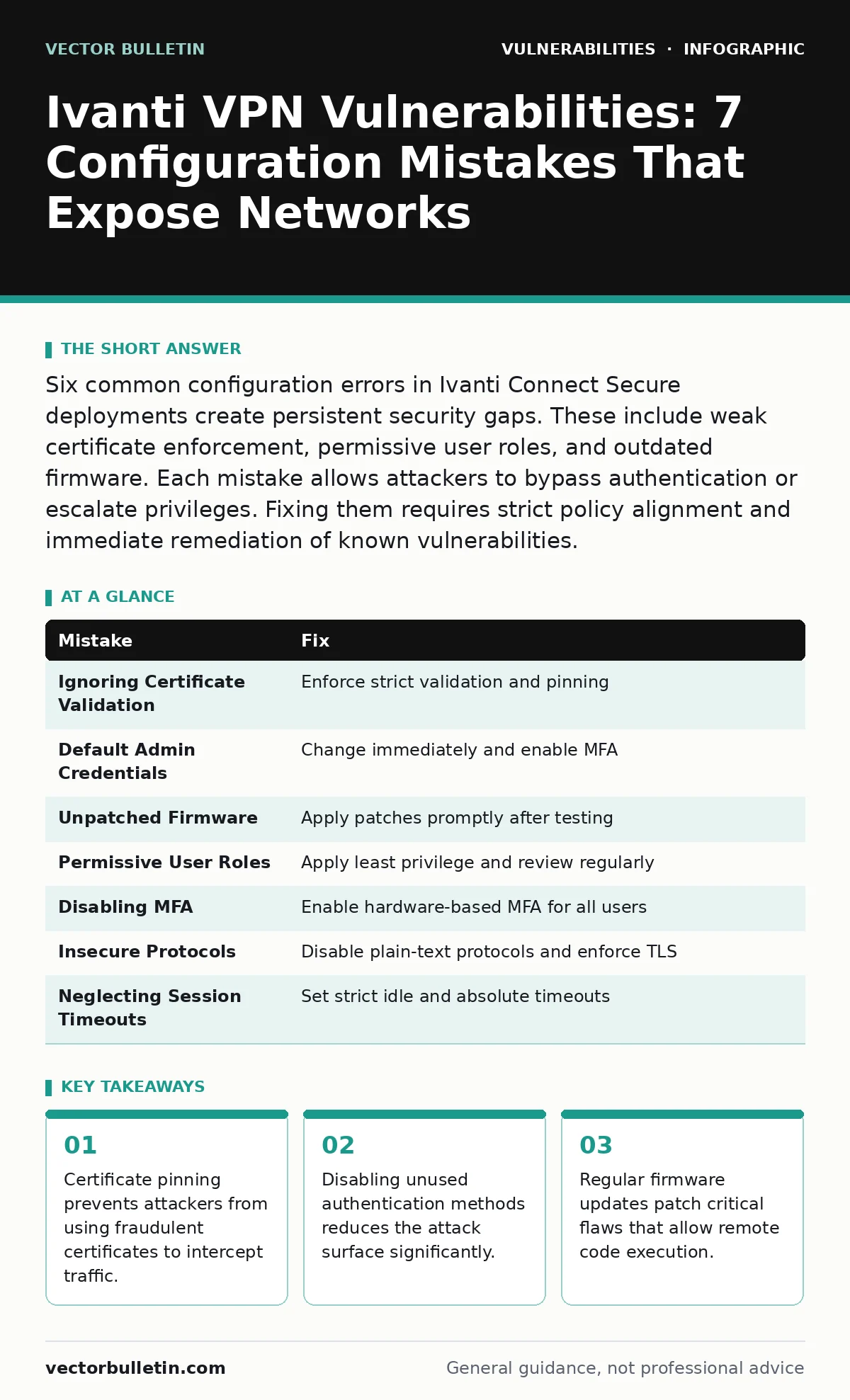
Six common configuration errors in Ivanti Connect Secure deployments create persistent security gaps. These include weak certificate enforcement, permissive user roles, and outdated firmware. Each mistake allows attackers to bypass authentication or escalate privileges. Fixing them requires strict policy alignment and immediate remediation of known vulnerabilities.
Mistake 1: Ignoring Certificate Validation Policies
Why it hurts: Ivanti Connect Secure relies on SSL/TLS certificates to establish trust between the client and the server. If certificate validation is disabled or set to ignore errors, an attacker can perform a man-in-the-middle attack. They present a self-signed or fraudulent certificate, and the client accepts it without warning. This breaks the encryption channel, allowing the attacker to capture credentials and session tokens in plain text. The consequence is total compromise of user identity and access rights.
The fix: Enforce strict certificate validation on both the server and client sides. Configure the system to reject connections if the certificate chain is incomplete, expired, or signed by an untrusted authority. Use certificate pinning where possible to bind the client to a specific public key. This ensures that even if an attacker obtains a valid certificate from a compromised Certificate Authority, the connection will fail.
Mistake 2: Using Default Administrative Credentials
Why it hurts: Default credentials are publicly documented and widely automated by threat actors. Leaving the default administrative username and password active provides immediate root-level access to the VPN appliance. Attackers use simple scripts to scan for these defaults across the internet. Once inside, they can modify firewall rules, install backdoors, or exfiltrate data. The consequence is instant control over the network perimeter, bypassing all other security controls.
The fix: Change default credentials immediately upon installation. Use complex, unique passwords for administrative accounts. Enable multi-factor authentication for all administrative access paths. Regularly rotate passwords and audit login attempts for anomalies. Ensure that no documentation or backup files contain these credentials in plain text.
Mistake 3: Leaving Unpatched Firmware in Production
Why it hurts: Vendor patches address known vulnerabilities, including those that allow remote code execution or authentication bypass. Running outdated firmware leaves these flaws exposed. Attackers exploit these known weaknesses using publicly available exploit code. The consequence is that the system becomes a reliable entry point for attackers, regardless of other security measures. Unpatched systems also fail to support modern security protocols, weakening overall encryption.
The fix: Maintain a rigorous patch management process. Test updates in a staging environment before deploying to production to avoid compatibility issues. Apply security patches as soon as they are verified stable. Automate the detection of missing patches using inventory tools. Reference guides on vulnerability disclosure policies to understand the timeline for patch release and prioritisation.
Mistake 4: Overly Permissive User Role Assignments
Why it hurts: Assigning users more privileges than necessary violates the principle of least privilege. If a user account is compromised, the attacker gains access to all resources that role allows. This includes administrative functions, network configuration, and sensitive data repositories. The consequence is lateral movement within the network. Attackers pivot from the VPN appliance to internal servers, escalating their access and persistence.
The fix: Define strict role-based access controls. Assign users only the permissions required for their specific job functions. Regularly review and prune user permissions. Disable accounts that are no longer active. Implement separation of duties so that no single user has full administrative control. This limits the blast radius of any single account compromise.
Mistake 5: Disabling Multi-Factor Authentication for Convenience
Why it hurts: Multi-factor authentication adds a layer of security beyond passwords. Disabling it for convenience or legacy application compatibility removes this critical barrier. Attackers can use stolen credentials to gain access without triggering additional verification steps. The consequence is that credential stuffing and phishing attacks become highly effective. This exposes the network to unauthorised access even if passwords are strong.
The fix: Enable multi-factor authentication for all users, including administrators. Use hardware tokens or authenticator apps rather than SMS where possible, as SMS is vulnerable to interception. Configure exceptions only for specific, low-risk scenarios and document them clearly. Monitor for failed MFA attempts as an indicator of compromise.
Mistake 6: Allowing Insecure Authentication Protocols
Why it hurts: Older authentication protocols such as LDAP over non-encrypted channels or basic HTTP authentication transmit credentials in plain text. Attackers can intercept these transmissions on the network. The consequence is direct capture of usernames and passwords. This allows attackers to authenticate as legitimate users without needing to crack hashes. It also exposes the system to replay attacks, where captured credentials are reused.
The fix: Disable all insecure authentication protocols. Enforce TLS for all LDAP and RADIUS communications. Use SAML or OAuth2 for modern identity federation. Ensure that all communication between the VPN appliance and identity providers is encrypted. Regularly audit protocol configurations to prevent drift. This aligns with best practices for secure code review in authentication modules.
Mistake 7: Neglecting Session Timeout and Inactivity Policies
Why it hurts: Long-lived sessions increase the window of opportunity for attackers. If a session remains active indefinitely after a user disconnects or goes idle, an attacker who gains physical or logical access to the device can hijack the session. The consequence is unauthorised access without triggering new authentication events. This makes detection difficult, as the activity appears to come from a legitimate, authenticated user.
The fix: Configure strict session timeout policies. Set short idle timeouts to terminate sessions that are inactive for a brief period. Enforce absolute session limits to force re-authentication after a set duration. Ensure that session tokens are securely deleted upon logout. This reduces the risk of session hijacking and limits the duration of any unauthorised access.
| Mistake | Fix |
|---|---|
| Ignoring Certificate Validation | Enforce strict validation and pinning |
| Default Admin Credentials | Change immediately and enable MFA |
| Unpatched Firmware | Apply patches promptly after testing |
| Permissive User Roles | Apply least privilege and review regularly |
| Disabling MFA | Enable hardware-based MFA for all users |
| Insecure Protocols | Disable plain-text protocols and enforce TLS |
| Neglecting Session Timeouts | Set strict idle and absolute timeouts |
Key takeaways
- Certificate pinning prevents attackers from using fraudulent certificates to intercept traffic.
- Disabling unused authentication methods reduces the attack surface significantly.
- Regular firmware updates patch critical flaws that allow remote code execution.
Frequently asked questions
How do I know if my Ivanti VPN is vulnerable?
Check the firmware version against the vendor's advisory list. Look for known CVEs and apply patches immediately. Audit configuration settings for common misconfigurations.
Can a firewall prevent Ivanti VPN exploits?
Firewalls can block external access to the VPN appliance, reducing exposure. They do not fix internal vulnerabilities or misconfigurations. Internal threats remain a risk.
What is the impact of a compromised VPN appliance?
A compromised appliance provides direct access to the internal network. Attackers can move laterally, exfiltrate data, and install persistent malware. Recovery can be complex and costly.
How often should I review VPN configurations?
Review configurations quarterly or after any significant change. Automate checks where possible to ensure continuous compliance with security policies. BOTTOM LINE: Configuration errors often bypass vendor security updates, leaving networks exposed to direct attacks. Audit your setup regularly and apply strict least-privilege controls to mitigate risk.
How this guide was produced: written by the Vector Bulletin editorial team with AI assistance, checked against the public references listed below, and reviewed when the facts change. See our editorial policy or report an error.