
Using MITRE ATT&CK Navigator for Small Business Security
The ATT&CK Navigator shifts security from vague compliance checklists to specific adversary tactics, allowing small teams to prioritise controls that actually stop attackers.
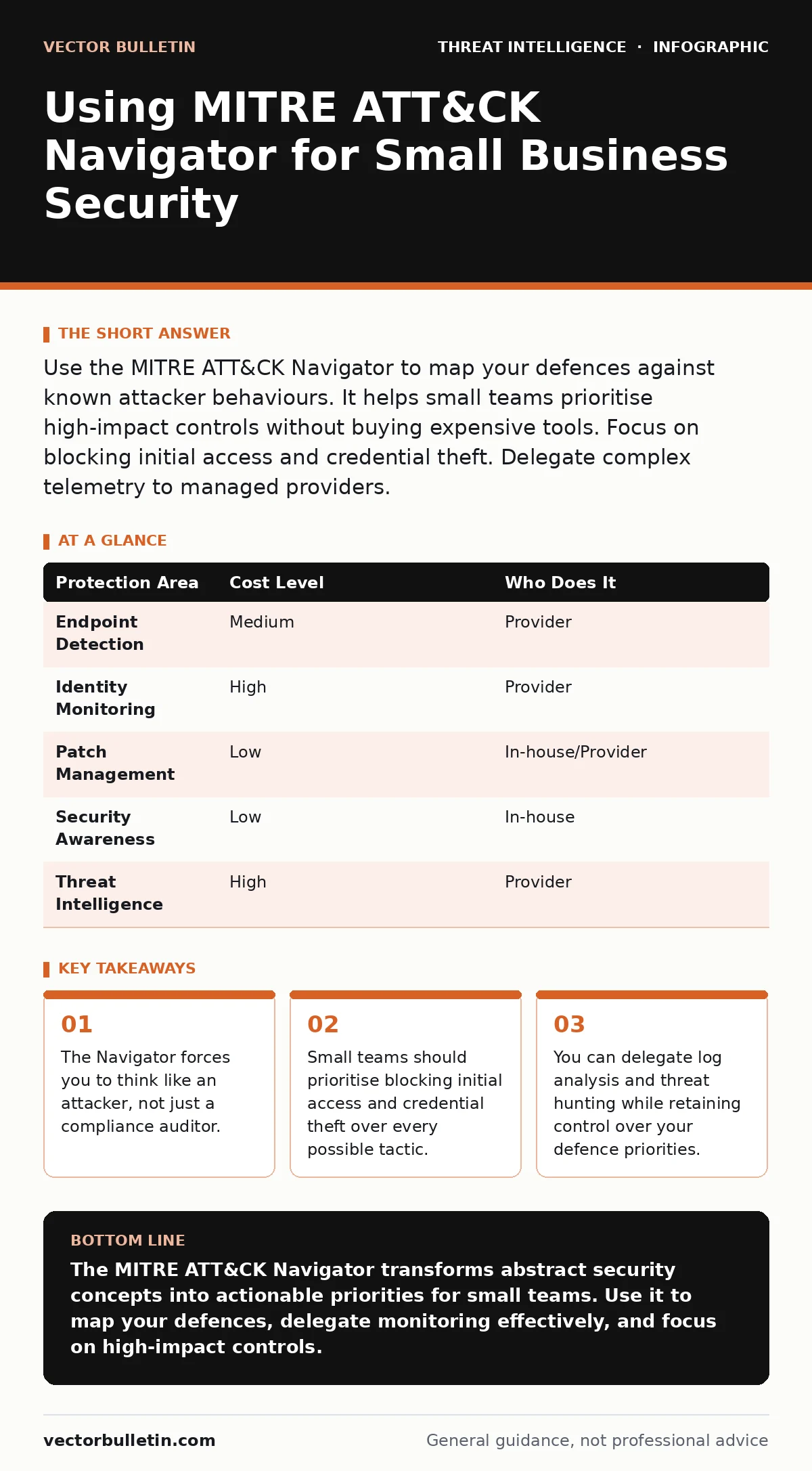
Use the MITRE ATT&CK Navigator to map your defences against known attacker behaviours. It helps small teams prioritise high-impact controls without buying expensive tools. Focus on blocking initial access and credential theft. Delegate complex telemetry to managed providers.
Moving Beyond Compliance Checklists
Most small organisations treat security as a box-ticking exercise. They install an endpoint detection and response platform because a vendor recommended it. They configure firewall rules because a checklist demands it. This approach assumes that defending against all threats is possible and affordable. It is not. Attackers exploit gaps between your controls. The MITRE ATT&CK framework catalogues these tactics, techniques and procedures. It is a global knowledge base of adversary behaviour. The Navigator is a visual tool that lets you map your current defences against this matrix. It reveals where you are blind.
Compliance standards tell you what to have. They do not tell you what to watch for. A firewall is a compliance item. Monitoring for unusual outbound traffic from a workstation is a defence against specific attacker behaviour. The Navigator bridges this gap. It forces you to identify which adversary actions matter most to your specific environment. For a small business, this means ignoring the tactics that target industrial control systems or large-scale cloud infrastructure. It means focusing on the paths attackers take to reach your data.
Prioritising Defences for Limited Resources
You cannot defend against every technique in the ATT&CK matrix. Doing so would require resources you do not have. The Navigator allows you to colour-code techniques based on your coverage. Green might mean you have a control in place. Red means you are vulnerable. The goal is not to turn everything green. The goal is to ensure your red areas are low-risk or accepted risks. For a small team, this prioritisation is the primary value of the tool. It prevents you from wasting effort on low-probability threats.
Consider the cost of defending against initial access versus post-exploitation. Blocking phishing emails is difficult but reduces the attack surface significantly. If an attacker bypasses your email filter, defending against credential theft becomes critical. This is where identity protection matters more than network segmentation. You must decide where to invest your limited budget. The Navigator makes these trade-offs visible. It shows you that a gap in monitoring for lateral movement is more dangerous than a lack of protection against rare malware families.
Affordable Implementation Strategies
You do not need expensive software to use the Navigator. The standard version is free and web-based. You can create layers that represent your current security posture. These layers can be exported and shared with your team. This visualisation is often enough to start improving your defences. Many small businesses assume they need a security operations centre to use ATT&CK. They do not. You need a clear understanding of your critical assets and the threats they face.
Start by mapping your existing controls. If you have multi-factor authentication, you mitigate several credential access techniques. Mark those as covered. If you have full disk encryption, you mitigate some data exfiltration risks. Mark those as covered. This exercise often reveals that you are further along than you thought. It also reveals surprising gaps. You might find that you have no visibility into administrative accounts. This is a high-risk area that is cheap to address with basic logging and monitoring.
What to Delegate to Providers
You do not need to perform every security task in-house. Some tasks are inherently labour-intensive. Log analysis is one of them. Collecting logs is cheap. Reading them is expensive. You can delegate the monitoring of your ATT&CK-mapped controls to a managed security service provider. This is where log management becomes a service rather than a product you own. The provider watches for the indicators of compromise you have identified. You retain control over the strategy.
When delegating, ensure the provider understands your Navigator layer. They should not just look for generic malware hashes. They should look for the specific behaviours you have identified as high-risk. For example, if you have marked the use of WMI (Windows Management Instrumentation) for lateral movement as a priority, the provider must alert on unusual WMI activity. This requires clear communication. You must define what "normal" looks like in your environment. Without this context, the provider will either miss the attack or flood you with false positives.
Evaluating Your IT Partner
Not all IT providers understand tactical defence. Many still operate on a break-fix model. You need a partner who can speak the language of adversary behaviour. This requires specific questions during your vendor evaluation. Do not ask if they offer "security services". Ask how they map their monitoring to the ATT&CK framework. This reveals whether they think in terms of threats or just tools.
| Protection Area | Cost Level | Who Does It |
|---|---|---|
| Endpoint Detection | Medium | Provider |
| Identity Monitoring | High | Provider |
| Patch Management | Low | In-house/Provider |
| Security Awareness | Low | In-house |
| Threat Intelligence | High | Provider |
This table illustrates a typical split. You keep patch management and awareness training in-house because they are administrative. You delegate detection and identity monitoring because they require 24/7 expertise. The cost levels are relative. Identity monitoring is expensive because it requires sophisticated correlation engines. But it is cheaper than a breach. Use this structure to negotiate with your provider. Make them justify their approach against your Navigator layer.
See also: Malware Analysis Explained: How to Dissect Threats Safely · Hybrid Cyber Warfare: What Small Businesses Must Know
Integrating Open Source Intelligence
You do not need paid intelligence feeds to stay informed. Open-source intelligence (OSINT) provides a wealth of data on current attacker tactics. You can use free resources to update your Navigator layer regularly. If you see a new technique being used against your industry, add it to your map. This keeps your defences relevant. It also helps you validate that your provider is monitoring for emerging threats.
Consider the role of ISACs (Information Sharing and Analysis Centers). These are industry-specific groups that share threat data. Joining one gives you access to tactical indicators that are highly relevant to your sector. For example, a healthcare ISAC will share information on ransomware tactics targeting medical devices. A financial ISAC will share data on credential harvesting campaigns. This information allows you to refine your Navigator layer. It moves your defence from generic to specific.
Sustaining the Programme Over Time
The MITRE ATT&CK framework is updated regularly. New techniques are added as attackers evolve. Your Navigator layer must be reviewed at least quarterly. This is not a one-time project. It is an ongoing discipline. Each review should include a test of your assumptions. Are the techniques you marked as low-risk still low-risk? Have new tactics emerged that target your specific technology stack?
You should also review your provider’s performance against your layer. Are they detecting the behaviours you prioritised? If not, adjust your monitoring rules or change providers. This feedback loop is what makes the programme effective. It ensures that your security investments are aligned with actual risk. It also provides a clear metric for improvement. You can track the reduction of red areas over time. This demonstrates the value of your security programme to stakeholders.
Key takeaways
- The Navigator forces you to think like an attacker, not just a compliance auditor.
- Small teams should prioritise blocking initial access and credential theft over every possible tactic.
- You can delegate log analysis and threat hunting while retaining control over your defence priorities.
The MITRE ATT&CK Navigator transforms abstract security concepts into actionable priorities for small teams. Use it to map your defences, delegate monitoring effectively, and focus on high-impact controls.
Frequently asked questions
Do I need to use ATT&CK for compliance?
No, ATT&CK is not a compliance standard. However, mapping your defences to ATT&CK often helps you meet the technical requirements of standards like ISO 27001 or SOC 2 by proving you understand specific risks.
Can I use the Navigator if I have no security staff?
Yes. The Navigator is a planning tool. You can use it to define what you need from an IT provider. It helps you ask better questions and evaluate their coverage.
How often should I update my Navigator layer?
Update it whenever you change your infrastructure or when new significant threats emerge in your industry. Quarterly reviews are a good baseline for most small businesses.
Is the MITRE ATT&CK framework free?
Yes, the framework and the Navigator tool are free to use. MITRE makes this available to all organisations regardless of size.
How this guide was produced: written by the Vector Bulletin editorial team with AI assistance, checked against the public references listed below, and reviewed when the facts change. See our editorial policy or report an error.