
Exposed .git Directory Response and Recovery Steps
Publicly accessible .git folders allow attackers to reconstruct your entire source code history, including credentials and deployment scripts that were never meant for public consumption.
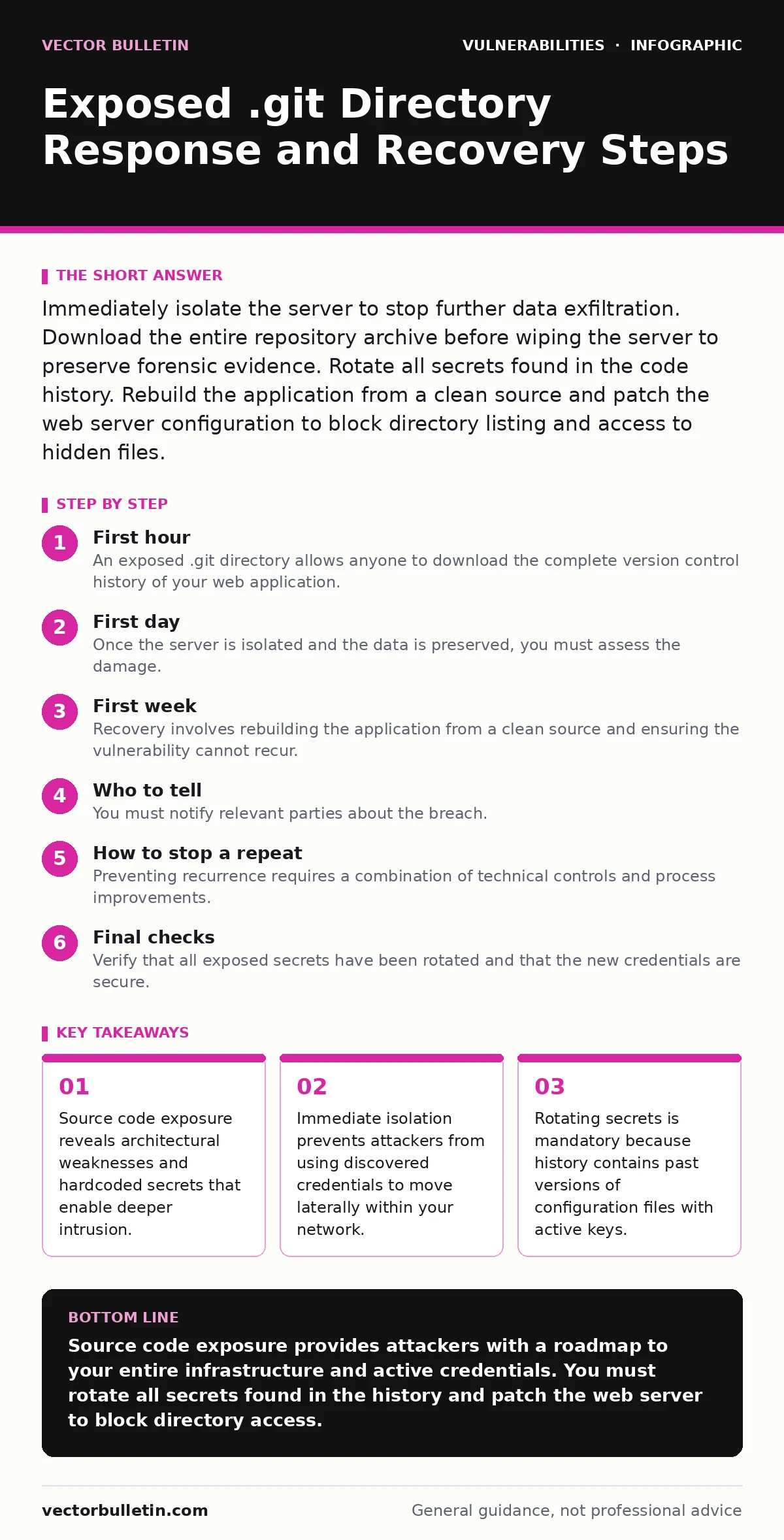
Immediately isolate the server to stop further data exfiltration. Download the entire repository archive before wiping the server to preserve forensic evidence. Rotate all secrets found in the code history. Rebuild the application from a clean source and patch the web server configuration to block directory listing and access to hidden files.
First hour
An exposed .git directory allows anyone to download the complete version control history of your web application. This is not merely a disclosure of current files. Attackers use tools to reconstruct the entire repository, including deleted branches and previous commits. They gain access to database credentials, API keys, and internal IP addresses stored in configuration files. The immediate threat is not just data theft but full system compromise.
- Isolate the affected server from the network immediately.
- Preserve the current state of the server for forensic analysis.
- Download the full repository archive before any changes are made.
- Identify all secrets and credentials present in the code history.
- Begin rotating all exposed authentication tokens and passwords.
The first action must be containment. You must stop the bleeding by cutting off external access to the compromised server. Keep the server running to maintain the current state of memory and disk, but block all incoming traffic. If you shut down the server, you lose volatile data that may indicate active attacker sessions. If you delete the directory, you lose the ability to verify which secrets were exposed.
Download the repository using a standard git clone command or a dedicated extraction tool. This creates a local copy of the entire history. You will need this copy to audit every commit for sensitive information. Do not rely on the current production code. The most damaging secrets often reside in older commits where developers accidentally included configuration files before moving them to a secure vault.
First day
Once the server is isolated and the data is preserved, you must assess the damage. The local copy of the repository allows you to search for sensitive patterns. Look for database passwords, AWS access keys, private SSH keys, and internal API endpoints. You must assume that every secret found in the history is compromised. Attackers have automated tools to parse git histories and extract these values rapidly.
Rotate all credentials identified in the code history. This includes database passwords, third-party API keys, and internal service tokens. You must also rotate any keys that were used in previous versions of the application. Even if a key was removed in a recent commit, it remained active until that point. An attacker who downloaded the history earlier may still possess valid credentials.
Audit the application code for hardcoded secrets. This is a common failure point in software development. Developers often embed credentials directly into source files for convenience during testing. These secrets persist in the git history even if moved to environment variables later. You must scrub these values from the code and replace them with references to a secure secrets management system.
Review the server logs to determine when the exposure began. This helps you identify if attackers accessed the directory before you isolated the server. Look for unusual download patterns or requests for specific configuration files. This information is critical for understanding the scope of the breach and determining if further lateral movement occurred within your network.
First week
Recovery involves rebuilding the application from a clean source and ensuring the vulnerability cannot recur. You must patch the web server configuration to prevent directory listing and block access to hidden files. This is a standard security hardening measure that protects against similar exposures. Ensure that your web server returns a 403 Forbidden response for any requests to .git or other hidden directories.
Rebuild the application using a clean copy of the source code. Do not use the compromised server image. Start with a fresh operating system image and deploy the application from scratch. This ensures that no backdoors or malicious modifications introduced by the attacker remain on the system. Verify the integrity of the deployed application against the known good source code.
Implement automated scanning for exposed version control directories. This should be part of your regular security monitoring. Use tools that crawl your public-facing endpoints and check for common vulnerable paths. This helps you detect misconfigurations before attackers do. Integrate this scanning into your continuous integration and deployment pipeline.
Review your development practices to prevent future exposure. Ensure that sensitive data is never committed to the repository. Use environment variables or a dedicated secrets management service for configuration data. Train developers on the risks of committing sensitive information and the importance of using pre-commit hooks to catch errors before they reach the repository.
Who to tell
You must notify relevant parties about the breach. This includes your internal security team, development team, and management. Provide a clear summary of what was exposed, when it was discovered, and what steps have been taken to contain the breach. Transparency is critical for effective incident response and regulatory compliance.
If customer data or third-party secrets were exposed, you may need to notify those parties. Check your legal and regulatory obligations. Some jurisdictions require notification of data breaches within a specific timeframe. Failure to notify can result in significant fines and reputational damage. Consult with your legal team to determine the exact requirements.
Document the incident thoroughly. Record all actions taken, timestamps, and decisions made. This documentation is essential for post-incident review and for demonstrating due diligence in case of legal inquiries. It also helps improve your incident response procedures for future events.
How to stop a repeat
Preventing recurrence requires a combination of technical controls and process improvements. Ensure that your web servers are configured to block access to hidden files and directories. This is a basic security measure that should be part of your standard server hardening checklist. Regularly audit your server configurations to ensure they remain secure.
Implement automated security scanning in your development pipeline. This includes static code analysis, dependency scanning, and configuration checks. These tools help identify vulnerabilities and misconfigurations before they reach production. Integrate these scans into your continuous integration process to ensure that every change is checked for security issues.
Review your vulnerability disclosure policies to ensure that external researchers can report exposures safely. This allows you to learn about vulnerabilities before attackers exploit them. A clear and responsive disclosure policy encourages responsible reporting and helps you patch issues quickly.
Consider using a web application firewalls to add an additional layer of protection. These devices can block requests to known vulnerable paths and protect against common web attacks. While not a substitute for proper server configuration, they provide an extra layer of defense against misconfigurations.
Maintain an accurate IT asset inventory to ensure that all servers and applications are monitored and secured. Unknown or forgotten servers are often the source of security breaches. Regularly audit your infrastructure to identify and decommission unused assets. This reduces your attack surface and makes it easier to manage security configurations.
Conduct regular penetration testing to identify vulnerabilities in your applications and infrastructure. These tests simulate real-world attacks and help you identify weaknesses before attackers do. Use the findings to improve your security controls and patch vulnerabilities. Regular testing ensures that your defenses remain effective against evolving threats.
Perform a secure code review for critical components of your application. This involves manually inspecting the code for security vulnerabilities and best practices. Automated tools can miss complex logic errors and subtle vulnerabilities. A thorough code review helps ensure that your application is secure and resilient against attacks.
Be aware of speculative execution vulnerabilities that may affect your servers. These hardware-level vulnerabilities can allow attackers to extract sensitive data from memory. Ensure that your servers are patched and configured to mitigate these risks. Regularly update your operating system and firmware to protect against known vulnerabilities.
Monitor for Rowhammer attacks that may target your memory systems. These attacks exploit physical properties of memory cells to flip bits and gain unauthorized access. While less common, they pose a significant risk to data integrity. Ensure that your hardware and firmware are updated to mitigate these risks.
Check the National Vulnerability Database for known vulnerabilities in your software and dependencies. Regularly update your systems to patch these vulnerabilities. This helps protect against known exploits and reduces your risk of compromise. Automated patch management can help ensure that your systems remain up to date.
See also: What Is the Cyber Kill Chain: A Structural Breakdown of Attack Phases
Final checks
Verify that all exposed secrets have been rotated and that the new credentials are secure. Ensure that the old credentials are no longer valid and cannot be used to access your systems. Test the new credentials to confirm that they work correctly and that the application functions as expected.
Confirm that the web server configuration blocks access to hidden files and directories. Test this by attempting to access the .git directory from an external location. Ensure that the server returns a 403 Forbidden response. This confirms that the vulnerability has been patched and that similar exposures are prevented.
Review the incident response process to identify areas for improvement. Document any lessons learned and update your procedures accordingly. This helps ensure that your team is better prepared for future incidents. Regular review and improvement of your incident response process is critical for maintaining security.
Key takeaways
- Source code exposure reveals architectural weaknesses and hardcoded secrets that enable deeper intrusion.
- Immediate isolation prevents attackers from using discovered credentials to move laterally within your network.
- Rotating secrets is mandatory because history contains past versions of configuration files with active keys.
Source code exposure provides attackers with a roadmap to your entire infrastructure and active credentials. You must rotate all secrets found in the history and patch the web server to block directory access.
Frequently asked questions
Can I just delete the .git directory to fix the exposure?
No, deleting the directory does not remove the code from the attacker's possession. You must rotate all secrets and patch the server configuration to prevent future access.
How do I know if an attacker has used the exposed credentials?
Review server logs for unusual activity and monitor for unauthorized access attempts. Assume all exposed credentials are compromised and rotate them immediately.
Should I notify customers if internal code was exposed?
Only if customer data or third-party secrets were included in the exposed code. Consult legal counsel to determine your notification obligations based on local regulations.
What is the best way to prevent .git exposure in the future?
Configure web servers to block access to hidden files and directories. Implement automated scanning to detect misconfigurations and use pre-commit hooks to prevent secret leakage.
How this guide was produced: written by the Vector Bulletin editorial team with AI assistance, checked against the public references listed below, and reviewed when the facts change. See our editorial policy or report an error.