
Prompt injection recovery in AI desktop apps: containment steps
Desktop AI applications execute local code through hidden instruction channels that require strict process isolation to reverse.
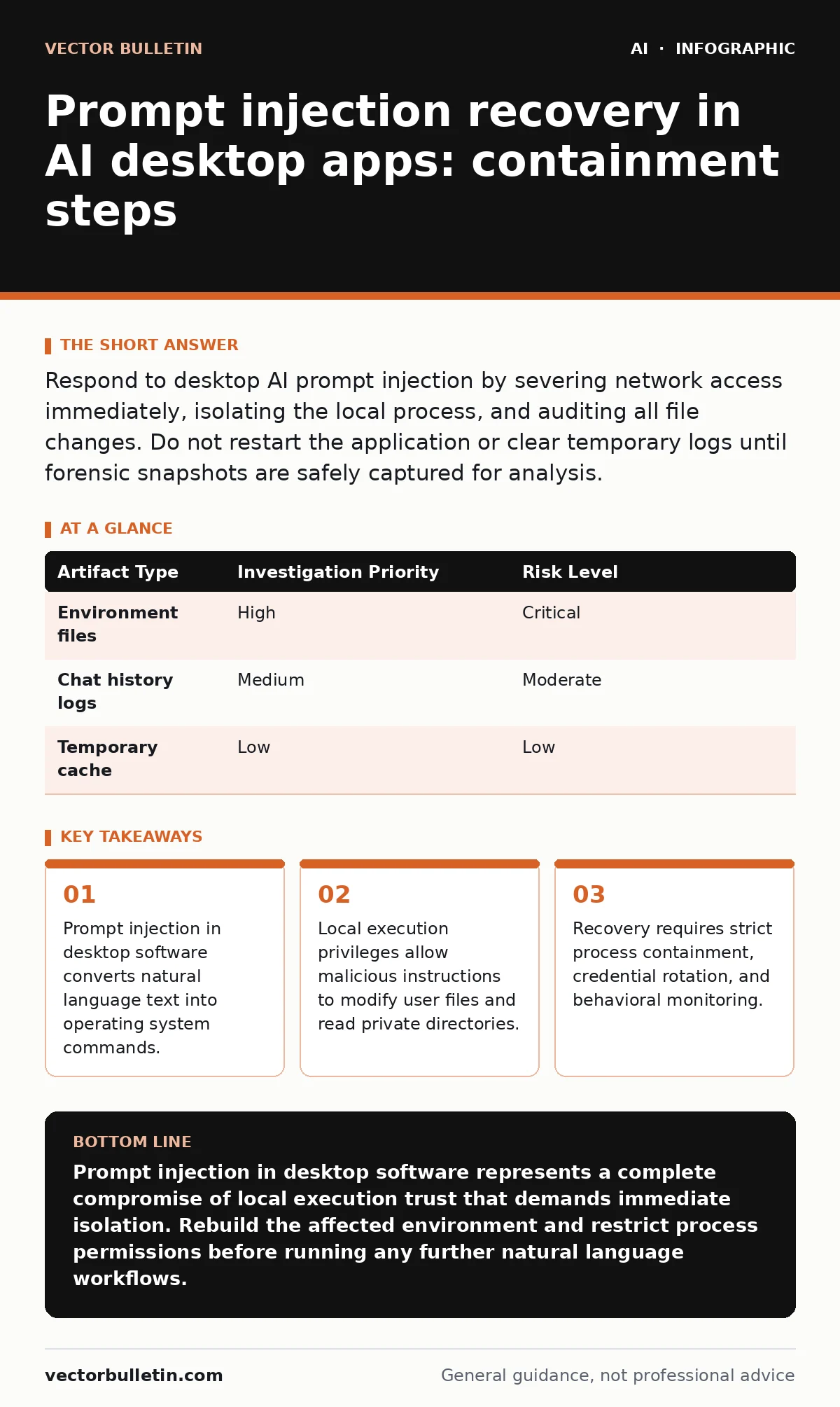
Respond to desktop AI prompt injection by severing network access immediately, isolating the local process, and auditing all file changes. Do not restart the application or clear temporary logs until forensic snapshots are safely captured for analysis.
First hour
Prompt injection recovery begins by severing network connectivity on the affected machine to halt active data exfiltration. Desktop AI applications often hold broader operating system privileges than browser-based tools, meaning an injected prompt can trigger unauthorized file reads or outbound network requests. 3 immediate actions stop active bleeding: disconnect physical and wireless network cables, terminate the offending application process entirely, and preserve local memory states without rebooting the system.
- Sever all network interfaces immediately
- Terminate the desktop AI process tree
- Export volatile memory contents for analysis
- Preserve application cache and configuration files
First day
System containment requires mapping the blast radius across local directories and connected cloud services. Desktop AI assistants frequently integrate with local file systems and developer tools, creating pathways for malicious payloads to traverse local storage. 2 checks determine the extent of the compromise: inspect file modification timestamps matching the exact time of the injection, and review API keys stored in local environment variables that the application might have accessed.
| Artifact Type | Investigation Priority | Risk Level |
|---|---|---|
| Environment files | High | Critical |
| Chat history logs | Medium | Moderate |
| Temporary cache | Low | Low |
Credential rotation must happen across every service the desktop application could reach. Generative AI tools often maintain cached authentication tokens for code repositories, local databases, and enterprise identity providers. Revoking these tokens stops secondary lateral movement even if the primary desktop process remains partially altered.
First week
System recovery involves rebuilding the trust boundary between the language model and the operating system user account. Desktop applications running with administrator privileges expose the entire machine to prompt-based manipulation. 3 recovery steps restore operational integrity: reinstall the application from a known clean binary source, restrict the application user account permissions using principle of least privilege, and enable process sandboxing to constrain future file system access.
Continuous behavioral monitoring prevents recurring incidents by flagging unusual subprocess spawns originating from the AI utility. Treating AI models as untrusted insiders ensures that natural language outputs never receive direct execution rights without human validation steps in between. Monitoring tools should alert operators whenever an AI process attempts to invoke system shells or compilers.
Communication channels
Stakeholder notification depends entirely on whether the injected prompt successfully executed unauthorized local commands or exfiltrated private data. Internal security operations teams need immediate notification alongside system administrators responsible for endpoint fleet management. Clear reporting boundaries prevent panic while ensuring forensic teams receive accurate timelines of the injection event.
External disclosure protocols apply if the desktop application runs within a regulated corporate environment containing proprietary source code or customer records. Legal and compliance departments evaluate whether the compromise triggers mandatory data protection notification requirements. Documenting the exact prompt payload and the resulting system behavior satisfies internal audit trails.
Root cause analysis
Root cause analysis uncovers how untrusted text bypassed internal instruction boundaries within the desktop user interface. Modern language interfaces struggle to separate system instructions from user-supplied data streams, leading to instruction hierarchy confusion. 2 architectural flaws usually enable these attacks: lack of strict input sanitization before context window injection, and overly broad tool-use permissions granted to the local agent.
Fixing the underlying vulnerability requires implementing rigid delimiters around external data sources before they reach the inference engine. Developers must restrict tool execution capabilities so that natural language prompts cannot trigger destructive system commands autonomously. Architectural hardening transforms brittle desktop utilities into resilient tools that fail safely when confronted with adversarial input.
Key takeaways
- Prompt injection in desktop software converts natural language text into operating system commands.
- Local execution privileges allow malicious instructions to modify user files and read private directories.
- Recovery requires strict process containment, credential rotation, and behavioral monitoring.
Prompt injection in desktop software represents a complete compromise of local execution trust that demands immediate isolation. Rebuild the affected environment and restrict process permissions before running any further natural language workflows.
Frequently asked questions
What makes prompt injection in desktop apps worse than in web apps?
Desktop applications possess direct access to local file systems, environment variables, and local execution tools, whereas web apps are typically constrained by browser sandboxes.
Should I delete the application logs after an injection event?
Deleting logs destroys critical forensic evidence needed to determine what files the injected prompt accessed or modified.
How do attackers deliver prompt injection to a desktop application?
Attackers hide malicious instructions inside seemingly normal text files, clipboard contents, or web pages that the desktop AI application reads automatically.
Can an antivirus tool detect prompt injection?
Traditional antivirus tools rarely detect prompt injection because the malicious payload looks like natural language text rather than standard compiled malware.
How this guide was produced: written by the Vector Bulletin editorial team with AI assistance, checked against the public references listed below, and reviewed when the facts change. See our editorial policy or report an error.