
Cloud Disaster Recovery: Benefits, Limits and When It Fails
Cloud recovery shifts operational risk to code dependencies, meaning your backup is only as reliable as your automation scripts.
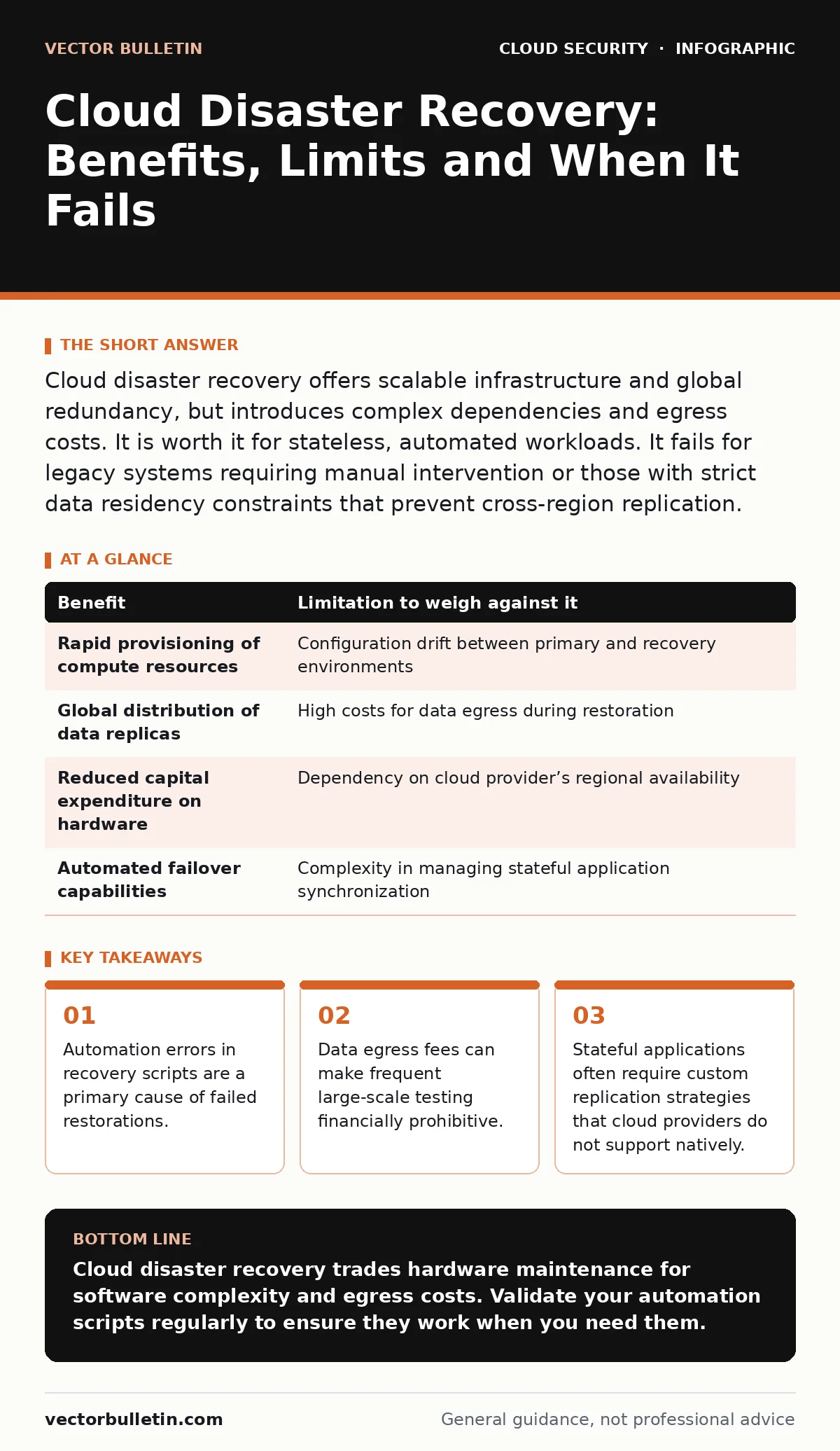
Cloud disaster recovery offers scalable infrastructure and global redundancy, but introduces complex dependencies and egress costs. It is worth it for stateless, automated workloads. It fails for legacy systems requiring manual intervention or those with strict data residency constraints that prevent cross-region replication.
The Automation Dependency
Cloud disaster recovery relies on infrastructure as code. You define your recovery environment in templates, allowing the cloud provider to spin up resources automatically when a failure occurs. This removes the need to maintain physical hardware in a secondary location. The benefit is speed. The limitation is fragility. If your configuration templates contain errors, the recovery process fails silently or creates a broken environment. You are not just backing up data; you are trusting a script to rebuild your business logic. A single syntax error in a deployment manifest can halt the entire restoration process. This shifts the risk from hardware failure to software correctness.
Data Gravity and Egress Costs
Moving data into the cloud is often cheap or free. Moving it out is expensive. Cloud providers charge for data egress, the transfer of data from their network to the internet or another cloud. In a disaster, you may need to move terabytes of data to a different region or provider. These costs accumulate rapidly during large restorations.
Furthermore, data gravity describes the difficulty of moving large datasets due to bandwidth and cost constraints. If your application depends on low-latency access to massive datasets, replicating that data to a secondary region may be technically impossible within your recovery time objective. You must calculate the cost of moving your data out, not just the cost of storing it.
Stateful Versus Stateless Workloads
Stateless applications, which do not retain user session data between requests, are easy to recover. You can spin up new instances and route traffic to them immediately. Stateful applications, which rely on databases or cached sessions, are significantly harder. Replicating a live database to another region introduces latency and complexity.
If the primary database fails, the replica may have missed recent transactions, leading to data loss. Cloud providers offer managed database replication, but it requires careful configuration to avoid split-brain scenarios. Split-brain occurs when two nodes believe they are the primary master, causing data corruption. You must define your consistency requirements before choosing a replication strategy.
| Benefit | Limitation to weigh against it |
|---|---|
| Rapid provisioning of compute resources | Configuration drift between primary and recovery environments |
| Global distribution of data replicas | High costs for data egress during restoration |
| Reduced capital expenditure on hardware | Dependency on cloud provider’s regional availability |
| Automated failover capabilities | Complexity in managing stateful application synchronization |
The Testing Paradox
You cannot trust a disaster recovery plan unless you have tested it. However, testing cloud recovery is difficult. Running a full production environment in a secondary region doubles your infrastructure costs. Many teams opt for periodic, small-scale tests, which miss edge cases. A full-scale test might reveal that your storage volumes are not compatible with the recovery instance type. Or that your firewall rules block internal traffic in the new region. The financial barrier to thorough testing leads to infrequent validation. An untested plan is effectively no plan. You must find a balance between test frequency and budget, perhaps using automated teardown scripts to minimise costs.
Identity and Access Complexity
Recovery environments often require different access controls than production. You might need emergency access for engineers to debug a failed system. Managing these permissions during a crisis is difficult. If you have suffered from identity sprawl, where accounts and permissions are poorly tracked, your recovery process will be delayed by access requests.
Ensure your emergency access procedures are defined in your cloud security architecture. Use temporary, elevated privileges that expire automatically. Do not rely on shared credentials. The pressure of a disaster often leads to security shortcuts, such as disabling multi-factor authentication to speed up login. These shortcuts create new vulnerabilities that attackers can exploit while your systems are unstable.
See also: Cloud Network Segmentation: 6 Misunderstandings That Leave Gaps
Network Topology Differences
A cloud recovery region has a different network topology than your primary environment. IP addresses, domain names, and routing tables will differ. Applications that hardcode IP addresses will fail to connect to dependencies. You must use service discovery mechanisms that resolve to the current active endpoint. DNS propagation delays can also affect failover.
When you switch traffic to the recovery region, users may still be directed to the failed primary site for minutes or hours. This window of unavailability can be longer than the actual recovery time. Plan for DNS time-to-live values that balance performance with failover speed. Lower time-to-live values increase DNS query load but reduce failover delay.
When It Is Worth It
Cloud disaster recovery is worth it when your applications are designed for elasticity. If your services are containerised and managed by orchestration platforms, they can be redeployed quickly. It is also worth it when your business can tolerate some data loss. If your application processes non-critical data, or if data can be re-generated, the complexity of strict consistency is unnecessary. For global companies, cloud recovery provides local presence without local infrastructure. It is also valuable when your primary risk is regional outages rather than data corruption. In these cases, the cloud’s global footprint offers a viable secondary location.
When It Is Not
It is not worth it for legacy applications that require specific hardware or operating system configurations. If your software cannot run in a virtualised environment, cloud recovery is not an option. It is also not suitable when data sovereignty laws prevent cross-border replication. If you must keep data within a specific geographic boundary, your recovery options are limited to on-premises solutions or local cloud zones. Finally, avoid cloud recovery if your team lacks the skills to manage infrastructure as code. The learning curve is steep, and the consequences of error are high. For these cases, a traditional cold site or manual backup process may be more reliable, even if it is slower.
Key takeaways
- Automation errors in recovery scripts are a primary cause of failed restorations.
- Data egress fees can make frequent large-scale testing financially prohibitive.
- Stateful applications often require custom replication strategies that cloud providers do not support natively.
Cloud disaster recovery trades hardware maintenance for software complexity and egress costs. Validate your automation scripts regularly to ensure they work when you need them.
Frequently asked questions
How does cloud disaster recovery differ from backup?
Backup stores copies of data for restoration, while disaster recovery rebuilds the entire environment, including compute, storage and network, to restore service.
Can I use cloud disaster recovery for on-premises systems?
Yes, you can replicate on-premises data to the cloud and provision cloud infrastructure to run your applications, though network latency may impact performance.
What is the biggest risk in cloud recovery?
The biggest risk is configuration drift, where the recovery environment diverges from the production environment, causing failures during restoration.
How often should I test my cloud recovery plan?
Test at least quarterly, with full-scale tests annually. Frequent small tests help catch configuration errors early.
How this guide was produced: written by the Vector Bulletin editorial team with AI assistance, checked against the public references listed below, and reviewed when the facts change. See our editorial policy or report an error.