
How to remove personal data from internet: a technical playbook
Deleted records rarely vanish instantly due to system architecture, so containment of the initial leak matters more than chasing copies across the web.
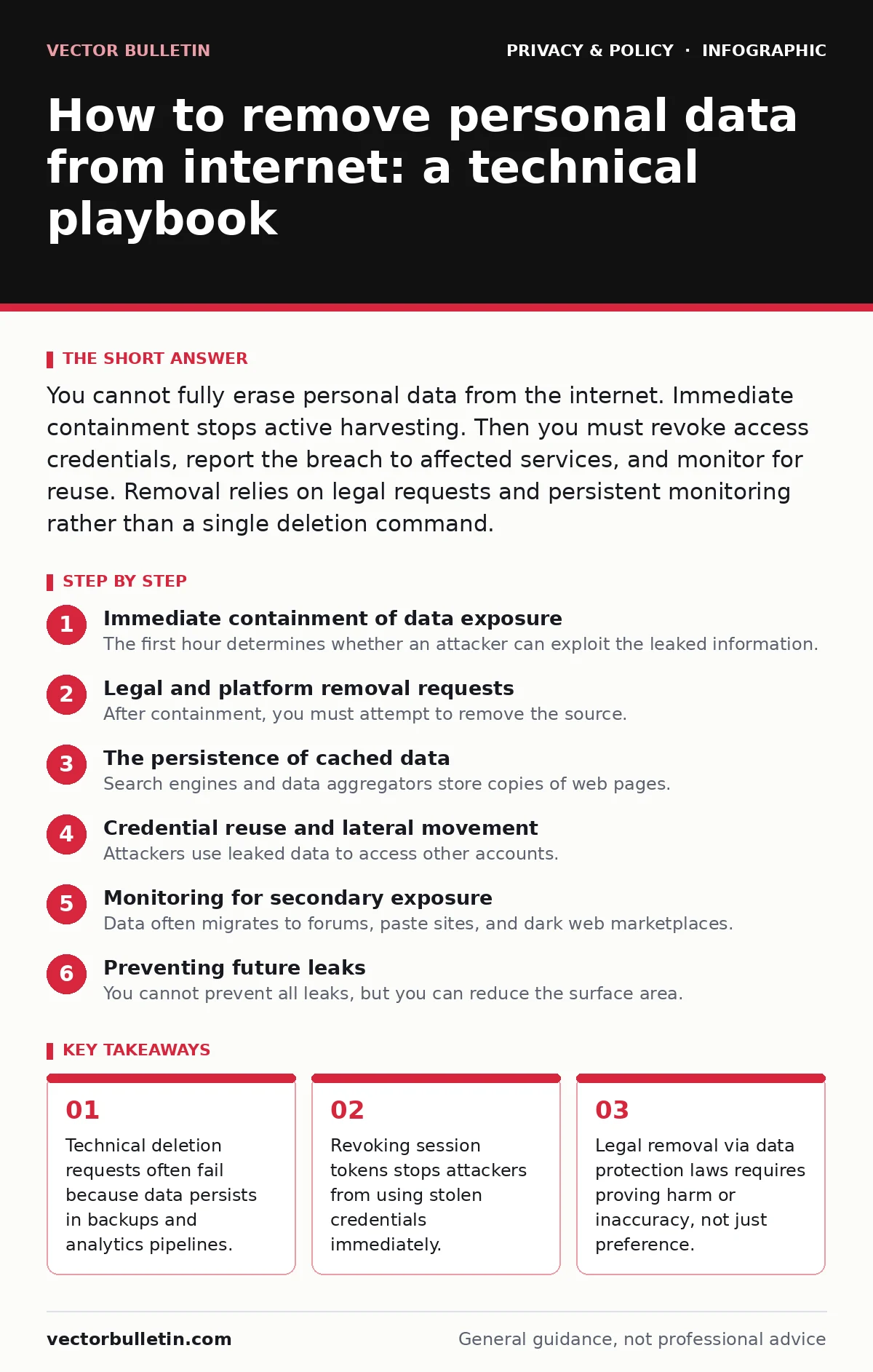
You cannot fully erase personal data from the internet. Immediate containment stops active harvesting. Then you must revoke access credentials, report the breach to affected services, and monitor for reuse. Removal relies on legal requests and persistent monitoring rather than a single deletion command.
Immediate containment of data exposure
The first hour determines whether an attacker can exploit the leaked information. If personal data appears online, the data is no longer private. You must assume the content is cached, copied, and indexed. The goal shifts from deletion to containment. You cannot control mirrors, but you can control the keys that unlock further data.
First hour checklist
- Change the password for the compromised account immediately.
- Enable multi-factor authentication if it is not already active.
- Revoke all active session tokens from the account settings page.
- Check for linked third-party applications and disconnect them.
- Document the time of discovery and the specific data exposed.
Changing the password is insufficient if the attacker holds a valid session token. A session token allows access without re-authentication. Most web applications have a "manage sessions" or "active devices" section. Terminating these sessions forces the attacker to log in again, where the new password blocks them. This step is often overlooked but is the most effective immediate control.
Legal and platform removal requests
After containment, you must attempt to remove the source. Platforms have different retention policies. Social media sites may allow you to delete posts, but they retain copies for legal or analytics purposes. Search engines cache pages for days or weeks. You must submit removal requests to both the host and the indexer.
Use the platform's reporting mechanism for privacy violations. Cite specific data protection regulations where applicable. The General Data Protection Regulation provides a right to erasure for personal data in the European Union. The CCPA offers similar rights for California residents. These laws require data controllers to respond within a statutory period. They do not guarantee immediate deletion, but they create a legal obligation to process your request.
The persistence of cached data
Search engines and data aggregators store copies of web pages. Even if you delete the original post, the cached version remains visible. You must request cache removal separately from the search engine. This process can take several days. During this window, the data remains accessible to anyone searching for it.
Data brokers collect public information and sell it. They do not delete data upon request unless you opt out continuously. Opting out of data brokers is a recurring task, not a one-time fix. They repopulate their databases from public records and other sources. You must repeat the opt-out process periodically to maintain privacy.
First day actions
- Submit removal requests to the hosting platform.
- Submit cache removal requests to major search engines.
- Review connected accounts for shared credentials.
- Enable alerts for your personal information on monitoring services.
- Draft a template for further removal requests.
Credential reuse and lateral movement
Attackers use leaked data to access other accounts. If you reuse passwords, the compromise spreads. You must assume that any password used on the compromised site is known. Change passwords for all accounts that share the same credential. This is known as lateral movement.
Imagine a scenario where your email address and password leak. The attacker tries these credentials on banking, shopping, and social media sites. If you use the same password everywhere, they gain access to all of them. Using unique passwords for each service limits the damage. A password manager helps generate and store these unique credentials securely.
Monitoring for secondary exposure
Data often migrates to forums, paste sites, and dark web marketplaces. These sites are difficult to remove. They do not respond to legal requests. You must monitor for signs of further exposure. Set up alerts for your email address, phone number, and other unique identifiers.
Privacy audits help identify where your data is exposed. Review the permissions you have granted to applications and services. Remove access for apps you no longer use. End-to-end encryption protects data in transit, but it does not help with data already at rest or leaked. Focus on controlling access to the data you hold.
First week follow-up
- Verify that removal requests have been processed.
- Check credit reports for signs of identity theft.
- Update security questions on critical accounts.
- Review browser history and delete cached data locally.
- Inform close contacts if they were affected.
Preventing future leaks
You cannot prevent all leaks, but you can reduce the surface area. Privacy by design means building systems that minimise data collection from the start. For personal use, this means sharing less data online. Use email aliases to hide your primary email address from public forms. These aliases forward mail to your inbox but can be disabled if you receive spam.
Use privacy-focused browsers that block trackers and fingerprinting. Configure secure DNS to prevent eavesdropping on your queries. These measures do not remove existing data, but they prevent new data from being collected. Regularly review your online presence. The internet remembers more than you do.
Who to tell and when
You must inform the entities that hold the compromised data. If your bank credentials are leaked, contact the bank immediately. If your workplace credentials are leaked, contact the IT security team. They can monitor for unusual activity and lock accounts if necessary.
Do not wait for confirmation of fraud. Early notification allows for proactive measures. Banks can place alerts on your accounts. Employers can reset system access. Delaying notification increases the risk of financial loss or data breach. Be clear about what data was exposed and when.
Key takeaways
- Technical deletion requests often fail because data persists in backups and analytics pipelines.
- Revoking session tokens stops attackers from using stolen credentials immediately.
- Legal removal via data protection laws requires proving harm or inaccuracy, not just preference.
Frequently asked questions
Can I force a search engine to delete a cache of my page?
You can request removal if the original source is deleted or if the content violates the search engine's policies. Processing takes time and is not guaranteed for all content types.
How long does it take for data brokers to update their records?
Data brokers update records continuously. Opt-outs may take weeks to process, and data can reappear if you fail to maintain the opt-out status regularly.
Should I delete my social media accounts entirely?
Deleting accounts removes public data but may not erase backend copies. Consider deactivating accounts instead, which hides your profile while retaining the option to restore it later.
Does using a VPN remove data from the internet?
No. A VPN encrypts your traffic and hides your IP address, but it does not delete data already published or stored by third parties. It prevents future tracking, not past leaks. BOTTOM LINE: Containment stops active exploitation while legal requests address the source. Monitor for reuse and maintain strict credential hygiene to prevent lateral movement.
How this guide was produced: written by the Vector Bulletin editorial team with AI assistance, checked against the public references listed below, and reviewed when the facts change. See our editorial policy or report an error.