
Privacy Focused Browsers: How They Obscure Your Digital Footprint
Privacy focused browsers reduce tracking but often break site functionality, forcing a trade-off between anonymity and usability that most users never configure correctly.
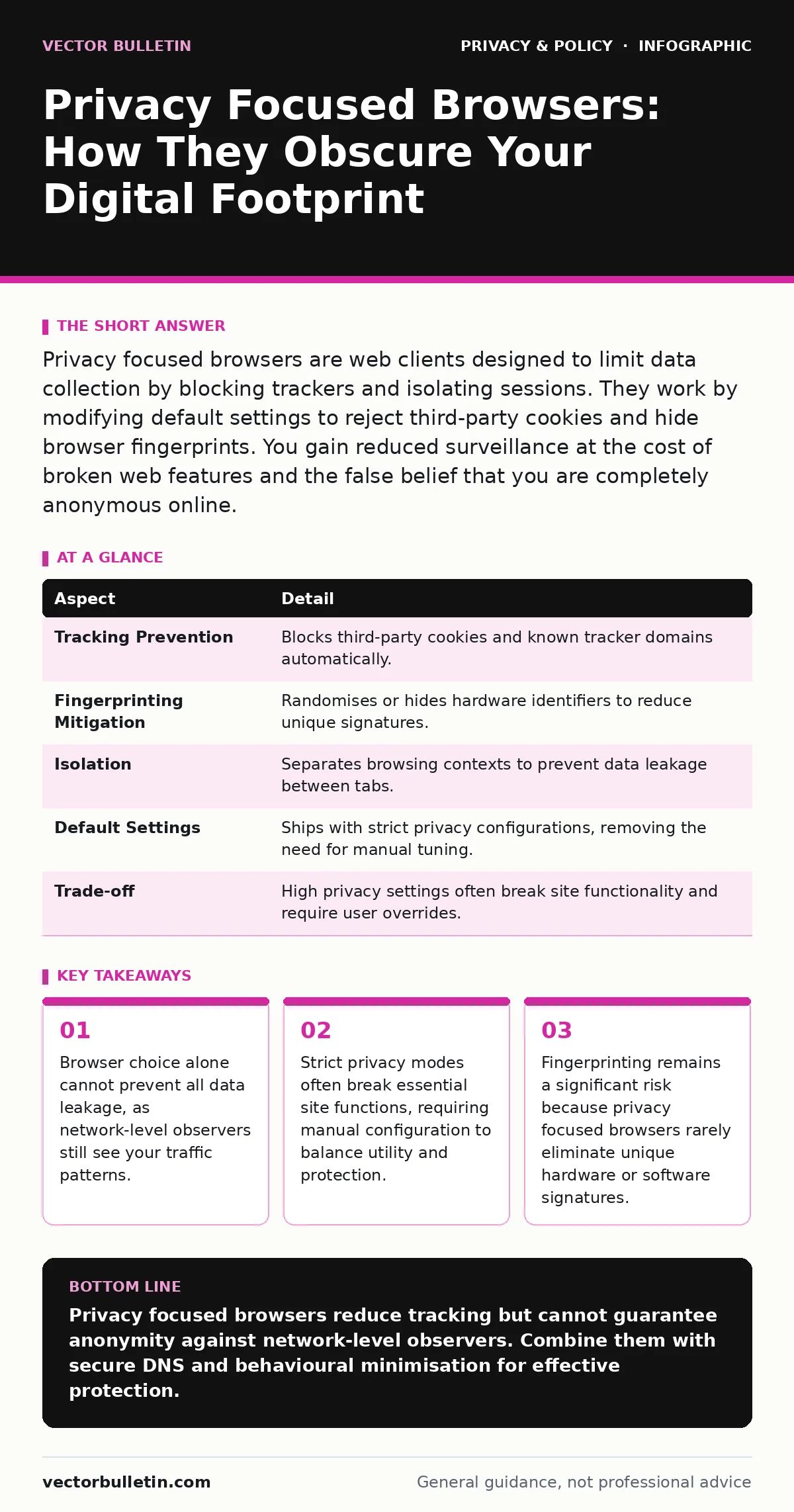
Privacy focused browsers are web clients designed to limit data collection by blocking trackers and isolating sessions. They work by modifying default settings to reject third-party cookies and hide browser fingerprints. You gain reduced surveillance at the cost of broken web features and the false belief that you are completely anonymous online.
Why Your Browser Is a Surveillance Device
Imagine walking through a crowded market while wearing a transparent suit. Every vendor sees your exact movements, preferences, and interactions. Standard web browsers operate similarly. They execute scripts from dozens of external servers, each recording your click paths, dwell times, and device characteristics. These data points aggregate into a detailed profile of your behaviour.
Privacy focused browsers attempt to obscure this transparency. They do not make you invisible. They simply make it harder for observers to link your actions across different sites or over time. The goal is friction. By adding technical barriers to data collection, these browsers increase the cost of surveillance for advertisers and trackers. This economic deterrent reduces the volume of data collected but does not eliminate the capability of sophisticated adversaries to identify you.
How Privacy Focused Browsers Work
These browsers modify the default behaviour of the underlying engine. Standard browsers prioritise compatibility and speed, allowing third-party scripts to run freely. Privacy focused browsers invert this priority. They block known tracking domains by default. They disable third-party cookies, which are small files used to follow users across websites. They also restrict JavaScript execution in isolated contexts.
The mechanism relies on blocklists and heuristic analysis. A blocklist is a database of known malicious or tracking domains. Heuristic analysis examines code behaviour to identify suspicious patterns, such as scripts attempting to read clipboard contents or access camera hardware without user interaction. The browser then interrupts these actions before they can transmit data. This process happens silently in the background, requiring no user intervention beyond the initial installation.
| Aspect | Detail |
|---|---|
| Tracking Prevention | Blocks third-party cookies and known tracker domains automatically. |
| Fingerprinting Mitigation | Randomises or hides hardware identifiers to reduce unique signatures. |
| Isolation | Separates browsing contexts to prevent data leakage between tabs. |
| Default Settings | Ships with strict privacy configurations, removing the need for manual tuning. |
| Trade-off | High privacy settings often break site functionality and require user overrides. |
What People Usually Get Wrong
Users often equate privacy focused browsers with anonymity. This is a dangerous misconception. Anonymity means no one can link your actions to your identity. Privacy focused browsers only reduce the data available for linkage. Your internet service provider still sees every domain you visit. Your workplace network administrator can monitor all outbound traffic. The browser protects you from web-based trackers, not from network-level observers.
Another common error is assuming that private browsing modes in standard browsers offer equivalent protection. Private modes only prevent local history storage. They do not block trackers or hide your IP address. The data is still sent to the server. The difference is that your computer does not save the record. Privacy focused browsers actively prevent the data from leaving your device in the first place, using strict default policies rather than local deletion.
The Hidden Cost of Strict Privacy
Strict privacy configurations create friction. Many websites rely on third-party scripts for core functionality. Payment gateways, video players, and comment sections often require external resources. When a browser blocks these resources, the site may fail to load or appear broken. Users then face a choice: disable privacy protections to access the content, or abandon the site.
This friction leads to user fatigue. Over time, users disable privacy features to restore convenience. The browser reverts to a standard, less private state. The solution is not to disable protections entirely but to understand which features are essential. Some browsers offer a "strict" and "standard" mode. Using strict mode for sensitive activities and standard mode for general browsing balances privacy and usability.
Fingerprinting: The Silent Threat
Blocking cookies and trackers is insufficient. Advertisers use browser fingerprinting to identify users. This technique collects data about your device, such as screen resolution, installed fonts, operating system version, and GPU capabilities. The combination of these attributes creates a unique identifier, similar to a digital fingerprint. Even without cookies, this identifier can track you across sites.
Privacy focused browsers mitigate this by homogenising these signals. They report the same screen resolution and font list to every website. They may also randomise certain values to introduce noise. However, perfect mitigation is difficult. If your device has unique hardware characteristics, no software setting can fully hide them. The browser can only reduce the uniqueness of your fingerprint, not eliminate it entirely.
See also: Personal data for small businesses: how to collect less and survive
Who It Affects and What To Do
Privacy focused browsers benefit anyone who values data minimisation. They are particularly useful for journalists, activists, and individuals concerned about targeted advertising. They reduce the amount of personal data available to data brokers. However, they require a shift in mindset. You must accept that some websites will not work perfectly.
To maximise effectiveness, combine browser privacy with other measures. Use secure DNS to encrypt your domain queries, preventing your provider from seeing which sites you visit. Regularly perform privacy audits to review permissions granted to extensions and websites. Consider using email aliases to prevent websites from linking your browsing activity to your primary email address. These layers of protection work together to reduce your overall digital footprint.
The Limits of Browser Privacy
No browser can provide complete protection. Advanced adversaries can bypass browser restrictions using sophisticated techniques. They may use side-channel attacks to infer data from timing differences or power consumption. They may also exploit vulnerabilities in the browser engine itself. Privacy focused browsers reduce the attack surface but cannot eliminate it.
The most effective privacy strategy is minimisation. Avoid logging into services when unnecessary. Use generic search terms instead of specific queries. Avoid connecting to public Wi-Fi networks. These behavioural changes complement the technical protections offered by privacy focused browsers. The browser is a tool, not a shield. It requires careful handling to be effective.
Key takeaways
- Browser choice alone cannot prevent all data leakage, as network-level observers still see your traffic patterns.
- Strict privacy modes often break essential site functions, requiring manual configuration to balance utility and protection.
- Fingerprinting remains a significant risk because privacy focused browsers rarely eliminate unique hardware or software signatures.
Privacy focused browsers reduce tracking but cannot guarantee anonymity against network-level observers. Combine them with secure DNS and behavioural minimisation for effective protection.
Frequently asked questions
Do privacy focused browsers slow down my computer?
They may increase memory usage slightly due to isolation features, but modern hardware handles this overhead without noticeable performance degradation for typical tasks.
Can I use extensions with privacy focused browsers?
Most allow extensions, but each extension can access your data. Install only trusted extensions and minimise their number to reduce privacy risks.
Does using these browsers hide my IP address?
No. Your IP address is visible to the websites you visit. You need a separate tool, such as a VPN, to hide your IP address from servers.
Are privacy focused browsers safe from malware?
They reduce the risk of drive-by downloads by blocking malicious scripts, but they do not replace antivirus software. You must still avoid downloading suspicious files.
How this guide was produced: written by the Vector Bulletin editorial team with AI assistance, checked against the public references listed below, and reviewed when the facts change. See our editorial policy or report an error.