
Why is SPF so important for email security
SPF records prevent attackers from forging your domain name in the sender field, stopping many phishing attempts before they reach the inbox.
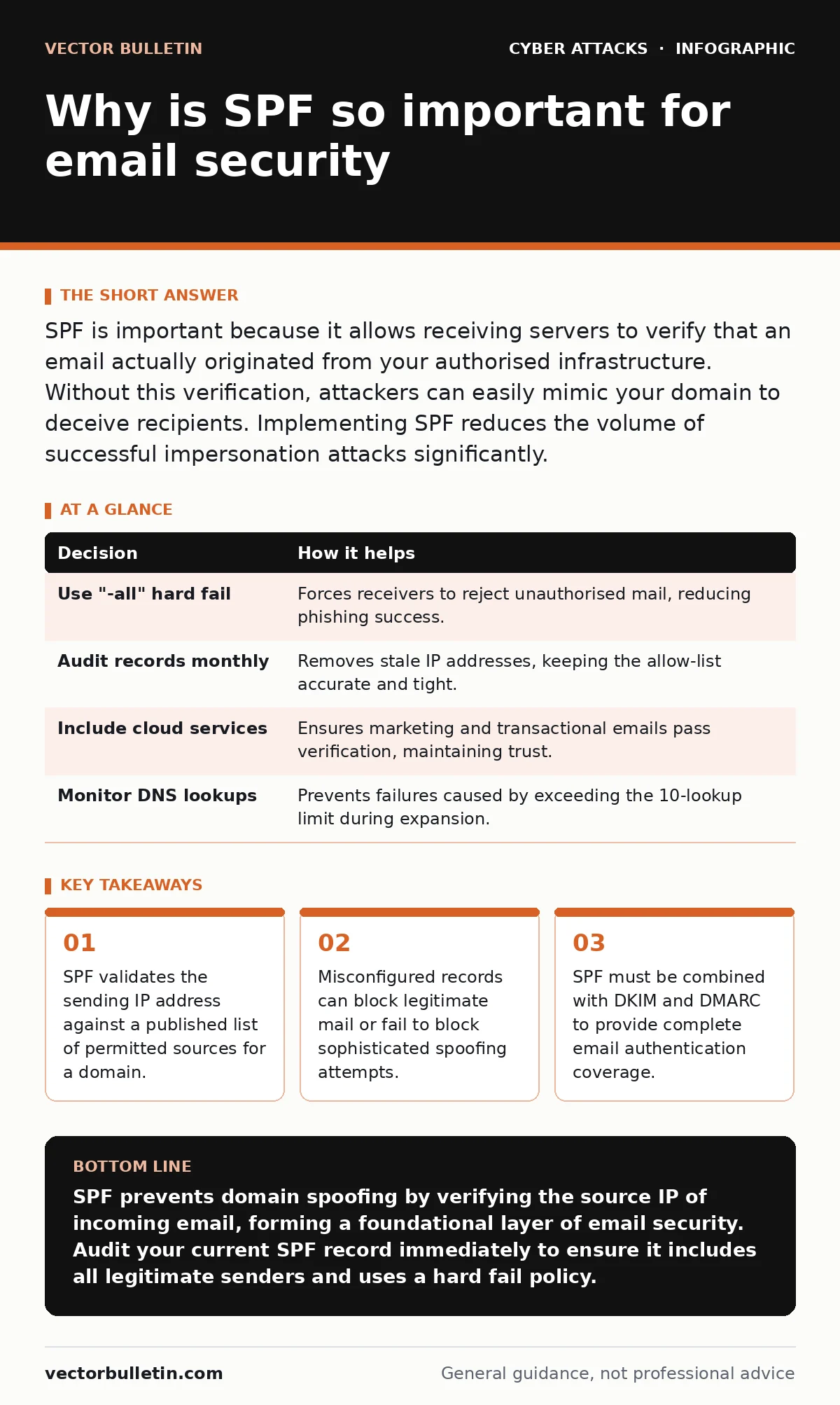
SPF is important because it allows receiving servers to verify that an email actually originated from your authorised infrastructure. Without this verification, attackers can easily mimic your domain to deceive recipients. Implementing SPF reduces the volume of successful impersonation attacks significantly.
Why is SPF so important for domain integrity
Sender Policy Framework (SPF) is a DNS text record that lists the IP addresses and hostnames authorised to send email on behalf of your domain. When a receiving mail server gets a message claiming to be from your domain, it checks this record. If the sending IP is not listed, the receiver can reject the message or mark it as spam. This mechanism stops the most basic form of email forgery.
Without SPF, any server on the internet can send an email with your domain in the "From" field. This is trivial for attackers. They do not need to compromise your actual mail server. They simply configure their own server to send mail and set the sender address to look like yours. The receiving server has no default way to know this is illegitimate. SPF provides that verification step.
The importance lies in the baseline trust it establishes. It is the first line of defence in the email authentication stack. If this layer fails, downstream protections have far more work to do. It reduces the noise in your recipients' inboxes and protects your domain reputation. A damaged reputation means your legitimate marketing or transactional emails land in spam folders permanently.
The mechanics of SPF verification
The verification process happens at the DNS level. Your domain's zone file contains a TXT record starting with "v=spf1". This record contains mechanisms that define allowed senders. Common mechanisms include "a" for the domain's address record, "mx" for mail exchange records, and "ip4" or "ip6" for specific IP addresses.
When a mail transfer agent (MTA) receives a message, it extracts the envelope sender address. It performs a DNS lookup for the SPF record of that domain. It then compares the IP address of the connecting server against the mechanisms in the record. If there is a match, the result is "pass". If there is no match, the result is "fail". There are also results for "softfail" and "neutral".
A "pass" result tells the receiver that the sender is authorised. A "fail" result indicates a mismatch. The receiver decides what to do with a failed check based on its own policy. Most modern providers use the result to adjust spam scores. A strong SPF policy encourages receivers to reject failed messages outright. This requires the "all" mechanism at the end of the record to be set to "-all" rather than "~all".
What goes wrong without proper configuration
Leaving SPF records unconfigured leaves your domain open to abuse. Attackers scan for domains without SPF records. These domains are low-hanging fruit for phishing campaigns. The attackers send millions of messages from random servers. Because your domain has no policy, the receiving servers cannot verify the sender. The messages are treated as neutral.
Even with an SPF record, configuration errors are common. A frequent mistake is using "~all" instead of "-all". The tilde indicates a soft fail. This tells the receiver that the message is likely forged but allows it to be delivered. This is insufficient for security. It merely logs the failure. Attackers know this and target domains with soft fails.
Another error is listing too many IP addresses. Every mechanism in the SPF record requires a DNS lookup. There is a limit of 10 lookups per check. If your record exceeds this limit, the check fails. This breaks your own email delivery. You might also list internal servers that no longer send mail. This expands your attack surface unnecessarily. Removing unused entries is part of regular cyber hygiene.
Contrast in operational outcomes
This contrast highlights the passive nature of SPF. It does not stop the attacker from sending the email. It stops the recipient from accepting it. The difference is critical. Team Alpha controls the perimeter of their domain's identity. Team Beta relies on the recipient's individual vigilance. This is an unreliable defence.
Team Alpha also benefits from better deliverability. Receivers trust domains with strict policies. Team Beta's emails may be flagged as suspicious over time. The cost of maintaining SPF is low. The cost of ignoring it is high. It affects trust, deliverability, and security posture. The investment pays for itself immediately.
Decision matrix for SPF implementation
| Decision | How it helps |
|---|---|
| Use "-all" hard fail | Forces receivers to reject unauthorised mail, reducing phishing success. |
| Audit records monthly | Removes stale IP addresses, keeping the allow-list accurate and tight. |
| Include cloud services | Ensures marketing and transactional emails pass verification, maintaining trust. |
| Monitor DNS lookups | Prevents failures caused by exceeding the 10-lookup limit during expansion. |
This table outlines the key actions. The hard fail is the most impactful. It shifts the burden from the receiver to the sender. Auditing ensures the record remains effective. Including cloud services prevents false positives. Monitoring lookups prevents technical failures. Each decision reinforces the others. Together they create a resilient configuration.
See also: Difference Between Cyber Hygiene and Cyber Security: Scope and Execution
Integration with other authentication methods
SPF alone is not enough. It only verifies the envelope sender. Attackers can use a different envelope sender while keeping your domain in the "From" header. This bypasses SPF checks. You need DKIM (DomainKeys Identified Mail) to sign the message content. DKIM adds a cryptographic signature that proves the message was not altered.
DMARC (Domain-based Message Authentication, Reporting, and Conformance) ties SPF and DKIM together. It tells receivers what to do if either check fails. DMARC also provides reports. This visibility is vital for detecting abuse. You cannot protect what you cannot see.
Without DMARC, SPF results are often ignored. Receivers may still deliver failed messages. DMARC enforces the policy. It also helps in detecting attack lifecycle stages where attackers test their spoofing capabilities. Combining these three standards creates a layered defence. This approach is standard for enterprise email security. Privileged access management also plays a role here, as compromised admin accounts can alter DNS records to weaken SPF.
Maintaining SPF over time
SPF records require ongoing maintenance. Your infrastructure changes. You add new cloud services. You decommission old servers. Each change requires an update to the SPF record. Failing to update it breaks delivery or leaves gaps. Automation can help. Some DNS providers allow dynamic SPF records. This reduces manual errors.
Regular reviews are necessary. Check for unused entries. Look for subdomains that should have their own SPF records. Subdomains do not inherit the parent domain's SPF record. They need their own. This is a common oversight. A subdomain without SPF is vulnerable to spoofing. This can affect brand trust if the subdomain is used for critical services.
Monitor your DNS lookups closely. Complex records with includes can quickly hit the limit. Use flattening techniques if necessary. This reduces the number of lookups. It keeps the record efficient. Efficiency matters for performance. Slow DNS responses can delay email delivery. A fast, accurate SPF record supports reliable communication.
Practical steps for teams
Start by generating an SPF record for your domain. Include all current sending IPs. Set the mechanism to "-all". Publish the record in your DNS. Test it by sending test emails to different providers. Check the headers for SPF pass results. This confirms the record is working.
Next, implement DMARC with a monitoring policy. This allows you to see who is sending email for your domain without rejecting anything. Review the reports. Identify legitimate third-party senders. Add them to your SPF record. Once you are confident, switch DMARC to enforcement. This blocks unverified mail.
Keep the process simple. Do not overcomplicate the record. Use includes for large providers rather than listing every IP. This makes maintenance easier. Document the changes. Assign ownership of the record to a specific team. This ensures accountability. Consistent maintenance keeps your domain secure.
Key takeaways
- SPF validates the sending IP address against a published list of permitted sources for a domain.
- Misconfigured records can block legitimate mail or fail to block sophisticated spoofing attempts.
- SPF must be combined with DKIM and DMARC to provide complete email authentication coverage.
SPF prevents domain spoofing by verifying the source IP of incoming email, forming a foundational layer of email security. Audit your current SPF record immediately to ensure it includes all legitimate senders and uses a hard fail policy.
Frequently asked questions
Does SPF prevent all phishing attacks?
No, SPF only verifies the envelope sender. Attackers can bypass it by using different techniques. Combine SPF with DKIM and DMARC for better protection.
Can I use SPF for subdomains?
Yes, but subdomains do not inherit the parent domain's SPF record. You must create a separate SPF record for each subdomain that sends email.
What is the difference between ~all and -all?
~all indicates a soft fail, allowing the email to be delivered but marked as suspicious. -all indicates a hard fail, causing the receiver to reject the email entirely.
How often should I update my SPF record?
Update your SPF record whenever you add or remove email sending services. Regular quarterly audits are recommended to remove stale entries and maintain accuracy.
How this guide was produced: written by the Vector Bulletin editorial team with AI assistance, checked against the public references listed below, and reviewed when the facts change. See our editorial policy or report an error.