
SaaS Data Exposure: Risks and Protection for Small Businesses
Small organisations face greater SaaS exposure because shared responsibilities obscure where data control ends and vendor liability begins.
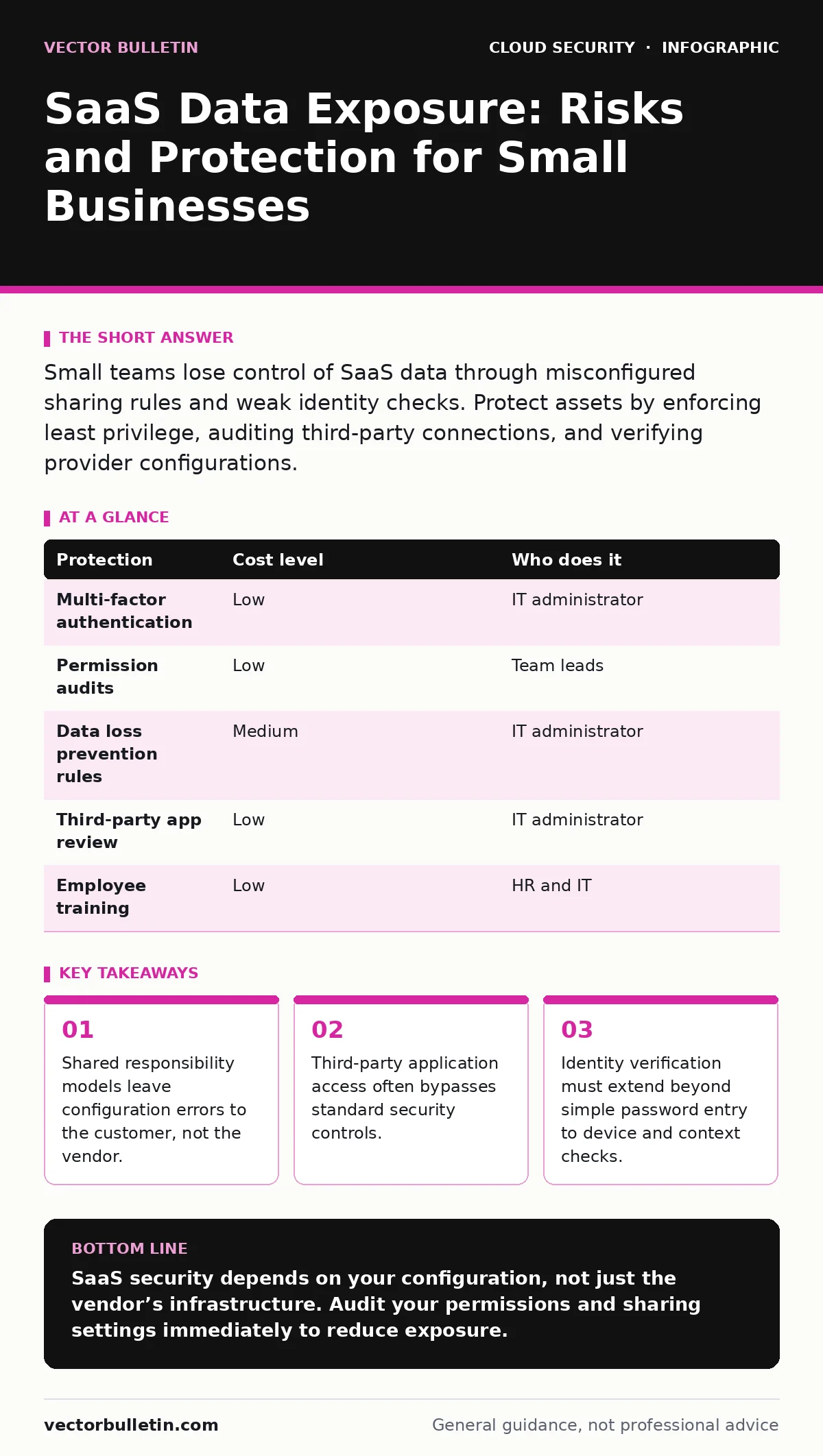
Small teams lose control of SaaS data through misconfigured sharing rules and weak identity checks. Protect assets by enforcing least privilege, auditing third-party connections, and verifying provider configurations.
The Illusion of Vendor Responsibility
Many organisations assume that subscribing to a Software as a Service (SaaS) platform transfers security duties to the provider. This assumption is incorrect. The provider secures the infrastructure, including the servers and the network. You retain responsibility for how you configure the service and who accesses your data.
This division is known as the shared responsibility model. In this model, the vendor guarantees the platform remains online and protected from external intrusion. You guarantee that only authorised personnel can view or modify your information. When a breach occurs, it is rarely due to a flaw in the vendor’s code. It is usually due to a mistake in your settings.
Small teams often lack the staff to audit these settings regularly. This creates a blind spot where data sits exposed for months. The risk increases when employees leave without their access being revoked immediately. Or when new staff are granted broad permissions to speed up onboarding.
Identity Sprawl and Access Control
As teams adopt more tools, the number of accounts and permissions grows. This phenomenon is called identity sprawl. It makes it difficult to track who has access to what. A former contractor may still have access to a project management tool. A marketing intern may have administrative rights to a communication platform.
You must enforce least privilege. This principle means giving users only the access they need to perform their specific tasks. Nothing more. Regularly review user permissions. Remove access for roles that have changed or for people who have left the organisation.
Consider the impact of third-party applications. Many SaaS platforms allow integrations with other services. These integrations often require broad permissions to function. An analytics tool might request access to read all your customer records. If that tool is compromised, your data is exposed.
Configuration Errors and Data Sharing
SaaS platforms offer powerful sharing features. These features allow you to collaborate with external partners without sending files via email. However, they also allow you to share data with the entire internet if configured incorrectly.
Public links are a common source of exposure. A link set to "anyone with the link can view" bypasses authentication. It does not require a password. It does not check the user’s identity. It simply delivers the content to anyone who possesses the URL.
You must establish clear policies for sharing. Define who can create public links. Require approval for sharing sensitive data externally. Use expiration dates on links to limit the window of exposure. These settings are often buried in menus and ignored during setup.
Monitoring and Detection
You cannot protect what you do not see. Most SaaS platforms provide logs of user activity. These logs record logins, file downloads, and permission changes. Without reviewing these logs, you are operating in the dark.
Set up alerts for suspicious activity. For example, an alert should trigger if a user downloads a large volume of data in a short period. Or if a login attempt occurs from an unusual location. These signals often indicate compromised credentials.
Automating this review is difficult for small teams. Consider using a Cloud Access Security Broker (CASB). A CASB sits between your users and the SaaS provider. It monitors traffic and enforces policies. It can block uploads of sensitive data or prevent access from unmanaged devices.
Low-Cost Protections
You do not need a large budget to reduce risk. Many protections are built into your existing tools. The challenge is enabling and configuring them correctly.
| Protection | Cost level | Who does it |
|---|---|---|
| Multi-factor authentication | Low | IT administrator |
| Permission audits | Low | Team leads |
| Data loss prevention rules | Medium | IT administrator |
| Third-party app review | Low | IT administrator |
| Employee training | Low | HR and IT |
Multi-factor authentication adds a second step to login. It requires something you know, like a password, and something you have, like a phone. This stops attackers who steal passwords. It is the single most effective control you can implement.
Regular permission audits ensure that access rights remain appropriate. Team leads should review their team’s access every quarter. They should remove any permissions that are no longer needed.
What to Ask an IT Provider
If you outsource your IT support, you must ensure they understand SaaS security. Many providers focus on hardware and networks. They may neglect the configuration of cloud services.
Ask your provider these questions:
- How do you audit SaaS configurations on our behalf?
- Do you monitor logs for suspicious activity in our cloud apps?
- How do you manage third-party application access?
- What is your process for revoking access when staff leave?
- How do you ensure data is encrypted at rest and in transit?
A provider who cannot answer these questions may not be equipped to manage your cloud security. You need a partner who understands the shared responsibility model. They should proactively review your settings, not just react to incidents.
The Hidden Cost of Shadow IT
Employees often install software without IT approval. This is known as shadow IT. They do this to improve productivity or because the approved tools are too complex. However, these unapproved tools bypass your security controls.
Data enters these tools without your knowledge. It may not be encrypted. It may not be backed up. It may be shared with unknown third parties. You have no visibility into what data is stored or who can access it.
Address shadow IT by understanding why it happens. If your approved tools are difficult to use, employees will find alternatives. Work with your users to choose tools that are both secure and easy to use. Provide clear guidance on what is acceptable.
Building a Resilient Posture
Security is not a one-time task. It is an ongoing process. You must continuously review and adjust your controls. New threats emerge. New tools are adopted. Staff roles change.
Start with the basics. Enable multi-factor authentication. Review permissions. Configure sharing settings. Then move to more advanced controls. Implement data loss prevention. Deploy a CASB. Automate monitoring.
Remember that no control provides complete protection. Each measure reduces risk. It does not eliminate it. Your goal is to make it difficult for attackers to succeed. And to detect their attempts quickly when they do.
Key takeaways
- Shared responsibility models leave configuration errors to the customer, not the vendor.
- Third-party application access often bypasses standard security controls.
- Identity verification must extend beyond simple password entry to device and context checks.
SaaS security depends on your configuration, not just the vendor’s infrastructure. Audit your permissions and sharing settings immediately to reduce exposure.
Frequently asked questions
Does multi-factor authentication stop all SaaS breaches?
No, but it prevents access from stolen passwords. It does not stop breaches caused by misconfigured sharing settings or insider threats.
How often should I review SaaS permissions?
Review permissions quarterly or whenever staff roles change. Immediate review is required when employees leave the organisation.
What is a Cloud Access Security Broker?
It is a tool that sits between users and SaaS providers. It monitors activity and enforces security policies across multiple cloud services.
Can I trust free SaaS tools for business data?
Free tools often lack advanced security features. They may store data in ways that are not compliant with your requirements. Use caution.
How this guide was produced: written by the Vector Bulletin editorial team with AI assistance, checked against the public references listed below, and reviewed when the facts change. See our editorial policy or report an error.