
Windows Privilege Escalation: Mechanisms, Mitigations and Real-World Risks
Most privilege escalation attempts fail because attackers overlook legacy services and misconfigured file permissions rather than exploiting complex kernel flaws.
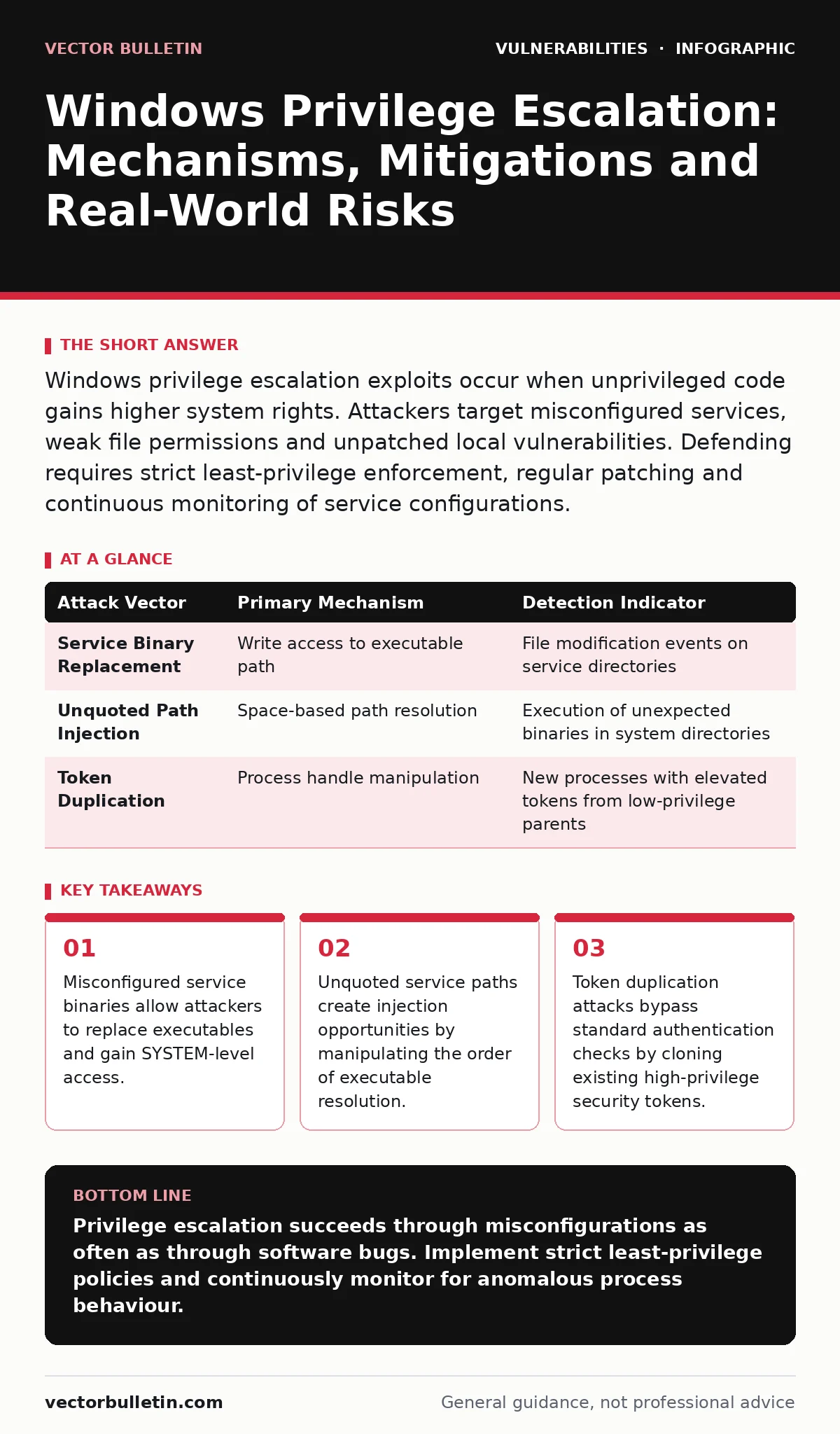
Windows privilege escalation exploits occur when unprivileged code gains higher system rights. Attackers target misconfigured services, weak file permissions and unpatched local vulnerabilities. Defending requires strict least-privilege enforcement, regular patching and continuous monitoring of service configurations.
What is Windows privilege escalation and why does it matter?
Windows privilege escalation is the process by which an attacker gains higher-level permissions than originally granted. This typically moves an adversary from a standard user account to a local administrator or SYSTEM context. Once inside the operating system, lateral movement becomes possible. The attack surface expands significantly because privileged accounts can modify security policies, install persistence mechanisms and access sensitive data stores. Understanding the mechanics of these transitions helps security teams prioritise remediation efforts beyond simple patching.
How do misconfigured services enable privilege escalation?
Services running with elevated privileges often have poor file permission controls on their binary paths. If a standard user can write to the directory containing a service executable, they can replace the legitimate binary with a malicious one. When the service restarts, the operating system executes the malicious code with the service’s high privileges. This is one of the most common vectors in internal assessments. Regular audits of service binary permissions prevent this low-hanging fruit.
Why are unquoted service paths dangerous?
An unquoted service path lacks surrounding quotation marks in the Windows registry. The operating system resolves the path from left to right, stopping at the first space character. If a directory name contains a space, an attacker can create a malicious executable with a matching prefix in a writable location. The system executes this file instead of the intended service binary. This flaw exists independently of the service’s code quality. Ensuring all service paths are fully quoted and protected against write access mitigates this risk.
What role do file permissions play in escalation?
File permissions dictate who can read, write or execute specific objects. Weak permissions on critical system files, such as configuration databases or log files, can lead to privilege escalation. Attackers may inject malicious commands into log files that are parsed by privileged processes. They might also modify configuration files to alter authentication behaviour. Reviewing Access Control Lists (ACLs) on sensitive directories ensures that only authorised users and processes can modify them. This reduces the attack surface for configuration-based attacks.
How do token manipulation attacks work?
Windows uses security tokens to represent the privileges of a running process. An attacker with sufficient access can duplicate an existing high-privilege token. This cloned token allows the creation of new processes that inherit the elevated rights without requiring new credentials. This technique bypasses standard login mechanisms. Defending against token manipulation requires restricting access to process handles and monitoring for unusual process creation patterns. Implementing restricted token models limits the damage if a token is stolen.
| Attack Vector | Primary Mechanism | Detection Indicator |
|---|---|---|
| Service Binary Replacement | Write access to executable path | File modification events on service directories |
| Unquoted Path Injection | Space-based path resolution | Execution of unexpected binaries in system directories |
| Token Duplication | Process handle manipulation | New processes with elevated tokens from low-privilege parents |
Can drivers be exploited for privilege escalation?
Kernel-mode drivers operate at the highest privilege level. Vulnerabilities in these drivers, such as buffer overflows or improper input validation, allow attackers to execute arbitrary code in kernel space. This provides full control over the operating system. Kernel exploits are difficult to detect because they operate below the standard user-space monitoring layer. Validating driver signatures and maintaining a strict allowlist of approved drivers reduces this risk. Unsigned or outdated drivers pose a significant threat to system integrity.
How does the Windows Token Manager handle elevation?
The Windows Token Manager creates and manages security tokens for every process. It determines the privileges assigned based on group memberships and user rights. Misconfigurations in Group Policy or local security policies can inadvertently grant excessive rights. Attackers exploit these misconfigurations to elevate their standing. Regular reviews of security policy settings ensure that the principle of least privilege is enforced. Documenting expected privilege levels helps identify anomalies during incident response.
What is the impact of insecure registry permissions?
Registry keys store critical system and application configurations. Insecure permissions on these keys allow attackers to modify system behaviour. They can change autorun keys to establish persistence or alter security settings to disable protections. Modifying registry values related to authentication can lead to privilege escalation. Auditing registry permissions ensures that only authorised administrators can modify sensitive keys. This prevents configuration drift and maintains the integrity of the security posture.
How do environment variables affect privilege escalation?
Environment variables define the operating environment for processes. Attackers can manipulate these variables to redirect process execution. By modifying the PATH variable, an attacker can place a malicious executable in a directory that is searched before the legitimate system binaries. When a privileged process calls a system utility, it executes the malicious version instead. This technique exploits the order of directory resolution. Validating the integrity of environment variables and restricting write access to system directories mitigates this risk.
Why is patching alone insufficient for defence?
Patching addresses known vulnerabilities but does not fix misconfigurations. Many privilege escalation vectors rely on poor security hygiene rather than software flaws. Unpatched systems are vulnerable, but configured poorly, even patched systems can be compromised. A defence-in-depth strategy combines patching with configuration management and monitoring. Regular security assessments identify misconfigurations before attackers exploit them. Integrating findings from the National Vulnerability Database into your patch management process ensures timely remediation of known issues.
Key takeaways
- Misconfigured service binaries allow attackers to replace executables and gain SYSTEM-level access.
- Unquoted service paths create injection opportunities by manipulating the order of executable resolution.
- Token duplication attacks bypass standard authentication checks by cloning existing high-privilege security tokens.
Privilege escalation succeeds through misconfigurations as often as through software bugs. Implement strict least-privilege policies and continuously monitor for anomalous process behaviour.
Frequently asked questions
How do I check for unquoted service paths?
Use command-line tools to query the Windows registry for service paths. Look for paths containing spaces that lack surrounding quotation marks. Automated scripts can scan and report these vulnerabilities efficiently.
Can sandbox escape vulnerabilities lead to privilege escalation?
Yes. If an attacker escapes a sandbox, they gain access to the host operating system. From there, they can exploit local vulnerabilities to elevate privileges. Sandboxing adds a layer of defence but does not replace system hardening.
How do JWT vulnerabilities relate to Windows systems?
JWT vulnerabilities typically affect web applications running on Windows servers. They allow token forgery or manipulation, leading to unauthorised access. While not a direct OS escalation, they compromise application security.
What is the role of secure code review in prevention?
Secure code review identifies vulnerabilities before deployment. It ensures that applications follow secure coding practices, reducing the risk of exploitation. Integrating reviews into the development lifecycle prevents weaknesses that could lead to privilege escalation.
How this guide was produced: written by the Vector Bulletin editorial team with AI assistance, checked against the public references listed below, and reviewed when the facts change. See our editorial policy or report an error.