
CCPA Compliance Checklist: Inventory, Rights, and Vendor Management
Most organisations fail CCPA compliance not because of missing policies, but because they cannot prove they have deleted data across all connected systems.
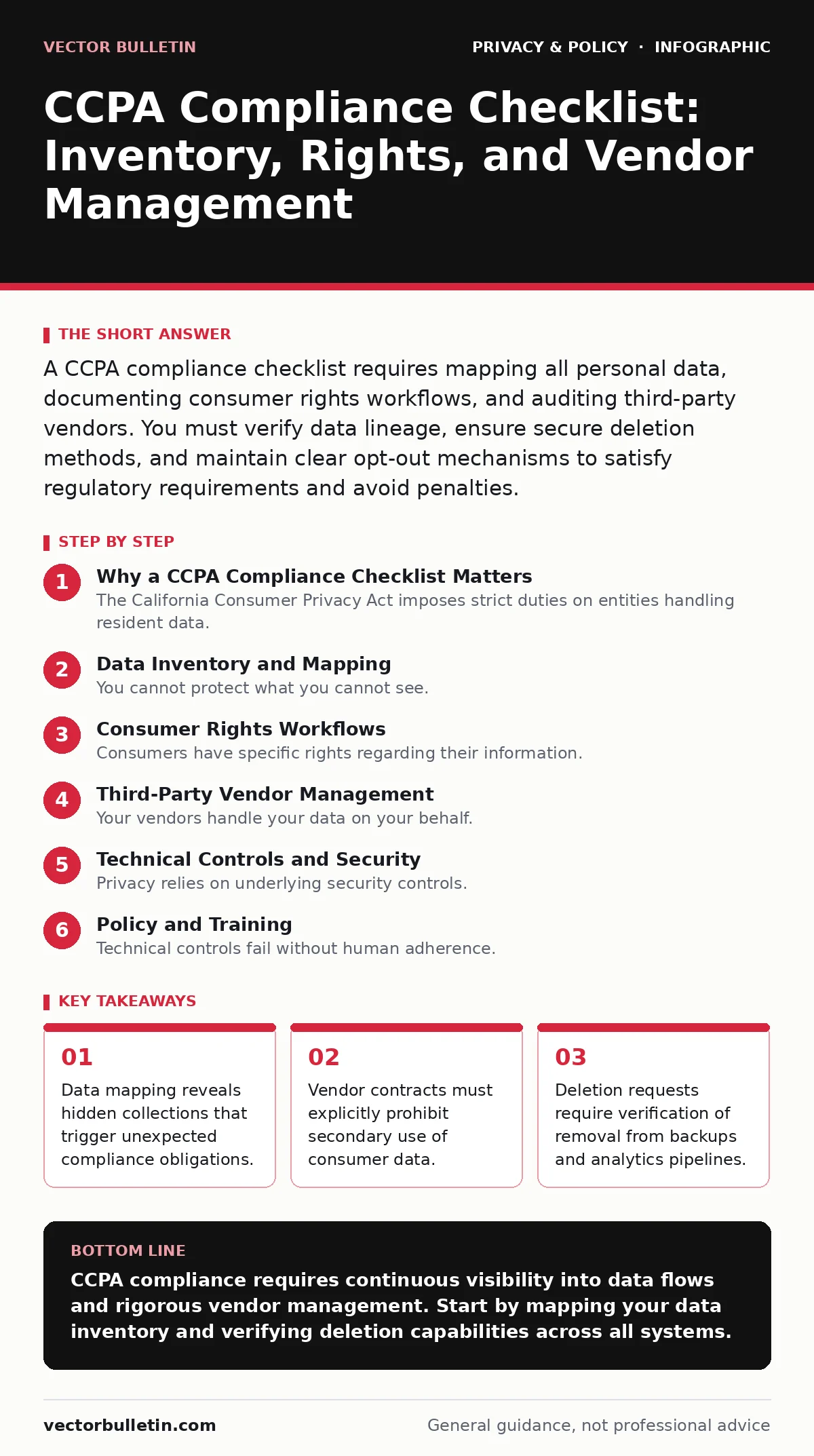
A CCPA compliance checklist requires mapping all personal data, documenting consumer rights workflows, and auditing third-party vendors. You must verify data lineage, ensure secure deletion methods, and maintain clear opt-out mechanisms to satisfy regulatory requirements and avoid penalties.
Why a CCPA Compliance Checklist Matters
The California Consumer Privacy Act imposes strict duties on entities handling resident data. A CCPA compliance checklist is not a static document. It is a living record of your data flows and control mechanisms. You need this structure to demonstrate accountability during audits. Without a systematic approach, gaps in visibility create liability. The checklist ensures you address every pillar of the regulation. It moves you from theoretical compliance to operational reality. This process protects your organisation from enforcement actions and reputational harm.
Data Inventory and Mapping
You cannot protect what you cannot see. The first phase of any CCPA compliance checklist involves total visibility. You must catalogue every data element you collect. This includes identifiers, commercial information, and internet activity. Define personal data broadly to capture edge cases. Map the flow of this information through your systems. Note where it is stored, processed, and shared. This inventory forms the foundation for all subsequent steps. It reveals dependencies you may have overlooked.
- Catalogue all data categories: Identifies the scope of protected information under the law.
- Map data flow paths: Shows how information moves between systems and third parties.
- Document data retention periods: Ensures you do not hold information longer than necessary.
- Identify data sources: Clarifies whether you collected data directly or inferred it.
- Tag sensitive data types: Highlights information requiring higher levels of protection.
Consumer Rights Workflows
Consumers have specific rights regarding their information. You must build technical and procedural mechanisms to honour these requests. The right to know requires you to disclose what you hold. The right to delete demands secure erasure. The right to opt-out of sale requires clear signals. Each right needs a dedicated workflow. Automate these processes where possible to reduce human error. Verify the identity of the requester before acting. Balance privacy with security in your verification steps.
- Implement identity verification: Prevents unauthorised access while confirming the requester.
- Create data disclosure templates: Standardises responses to right-to-know requests.
- Build deletion automation: Ensures consistent removal across primary and secondary systems.
- Deploy opt-out signals: Respects global privacy controls and browser signals.
- Track request completion: Provides an audit trail for regulatory scrutiny.
Third-Party Vendor Management
Your vendors handle your data on your behalf. They become extensions of your compliance posture. You must ensure they adhere to the same standards. Contracts must specify data usage limitations. You cannot rely on their privacy notices alone. Conduct due diligence on their security practices. Review their ability to respond to consumer requests. Include clauses that allow you to audit their compliance. This extends your control beyond your own network perimeter.
- Review vendor contracts: Ensures legal obligations align with CCPA requirements.
- Assess vendor security posture: Verifies they can protect shared information adequately.
- Confirm deletion capabilities: Checks if they can remove data upon your instruction.
- Monitor for sub-processors: Identifies hidden data flows to additional parties.
- Document vendor relationships: Creates a clear map of data sharing activities.
Technical Controls and Security
Privacy relies on underlying security controls. You must implement measures that prevent unauthorised access. Encryption protects data at rest and in transit. Access controls limit who can view sensitive information. Logging provides evidence of system activity. These controls support your privacy claims. They demonstrate that you take data protection seriously. Regular testing ensures these mechanisms remain effective. Security gaps can invalidate your privacy efforts.
- Encrypt sensitive data: Protects information from interception and unauthorised reading.
- Implement least privilege access: Limits exposure by restricting user permissions.
- Maintain audit logs: Records who accessed data and when for accountability.
- Test access controls: Verifies that permissions are enforced correctly.
- Secure deletion methods: Ensures data cannot be recovered after removal.
See also: Data Subject Access Requests: How to Handle Them Correctly
Policy and Training
Technical controls fail without human adherence. Your staff must understand their roles in data protection. Policies should be clear and accessible. Training must be regular and specific. Employees need to know how to handle consumer requests. They must recognise phishing attempts that target data. Culture shapes compliance outcomes. Invest in ongoing education rather than one-off sessions. Document all training activities for evidence.
- Draft clear privacy policies: Communicates your practices to consumers and staff.
- Conduct regular training: Keeps privacy principles top-of-mind for employees.
- Document training records: Provides proof of compliance efforts during audits.
- Update policies annually: Reflects changes in law and business practices.
- Assign data stewards: Creates clear ownership for specific data sets.
Continuous Monitoring and Auditing
Compliance is not a one-time event. You must monitor your environment continuously. Changes in technology or business processes introduce new risks. Regular audits identify drift from your baseline. Automated tools can help track changes. Manual reviews catch nuances that tools miss. Combine both approaches for thorough coverage. Use findings to update your CCPA compliance checklist. This iterative process maintains your defensible position.
- Schedule regular audits: Checks for compliance gaps over time.
- Monitor system changes: Detects new data flows or storage locations.
- Review incident logs: Identifies potential privacy breaches early.
- Update the checklist: Incorporates lessons learned from audits and incidents.
- Report to leadership: Ensures executive awareness of privacy risks.
Key takeaways
- Data mapping reveals hidden collections that trigger unexpected compliance obligations.
- Vendor contracts must explicitly prohibit secondary use of consumer data.
- Deletion requests require verification of removal from backups and analytics pipelines.
CCPA compliance requires continuous visibility into data flows and rigorous vendor management. Start by mapping your data inventory and verifying deletion capabilities across all systems.
Frequently asked questions
Does the CCPA apply to small businesses?
The law applies to entities meeting specific revenue, data volume, or income thresholds. Smaller organisations may still need to comply if they handle significant consumer data.
How do I verify a consumer's identity?
Use reasonable verification methods that balance security with privacy. Avoid requesting more data than necessary to confirm the individual's identity.
What happens if I fail to comply?
Non-compliance can result in significant fines and legal action. Regulators may impose penalties per violation, leading to substantial financial exposure.
Can I use automated tools for compliance?
Automated tools help manage data mapping and request handling. They reduce manual errors but require human oversight to ensure accuracy and context.
How this guide was produced: written by the Vector Bulletin editorial team with AI assistance, checked against the public references listed below, and reviewed when the facts change. See our editorial policy or report an error.