Shoulder Surfing Risks and Physical Security for Small Teams
Physical observation bypasses digital defences entirely, making your office layout and user habits the primary vector for credential theft.
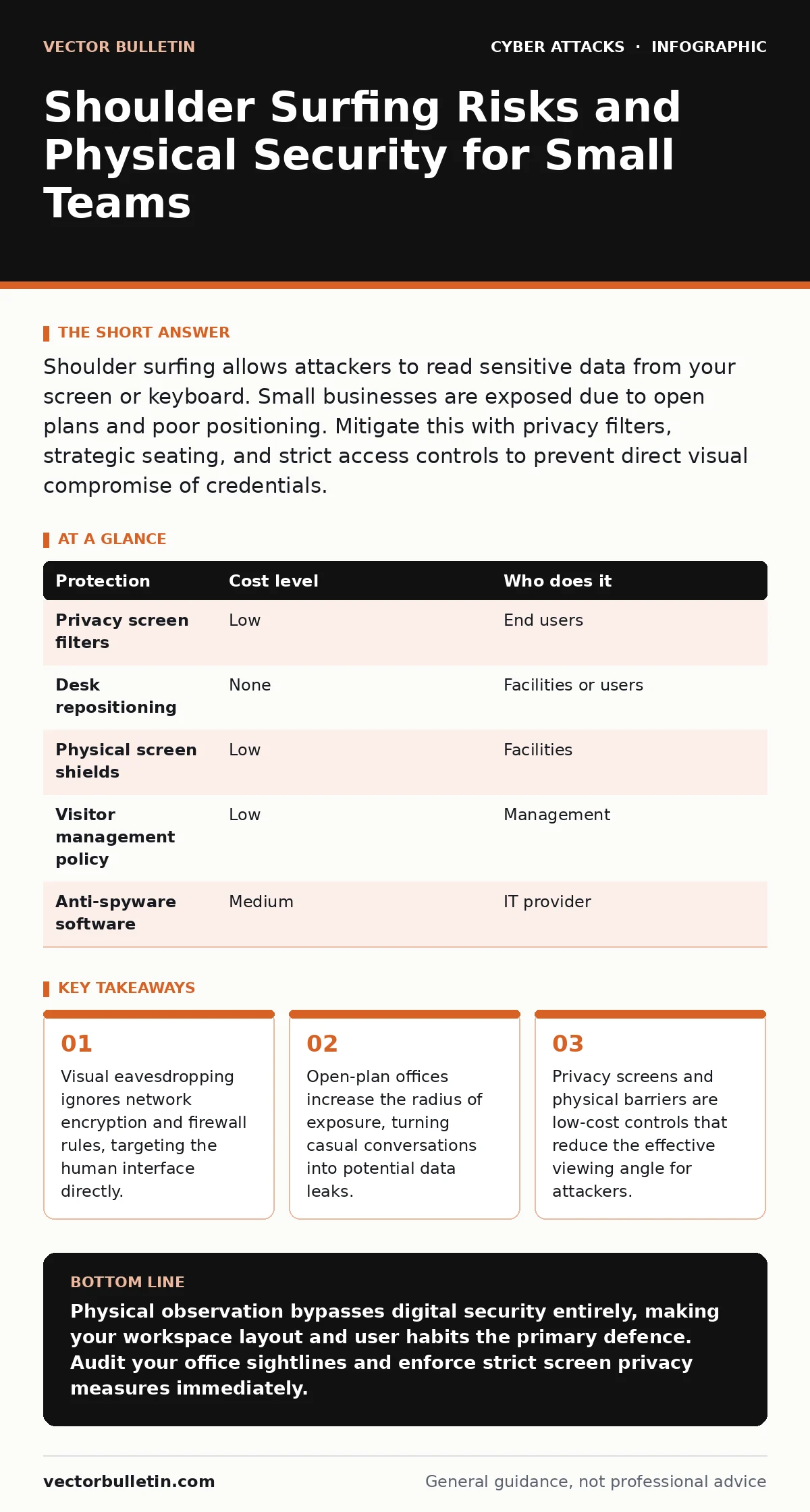
Shoulder surfing allows attackers to read sensitive data from your screen or keyboard. Small businesses are exposed due to open plans and poor positioning. Mitigate this with privacy filters, strategic seating, and strict access controls to prevent direct visual compromise of credentials.
The Blind Spot in Digital Defence
You invest heavily in encryption, multi-factor authentication, and intrusion detection systems. These tools protect data in transit and at rest. They assume the attacker must breach a digital perimeter. Shoulder surfing bypasses this assumption entirely. It is the act of observing a person to learn sensitive information, such as PIN codes or passwords, by looking over their shoulder.
This method does not require technical skill. It requires only proximity and attention. For small organisations, the threat is often dismissed as unlikely. This dismissal is a critical error. The attacker does not need to hack your server. They only need to see what you type. Once the credential is known, the digital defences become irrelevant.
Why Small Organisations Are Exposed
Small teams often operate in compact physical spaces. Open-plan offices are designed for collaboration, not confidentiality. Desks face each other or share common sightlines. This layout maximises the area from which an observer can view a screen or keyboard.
There is rarely dedicated security staff to monitor entrances or behaviour. Visitors, contractors, and delivery personnel move freely through work areas. An attacker can blend in as a legitimate visitor. They do not need to break in. They simply need to be present.
The culture in small businesses is often informal. Staff may leave devices unlocked when stepping away for coffee. They may discuss sensitive topics without lowering their voice. This lack of physical discipline creates predictable patterns. An attacker can wait for these moments. The risk is not just the initial observation. It is the repeated access that follows.
The Mechanics of Visual Theft
Shoulder surfing is not limited to reading passwords. It includes observing screen content, code snippets, or financial figures. The attacker may use a camera to record the session. This allows them to review the footage later, removing the pressure of real-time observation.
Some attackers use angled mirrors or reflective surfaces to view screens from a distance. Others position themselves behind a user, pretending to wait for an elevator or a colleague. The key is maintaining a line of sight. If the screen is visible from more than a narrow angle, it is vulnerable.
This method exploits the natural field of view. Humans are poor at detecting when they are being watched from behind or to the side. We focus on our task. This cognitive bias allows the attacker to gather data without detection. The theft is silent and leaves no digital trace.
Low-Cost Physical Protections
You do not need expensive surveillance systems to mitigate this risk. Simple physical changes can drastically reduce the viewing angle. Privacy filters are transparent sheets placed over monitors. They use a lenticular lens structure to darken the display for anyone not looking directly at it. From the side, the screen appears black.
These filters are inexpensive and easy to install. They force the attacker to be directly in front of the user. This position is obvious and uncomfortable for the observer. It increases the likelihood of detection.
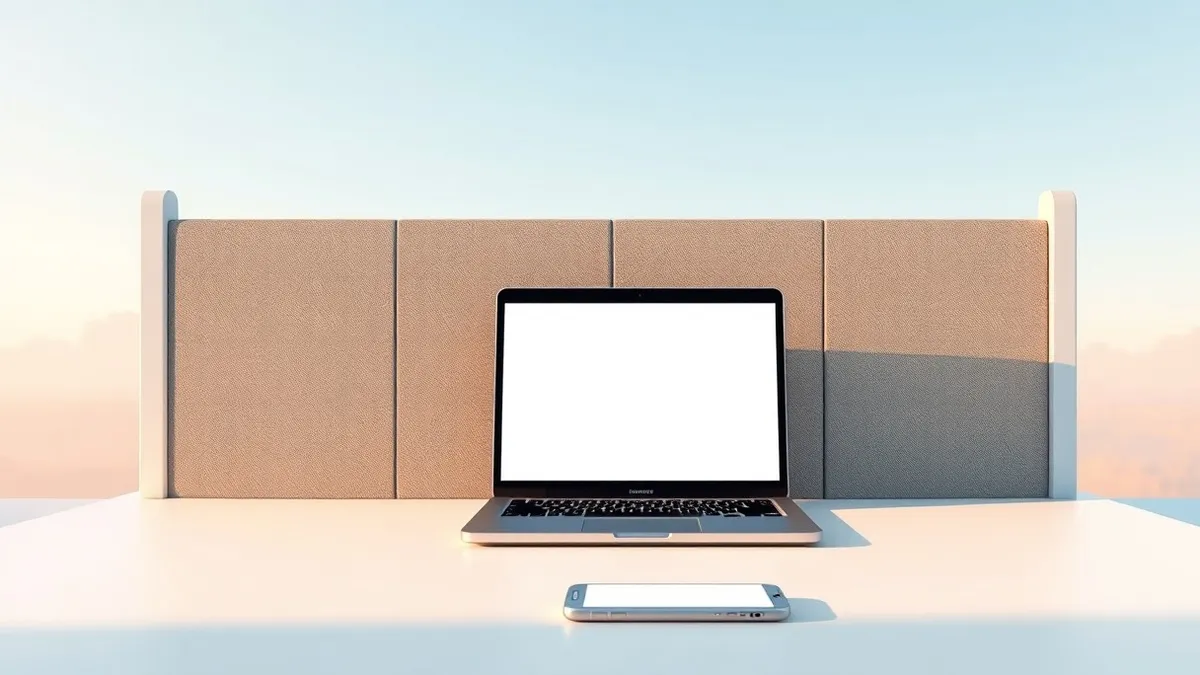
Desk placement matters. Position screens so they face walls or opaque partitions, not aisles or doorways. If your desk faces a high-traffic area, rotate it. Use high-backed chairs or portable screen shields. These barriers break the line of sight. They create a private visual zone within a public space.
| Protection | Cost level | Who does it |
|---|---|---|
| Privacy screen filters | Low | End users |
| Desk repositioning | None | Facilities or users |
| Physical screen shields | Low | Facilities |
| Visitor management policy | Low | Management |
| Anti-spyware software | Medium | IT provider |
Behavioural Hygiene and Access Control
Technology alone is insufficient. User behaviour must align with physical controls. Users should lock their devices whenever they leave their desks, even for a moment. This prevents an attacker from accessing the desktop if they get close.
Be aware of your surroundings. If you are in a café or airport, position your laptop so the screen is not visible to others. Use your body to block the view. Do not discuss sensitive information in public areas. Voice carries, and people listen.
Limit visitor access to sensitive areas. If a small business has a finance or HR section, keep it in a separate room with a door. Require visitors to sign in and wear badges. This creates a formal barrier. It signals that the area is restricted.
What to Ask Your IT Provider
Your IT provider can help implement these controls. They should not just focus on software. Ask them about physical security assessments. They should evaluate your office layout for visual vulnerabilities.
Ask about device management policies. Can they enforce automatic screen locking? Can they disable external display outputs to prevent data leakage via HDMI? These settings reduce the risk of screen copying.
Discuss visitor management. Does your provider offer guidance on secure access protocols? They should help you define who can enter which areas. This is part of the broader security posture.
- Does your provider assess physical workspace layout for visual security risks?
- Can they enforce automatic screen timeouts and lock screens via mobile device management?
- What policies do you recommend for visitor access and badge usage?
- How do you handle the security of devices used in public spaces or remote locations?
- Do you provide training materials on recognising and responding to physical observation attempts?
Integrating with Broader Security
Shoulder surfing is a form of initial access. It feeds into the attack lifecycle by providing valid credentials. Once an attacker has a password, they can move laterally. They may use password spraying to test other accounts with the same password. This technique tries a common password against many users.
If the small business relies on third-party vendors, a breach via shoulder surfing can lead to supply chain attacks. The attacker gains access through a trusted partner. This makes the breach harder to detect.
Physical security is not separate from digital security. It is the first layer. If this layer fails, the rest of the defence is under pressure. You must treat physical observation with the same seriousness as network intrusion.
Key takeaways
- Visual eavesdropping ignores network encryption and firewall rules, targeting the human interface directly.
- Open-plan offices increase the radius of exposure, turning casual conversations into potential data leaks.
- Privacy screens and physical barriers are low-cost controls that reduce the effective viewing angle for attackers.
Physical observation bypasses digital security entirely, making your workspace layout and user habits the primary defence. Audit your office sightlines and enforce strict screen privacy measures immediately.
Frequently asked questions
Do privacy filters work on all monitors?
Most privacy filters fit standard screens, but you must check the size and curvature. Curved screens may require specific models to ensure the darkening effect is uniform across the viewing area.
Is shoulder surfing a legal issue?
Observing public behaviour is generally legal, but using the obtained data for fraud is not. The legality depends on jurisdiction, but the security risk remains regardless of legal consequences.
Can I use software to prevent shoulder surfing?
Software cannot block a physical line of sight. However, some applications can blur the screen if they detect another device nearby, though this technology is less common and less reliable than physical filters.
How do I secure laptops in coffee shops?
Use a privacy filter and position the laptop so the screen faces a wall. Keep your body between the screen and other patrons. Never leave the device unattended, even for a moment.
How this guide was produced: written by the Vector Bulletin editorial team with AI assistance, checked against the public references listed below, and reviewed when the facts change. See our editorial policy or report an error.