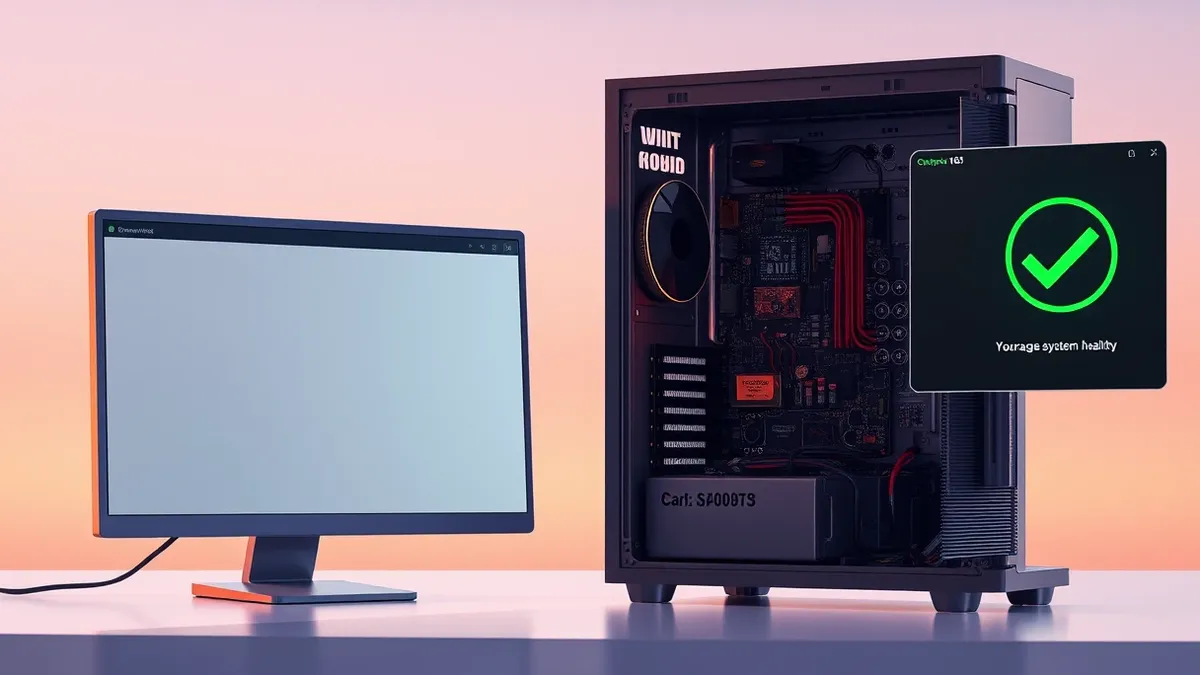
Windows modem diagnostics fail to detect burnt hardware components
A support case shows how operating system health checks can report a modem as healthy even when the internal voltage regulator has been vaporised by a power surge.
Key points
- Windows Device Manager reported the modem was functioning correctly despite physical damage.
- A burnt voltage regulator chip was found inside the PC case after diagnostics passed.
- The failure was caused by a high-voltage surge from the telephone line, not software.
A senior executive’s email service stopped working, yet Windows diagnostics insisted the modem was healthy. This discrepancy highlights a limitation in relying solely on software reports for hardware health, particularly in older dial-up environments where physical line conditions can cause silent component failure.
Root cause
The issue originated from a power surge on the telephone line. According to the account shared with The Register, the modem’s voltage regulator chip, designed to protect sensitive components from the 70V used by BT to establish connections, was vaporised. This physical destruction prevented the device from functioning, even though the operating system could not detect the internal hardware failure through its standard diagnostic tools.
Attack path
There was no malicious attack path in this incident. The failure resulted from an environmental electrical event rather than a cyber threat. The high voltage from the phone line overwhelmed the protective circuitry, leading to the destruction of the regulator chip. The operating system’s diagnostic suite, which relies on software-level AT commands and responses, could not perceive the physical destruction of the hardware components behind the interface.
Affected versions
The incident occurred during the dial-up era, involving Windows Device Manager and its advanced settings for serial communications. The specific version of Windows was not stated, but the diagnostic behaviour described is characteristic of legacy operating systems managing external modem hardware. The failure mode applies to any system where the OS communicates with a modem via software commands that do not verify the physical integrity of the internal circuitry.
Mitigation
- Inspect physical hardware for signs of damage, such as burnt smells or soot marks, when diagnostics pass but functionality is lost.
- Verify environmental factors, such as recent electrical storms, that could cause power surges on telephone lines.
- Do not rely exclusively on operating system health reports for critical hardware components that are exposed to external line voltages.
Why it matters
Teams usually rely on automated diagnostics to triage hardware issues quickly. However, software health checks often only verify communication protocols, not the physical integrity of the components. In cases involving external lines, such as telephone or network cables, power surges can destroy internal protection chips without breaking the communication link immediately. Security and support teams should understand that a passing software test does not guarantee hardware safety. Physical inspection remains essential when symptoms contradict diagnostic results, especially after weather events that might cause electrical spikes.
What to do and how to stay safe: Windows
- Check for physical signs of damage, such as burnt smells or discoloration, when a device fails despite passing software diagnostics.
- Review recent environmental conditions, such as storms, that could have caused power surges on external lines.
- Verify that protective circuitry, such as voltage regulators, is intact before assuming a software configuration error.
- Consult hardware manuals to understand the limits of diagnostic tools and what physical failures they might miss.
Step-by-step guide: Password Policies Examples That Reduce Password Fatigue
General security guidance from the Vector Bulletin newsroom. It is not confirmed advice from the organisations named in this story.
Frequently asked questions
Can Windows Device Manager detect all modem failures?
No, it may report a modem as healthy even if internal components, like voltage regulators, are physically damaged or burnt.
What caused the modem to fail in this case?
A high-voltage surge from the telephone line vaporised the voltage regulator chip, which was not detected by software diagnostics.
Should I trust software diagnostics for hardware health?
Software diagnostics can verify communication but may not detect physical hardware damage, so physical inspection is also necessary.