1Password Introduces Agent Login System That Hides Credentials from AI
A new platform allows AI assistants to sign into accounts without ever viewing or storing user passwords, requiring explicit approval for each access request.
Key points
- Password launched a system where AI agents prove identity via digital keys rather than receiving raw passwords.
- Users must approve each sign-in request on their own device, similar to two-factor authentication flows.
- Initial partners include Meta, OpenAI, Anthropic, and SpaceXSI, with further integrations in development.
1Password has released a new service called 1Password for Agents that enables artificial intelligence assistants to log into user accounts without ever seeing the actual passwords. The system addresses security risks associated with pasting credentials into chat interfaces, which can leave copies of sensitive data outside the user's control.
Root cause
Previous methods for enabling AI agents to perform tasks like booking holidays or paying bills often required users to paste passwords directly into agent chat windows. This practice created persistent copies of credentials in locations users could not easily manage or delete. The new approach removes the need to share raw secrets with the agent software entirely.
Attack path
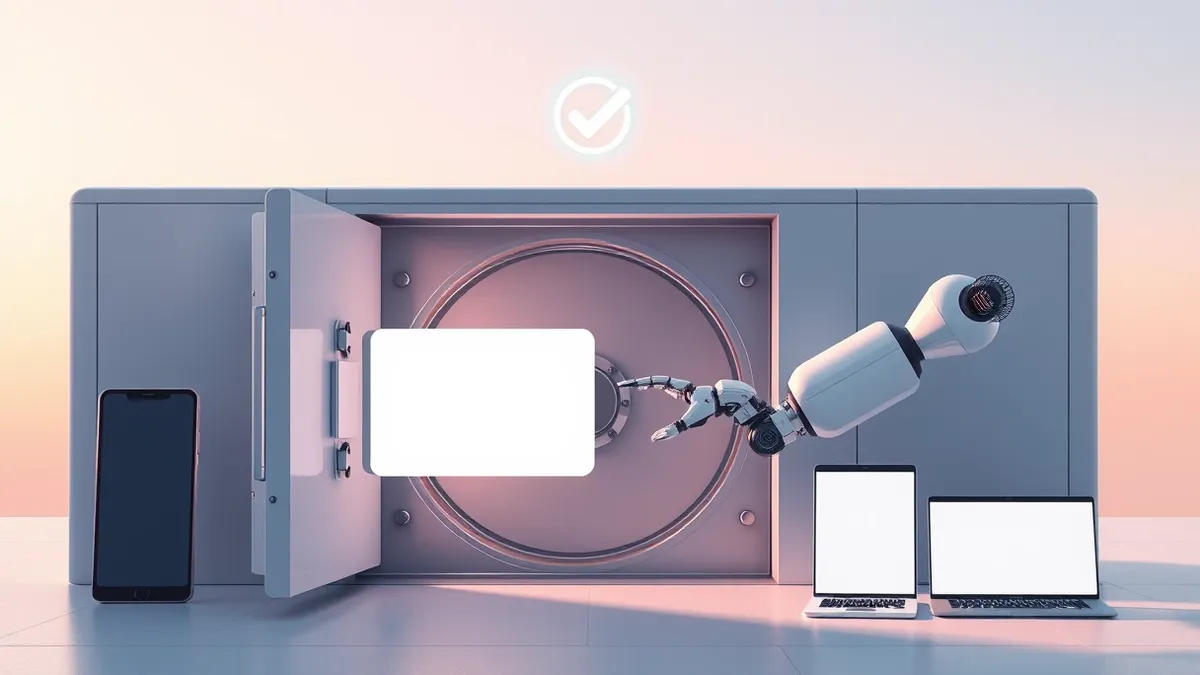
When an agent reaches a login page, it presents a unique digital key to verify its identity to 1Password. The service then notifies the user on their device about which account is being accessed and the reason for the request. The user must explicitly approve this action before any login details are transmitted to the website form.
Affected versions
The platform is currently available for integration with several major AI services. Initial partners include Meta Muse, OpenAI’s ChatGPT Work and Dots, Anthropic’s Claude Duet, SpaceXSI’s Grok Bot, and Town’s assistant. Additional companies such as Perplexity and Browserbase are also building support for the system.
Mitigation
- Ensure your device receives and displays notifications from 1Password for agent login requests.
- Review the specific account and purpose listed in each approval prompt before granting access.
- Avoid pasting passwords directly into AI agent chat interfaces, even for trusted services.
- Monitor which agents have active integrations with your 1Password vault to maintain visibility.
Why it matters
Teams should understand that delegating tasks to AI agents introduces new credential handling risks. Traditional password sharing creates persistent copies of secrets that are difficult to revoke. This model shifts control back to the user by requiring active consent for each session. It ensures agents only access what is necessary for specific tasks, reducing the blast radius if an agent is compromised.
What to do and how to stay safe: 1Password
- Audit which AI agents have access to your accounts and limit them to essential services.
- Enable multi-factor authentication on all accounts that agents will attempt to access.
- Regularly review logs for unusual sign-in attempts or approvals you did not initiate.
- Keep your 1Password application updated to ensure compatibility with the latest agent integrations.
Step-by-step guide: Stop Sensitive Data Leaks in AI Chatbots: Priority Controls
General security guidance from the Vector Bulletin newsroom. It is not confirmed advice from the organisations named in this story.
Frequently asked questions
Does the AI agent ever see my password?
No, the password remains in your vault and is typed directly into the login form by 1Password after you approve the request.
Which AI agents currently support this feature?
Initial partners include Meta Muse, OpenAI’s ChatGPT Work and Dots, Anthropic’s Claude Duet, SpaceXSI’s Grok Bot, and Town’s assistant.
How do I approve an agent's login request?
You receive a notification on your device detailing the account and purpose, and must explicitly approve it before the agent can proceed.